What is a product category?
Categories help to organize your products in order to help your customers find them easier. It divides them up into logical groups. These can be stacked so that you have larger categories, such as “Computers”, and then have smaller subcategories such as “Desktops” and “Laptops”. Follow the instructions below to learn how to create a new category in your PrestaShop 1.6 store.
How to add a category
- Log into your PretaShop 1.6 admin area.
- Click on the Catalog section on the left side-bar and click on the Categories option from the secondary menu.
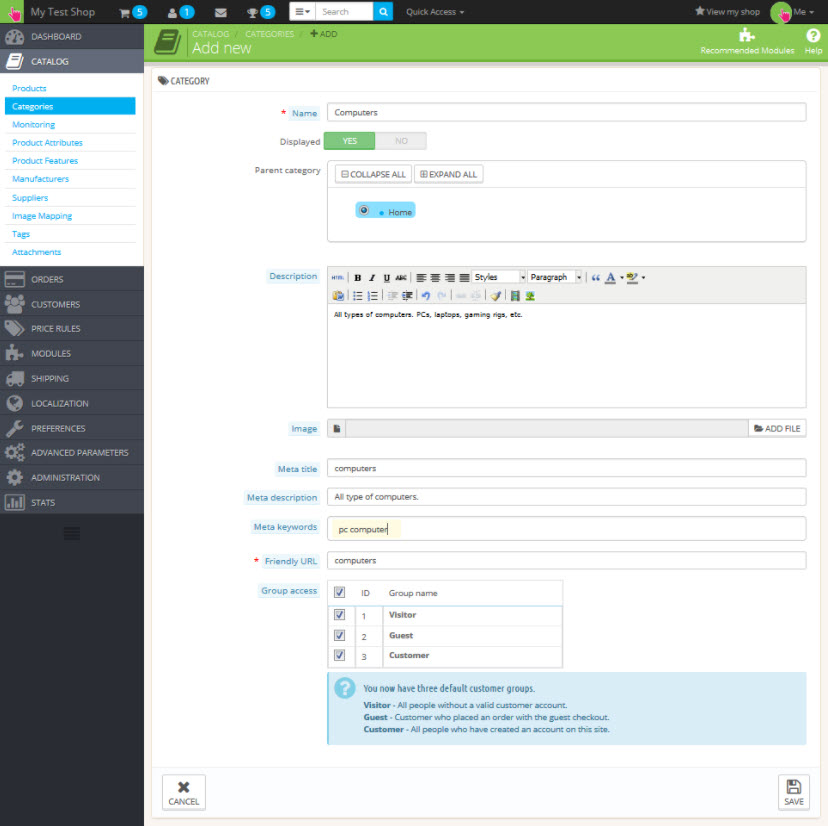
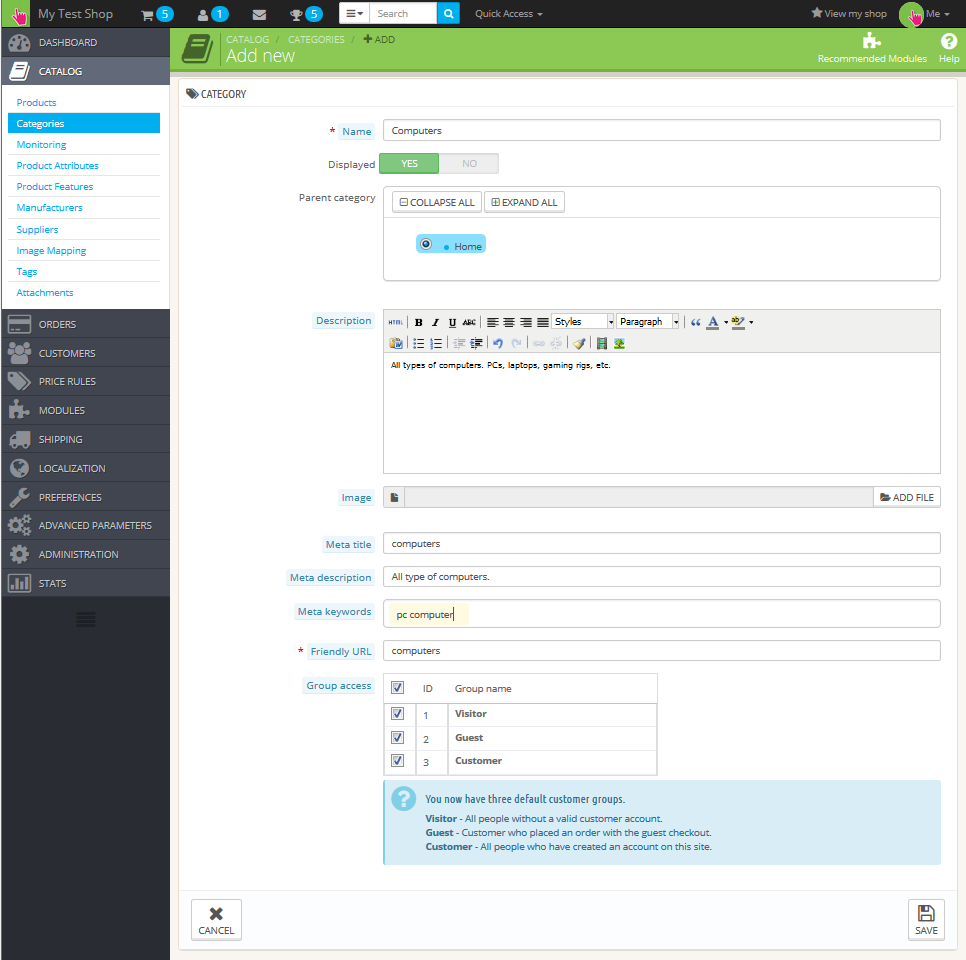
- This is the main Category screen, fill in the appropriate details for your new category. Note there are two required fields that must contain data in order to successfully create a category.
Name This is the name of your category. It will display on the shop page under the Category list. Make sure it is descriptive, such as “Computers”. Friendly URL This will be the name of your URL for the category. For example, if you enter “computers” here, then the URL for this category in your shop will be similar to “example.com/12-computers“. The number portion of the URL is the category ID that is generated by PrestaShop. There is no way to control, change, or remove that. - Click on the Save button in the lower right corner to save your new category.
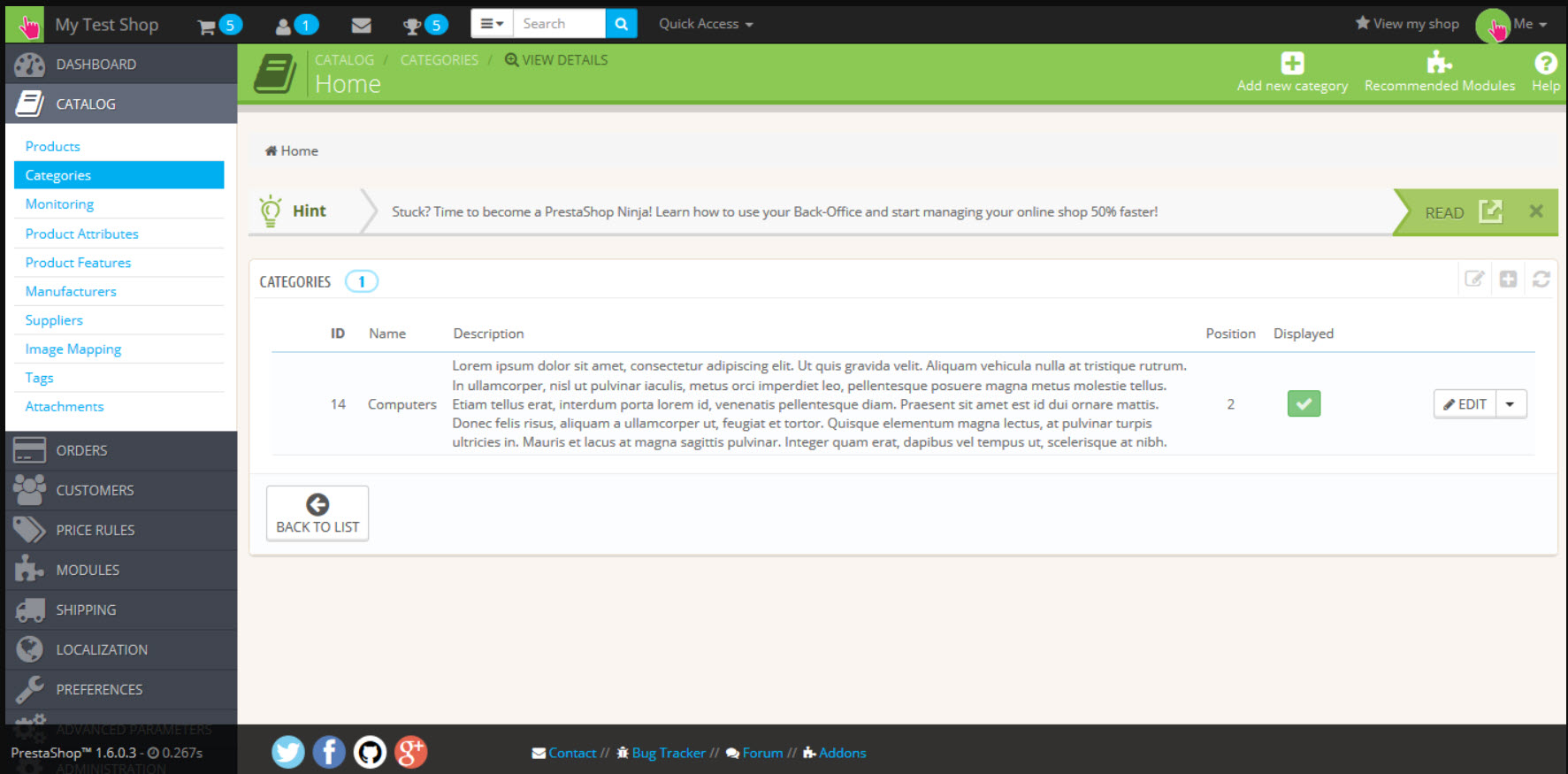
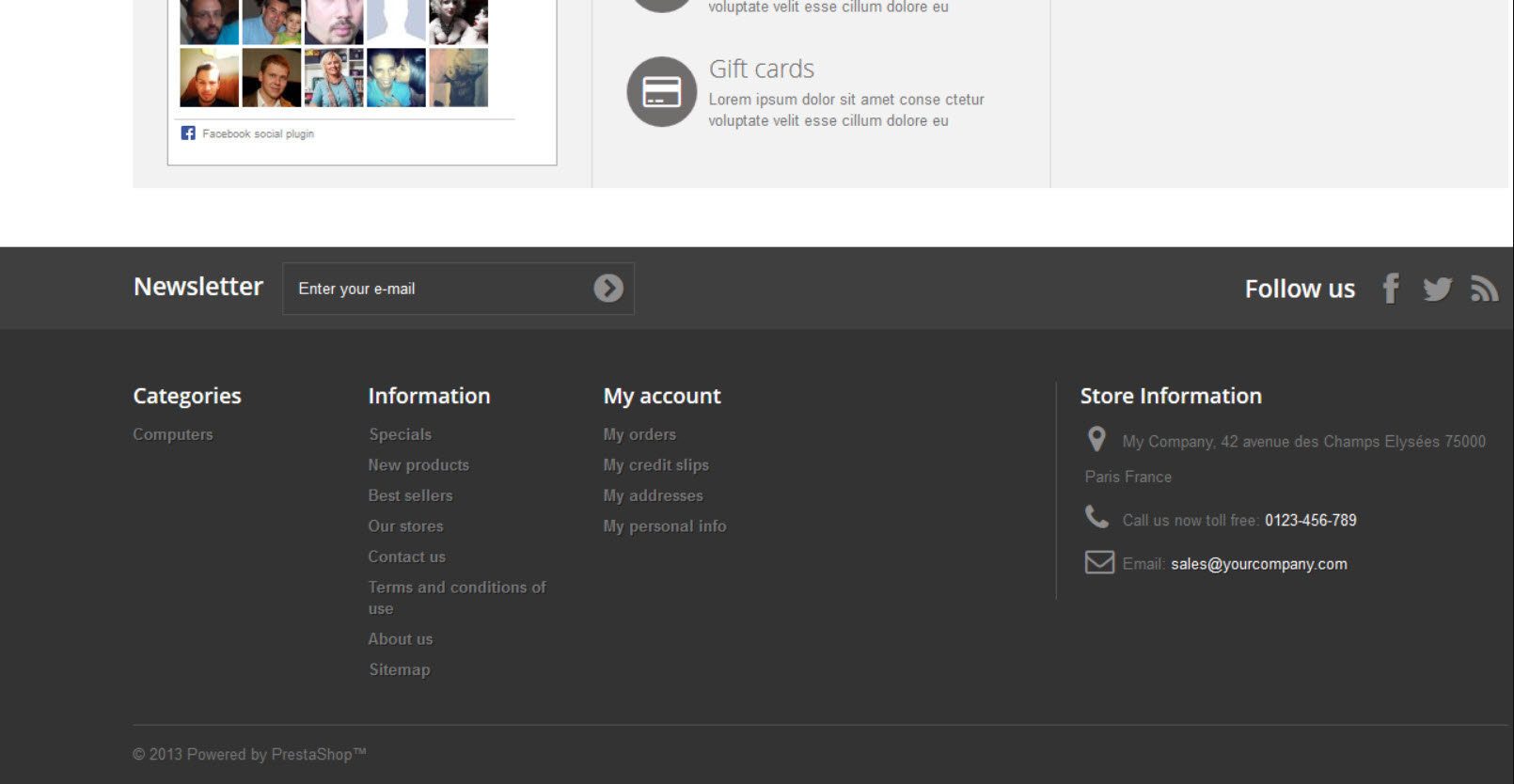
The new category will now display in the back office under the Categories list. It will also display on your storefront under the Category section of your page.
| Back Office | Storefront |
|---|---|
|
 |
 |