PrestaShop 1.5 gives the following description of the Pre-tax retail price setting:
The pre-tax retail price to sell this product.
In essence, the Pre-tax retail price is the price you want the product to sell for. As you can see in the screenshots below, when the pre-tax retail price is set to $15.99, that is the price then displayed on our website.
| Pre-tax retail price in Dashboard | Price showing on website |
|---|---|
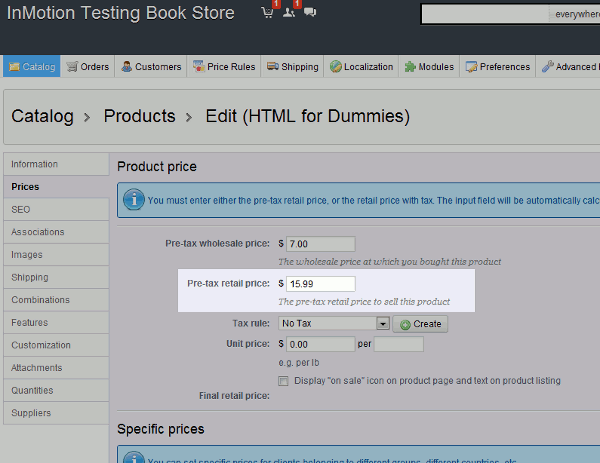
|

|
To set the Pre-tax retail price in PrestaShop 1.5:
- Log into your PrestaShop 1.5 Dashboard
- In the top menu, hover over Catalog and then click Products
- Find the product you want to edit in the list of products, and then click the edit icon (pencil icon) to the far right of the product
- In the left menu, click the Prices tab
- Enter a value for Pre-tax retail price and then click the Save button in the upper right