Upgrading PrestaShop is a snap with the 1-Click Upgrade module! Follow the instructions below to upgrade to the new version quickly.
How to upgrade to PrestaShop
- Log into your Prestashop 1.5 admin dashboard.
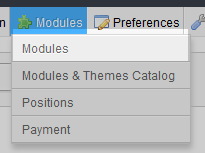
From the upper menu toolbar, hover over the Modules tab and click on the Modules option.
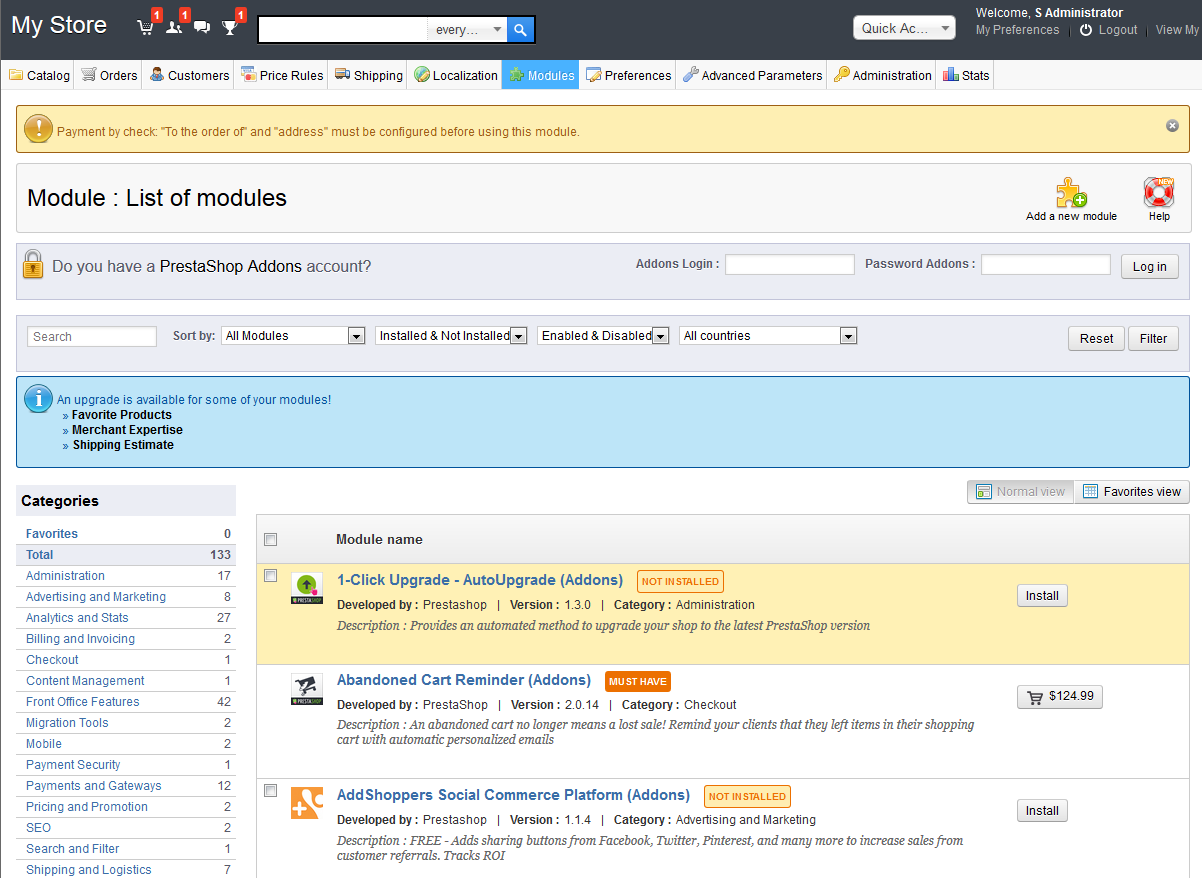
Arriving at the Modules list page, locate the 1-click Upgrade module and click on the Install button if it is not already installed.
- Once installed, click on the Update It button for the 1-Click Upgrade module.
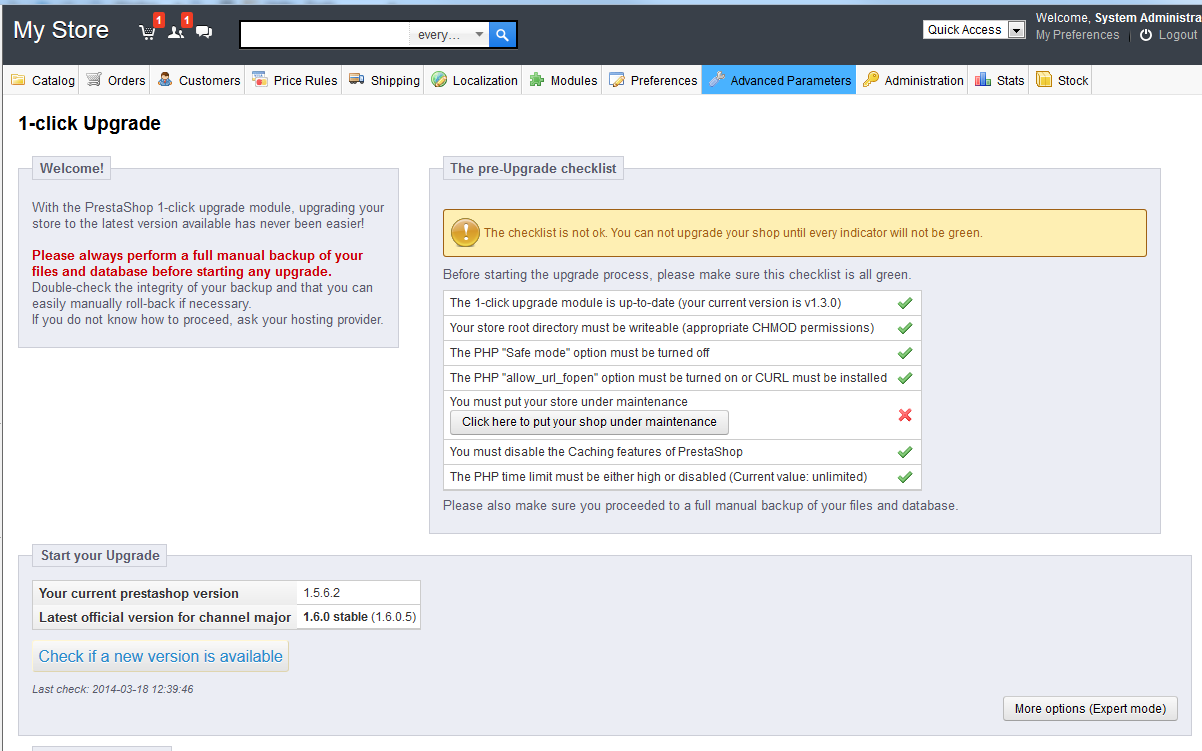
This brings up the checklist for performing the upgrade. You should only notice a single red X on the list. This is because your site is not yet in Maintenance Mode. Click the button there to set it to Maintenance Mode.
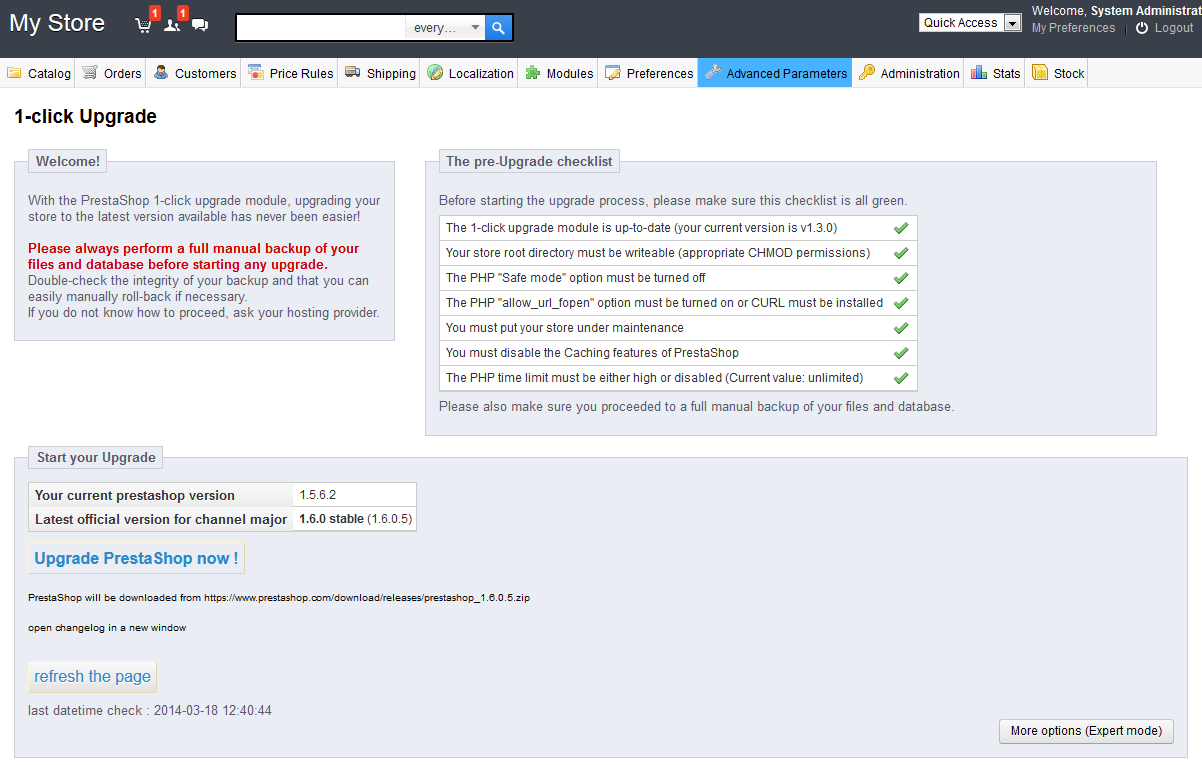
You will now see the same checklist. It should now be all green. Click on the Upgrade PrestaShop Now! link.
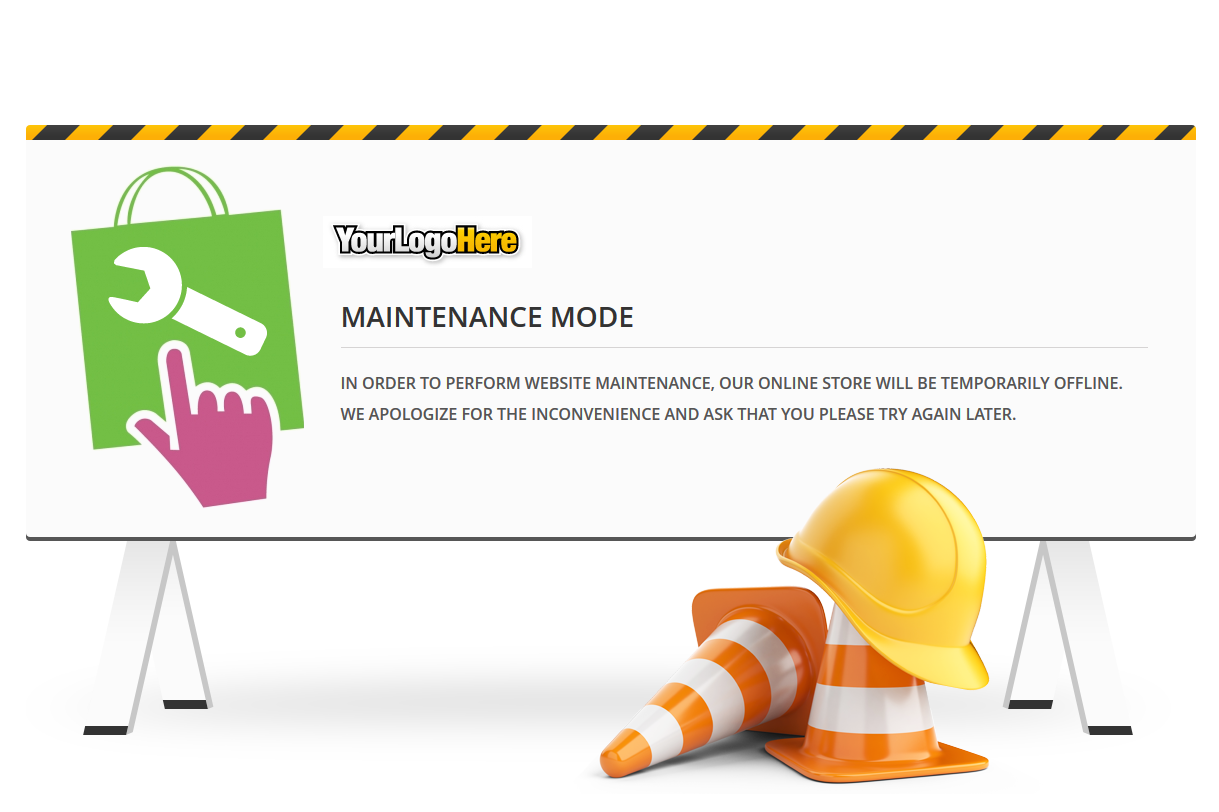
The next screen will show you the status of the upgrade by displaying the files being modified on the screen. Once you have completed the upgrade you will see a successful completion message. You can now visit your site. You will notice it is in Maintenance mode still.
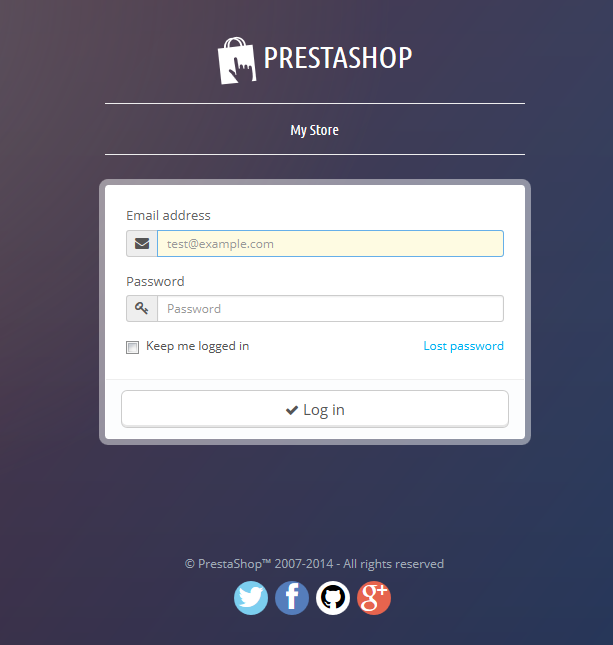
From here you will need to remove the maintenance mode. Once again, visit your admin dashboard and log in.
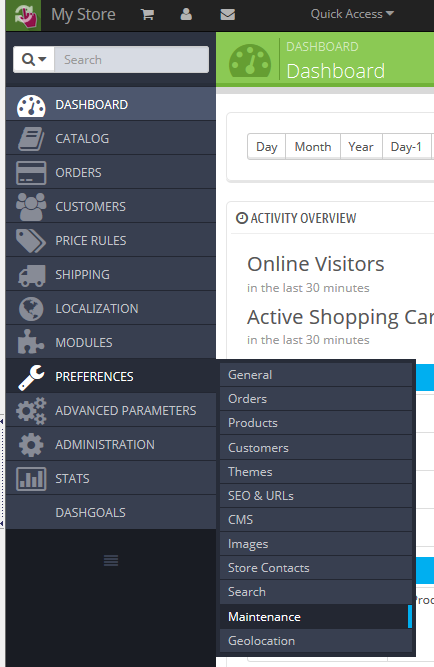
Click on the Preferences tab on the navigation menu and then select Maintenance
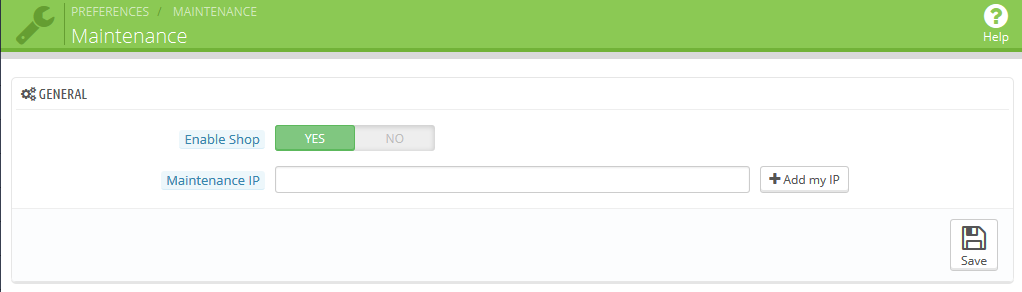
Now simply click the Enable Shop slider and it will set to Yes (the green side)
- Click on the Save button in the lower right to activate the setting.
Now that you have successfully upgraded your PrestaShop 1.5 store to version 1.6 you can visit your store and see the new look!
| PrestaShop 1.5 | PrestaShop 1.6 |
|---|---|
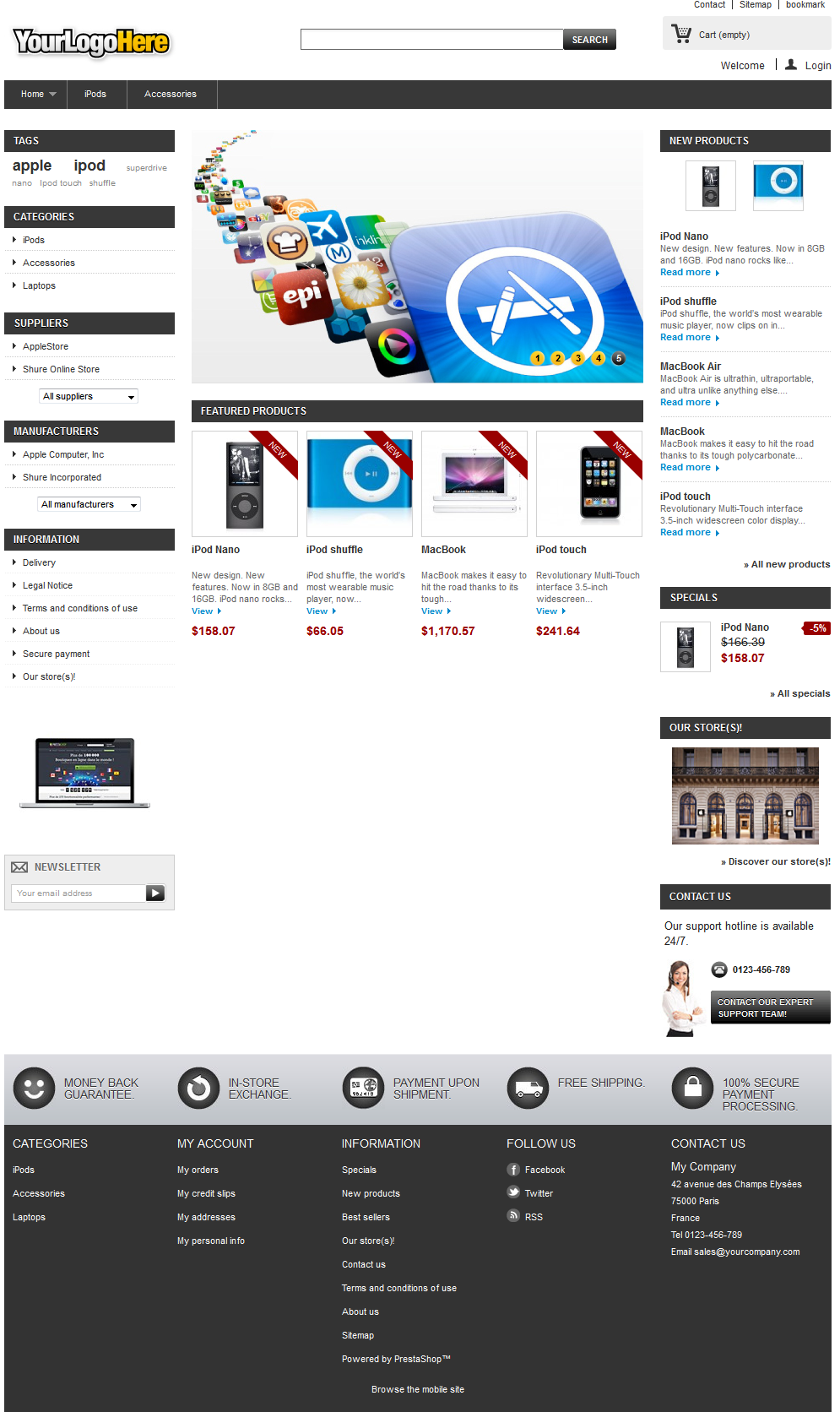
|
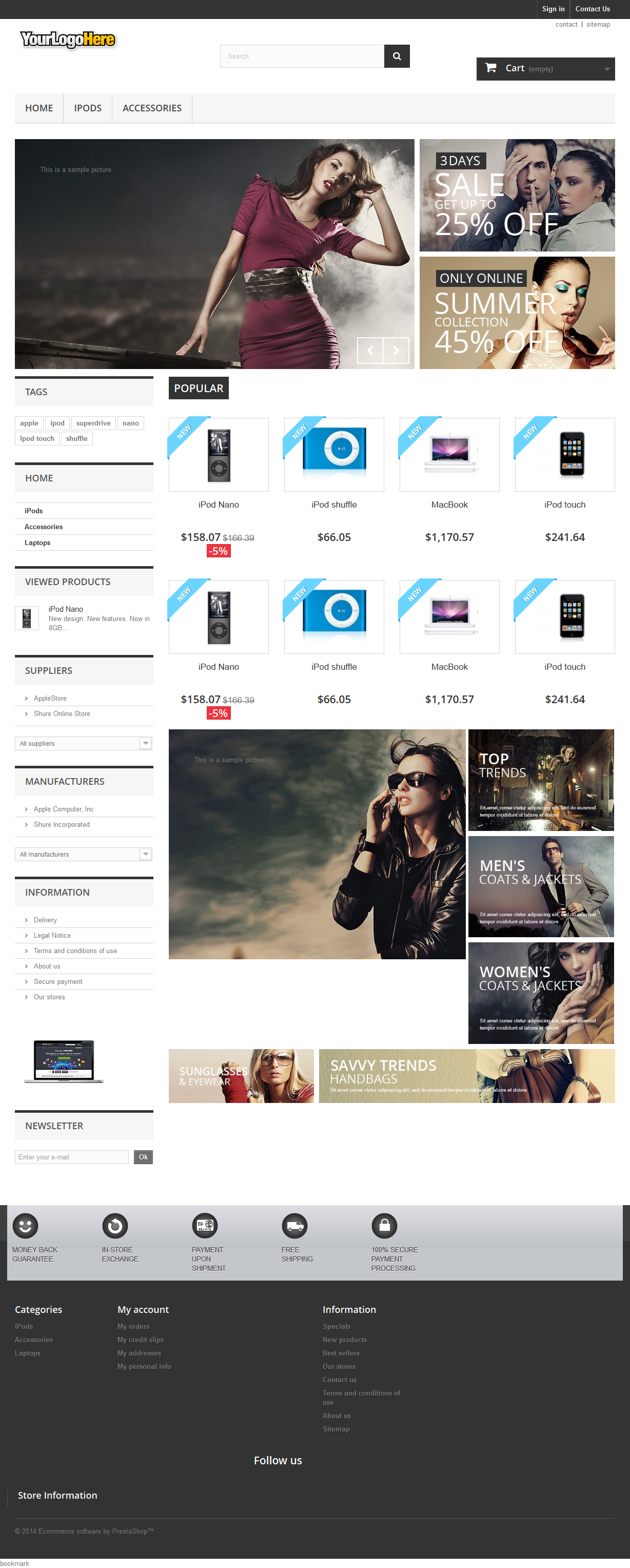
|