After installing your PrestaShop 1.6 store, you naturally want to begin working on customizing your store. One of the first things most people do is to upload their own logo so that it displays in the header of the store. We have had some questions about the logo and what sizes are allowed when uploading it to your store using the default 1.6 theme.
Quick Reference Guide
| Dimension | Min pixels | Max pixels |
|---|---|---|
| height | none | ∞ |
| width | none | 370 |
What is the smallest size for my logo?

In a default installation, PretaShop does not seem to care how small a logo is. To the right is a sample logo we used that is 50 pixels wide by 50 pixels tall. In the screenshot below you can see that it displays as actual size.

What is the largest size for my logo?
Logos come in many shapes and sizes. Some logos can be very large or oddly shaped. PrestaShop can handle these types of images easily.
What is the widest size for a logo?

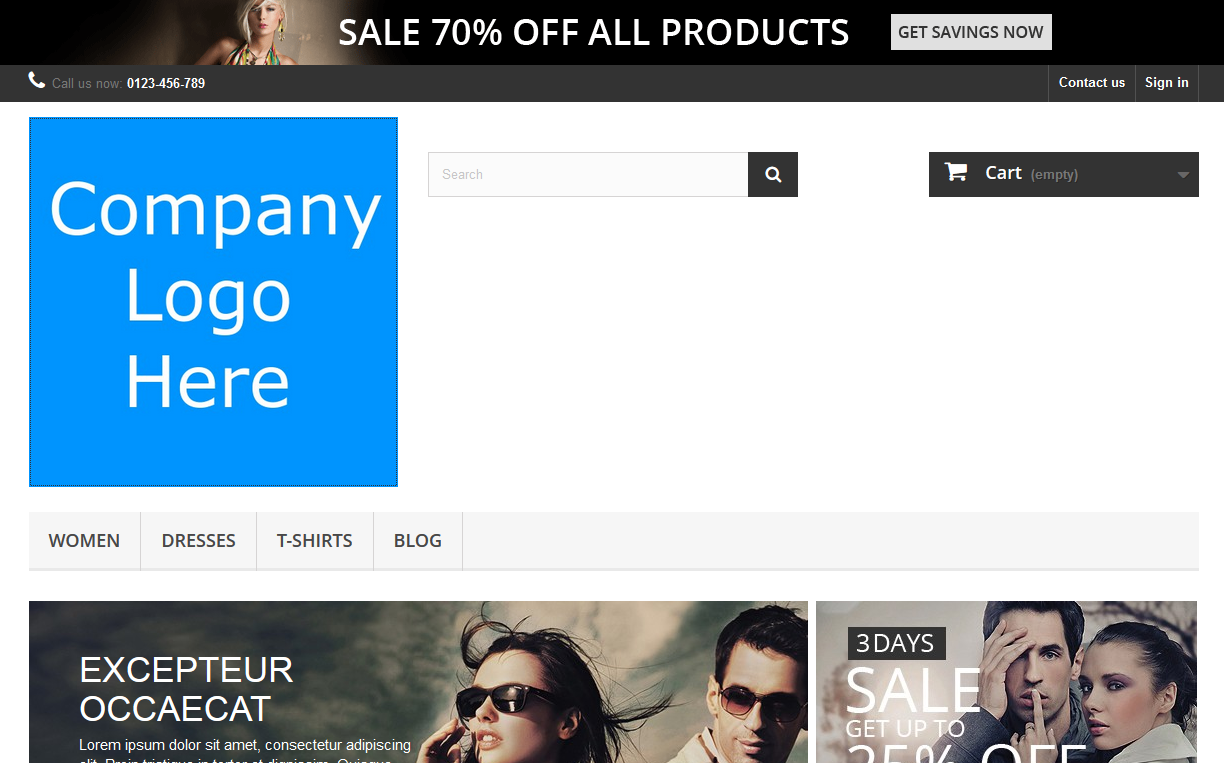
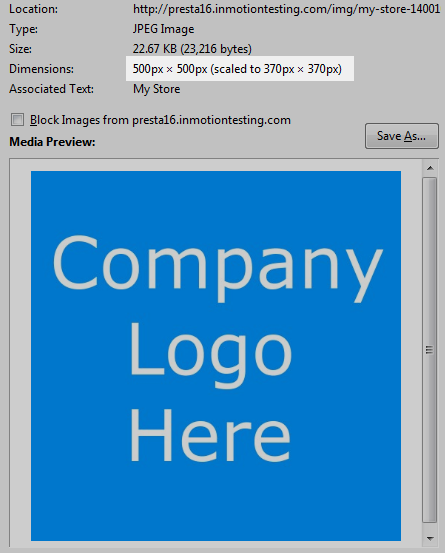
In testing the PrestaShop 1.6 default installation, it seems the largest size for a logo to display is 370 pixels in width. When uploaded and displayed on the store, any image wider than 370 is resized to fit. Prestashop keeps the aspect ratio of height and width so that the image, although smaller, is not skewed and appears correctly.
| Screen | Image Info |
|---|---|
|
|
What is the largest height for a logo?
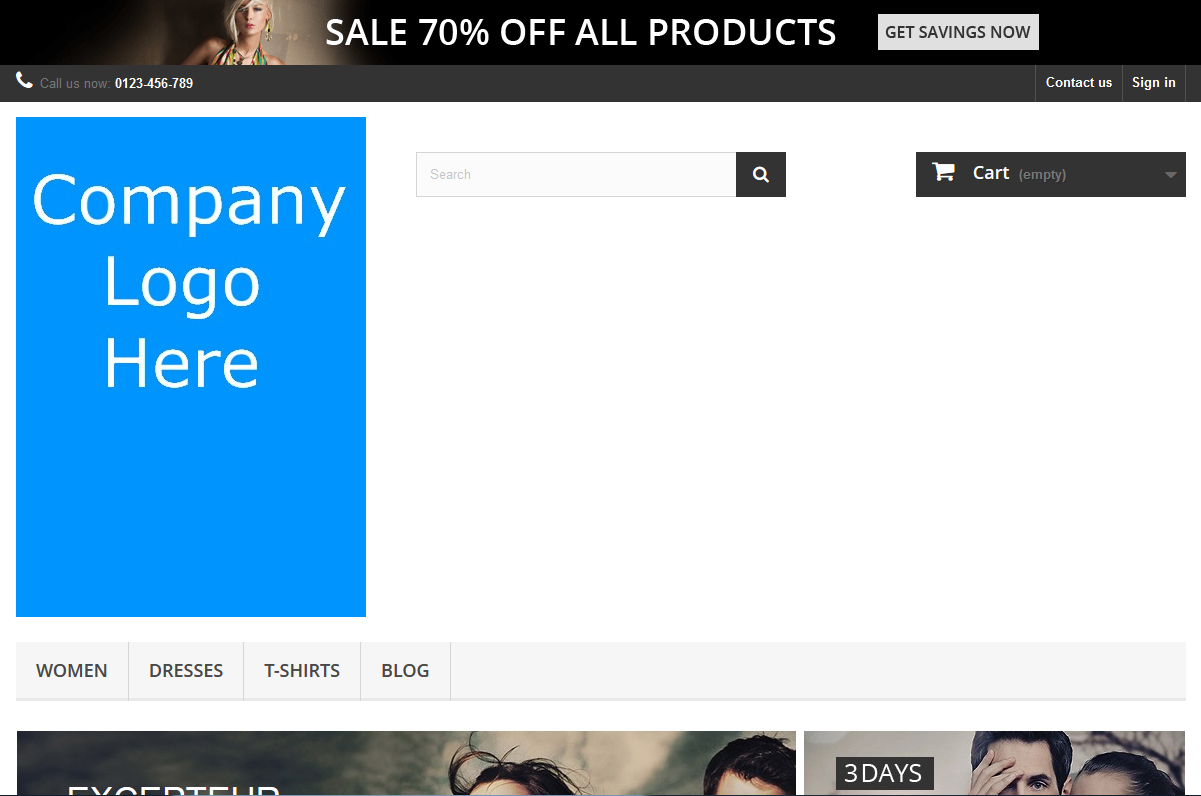
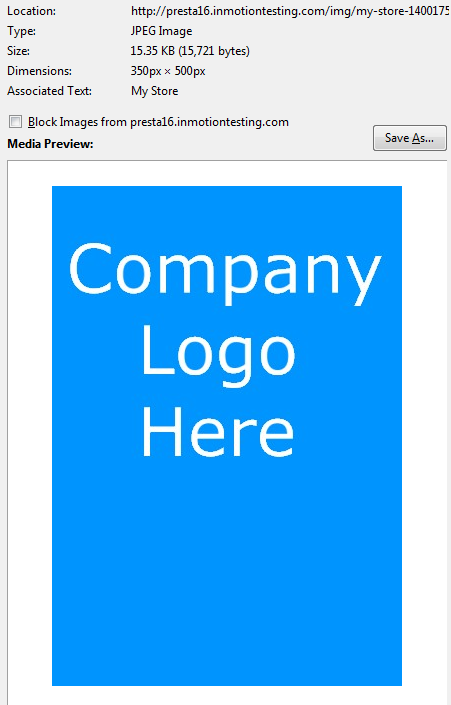
As far as maximum height, we have tested heights as large as 10,000px and PrestaShop displays it at actual size as long as the width is under 370 pixels. Below is an example of the test logo with a width of 350 pixels and a height of 500 pixels.
| Screen | Image Info |
|---|---|
|
|