
A favicon is the 16×16 icon beside the website title in your browser tab. Although many content management systems (CMS) require you install a plugin or upload the favicon file manually, PrestaShop allows you to do so from your admin dashboard by default. You can use our free favicon generator tool or an online service such as favicon-generator.org to create one. Below we cover how to upload a favicon to PrestaShop 1.7 in your admin dashboard.
Change your Favicon
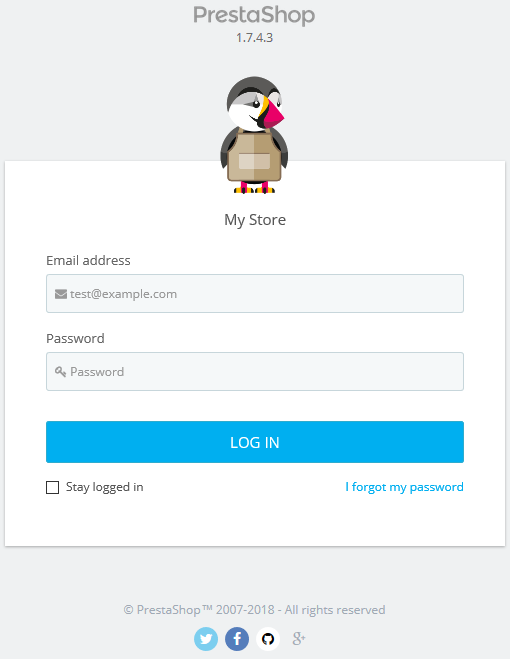
- Login PrestaShop.
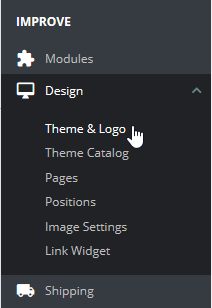
- Select Design, then Theme & Logo.
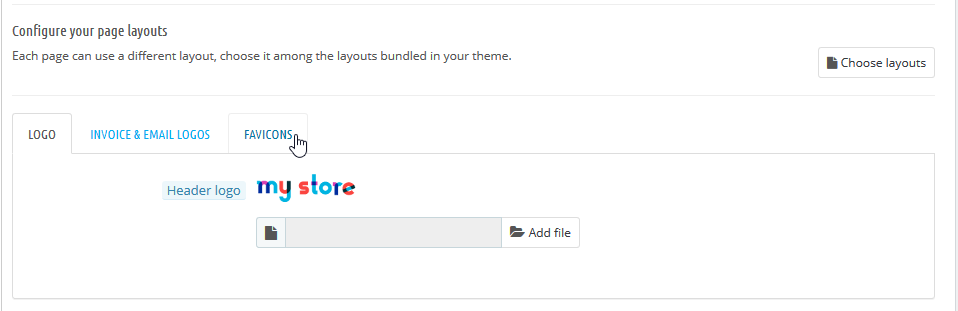
- Select the Favicons tab.
- Select Add Files to upload your preferred favicon.
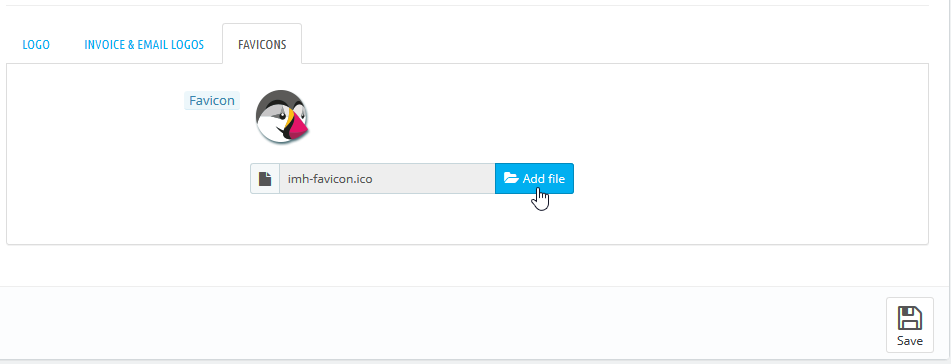
- Select Save.
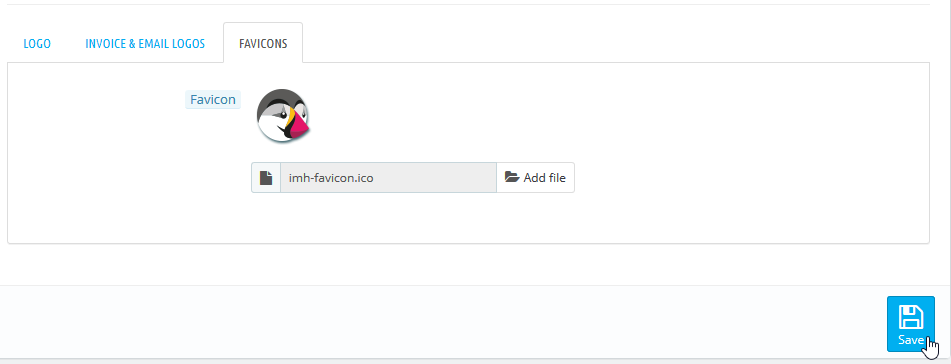
You’ll see a notification stating the settings have been updated.

You may need to clear your browser cache to see the change.
To learn more about improving your PrestaShop website, check our PrestaShop Education channel and our list of free PrestaShop templates.