After installing your Prestashop 1.5, you may want to set it to maintenance mode so you can begin to build it. This article describes how to set your Prestashop 1.5 store to maintenance mode while still allowing you to view it in normal mode.
To set Maintenance mode in PrestaShop 1.5:
- Log into your PrestaShop 1.5 dashboard
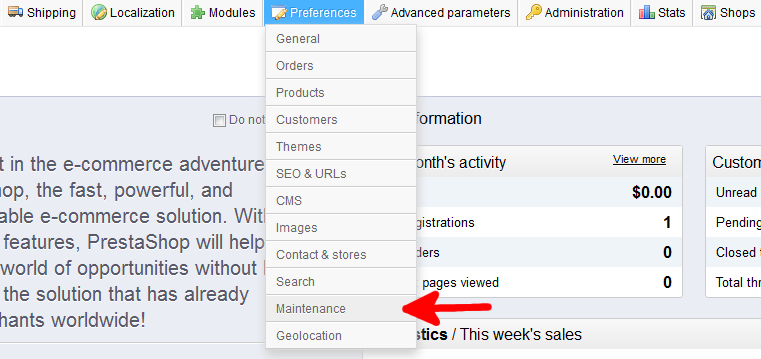
- From the top menu bar, hover over the Preferences tab and click on Maintenance on the menu.
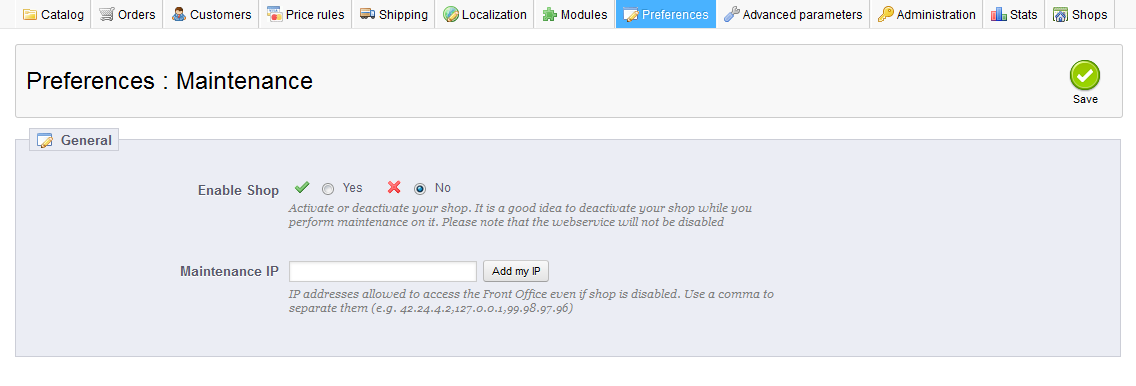
- From the Preferences : Maintenance page, select the No radio button on the Enable Shop field. Click the Add my IP button in order to set your PrestaShop 1.5 store to allow you to view the site as normal. The rest of the world will see the maintenance screen. Once completed, click the green Save button in the upper right corner of the screen.
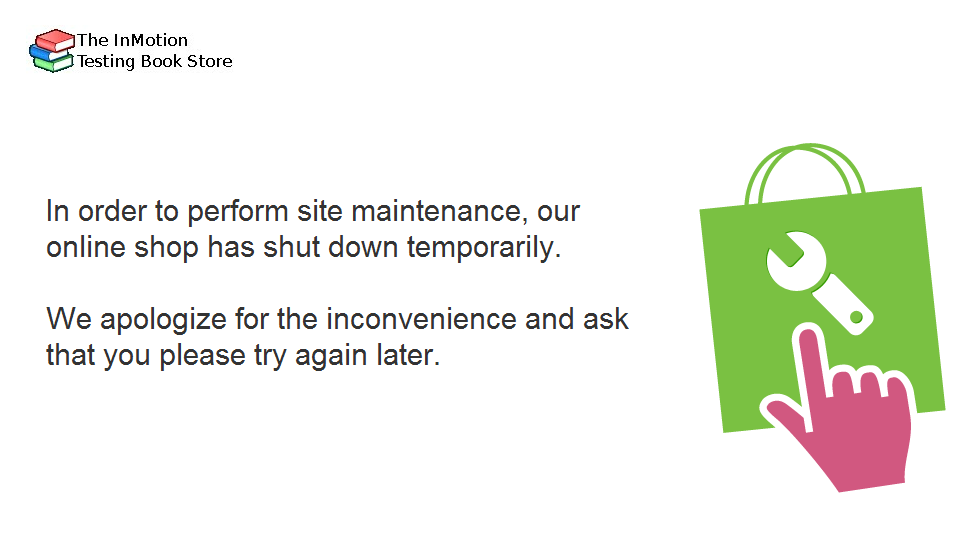
- Your site should now display normally to you, but to all visitors it will show the maintenance message like the one below.
You have now learned how to set your PrestaShop 1.5 store to maintenance mode.


