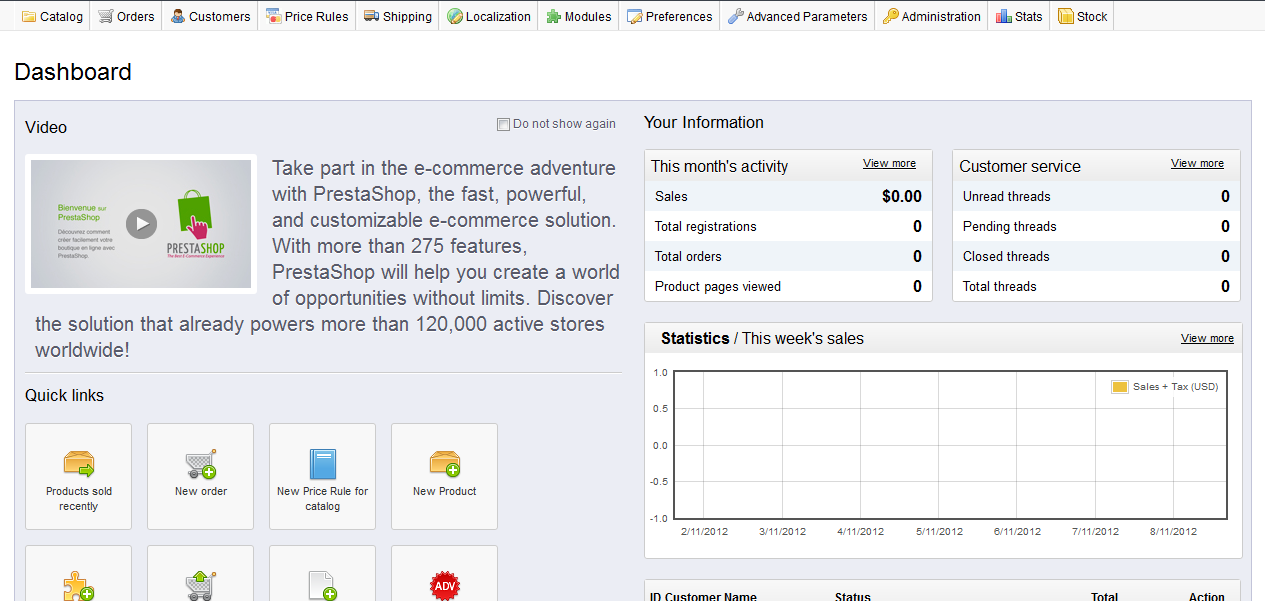
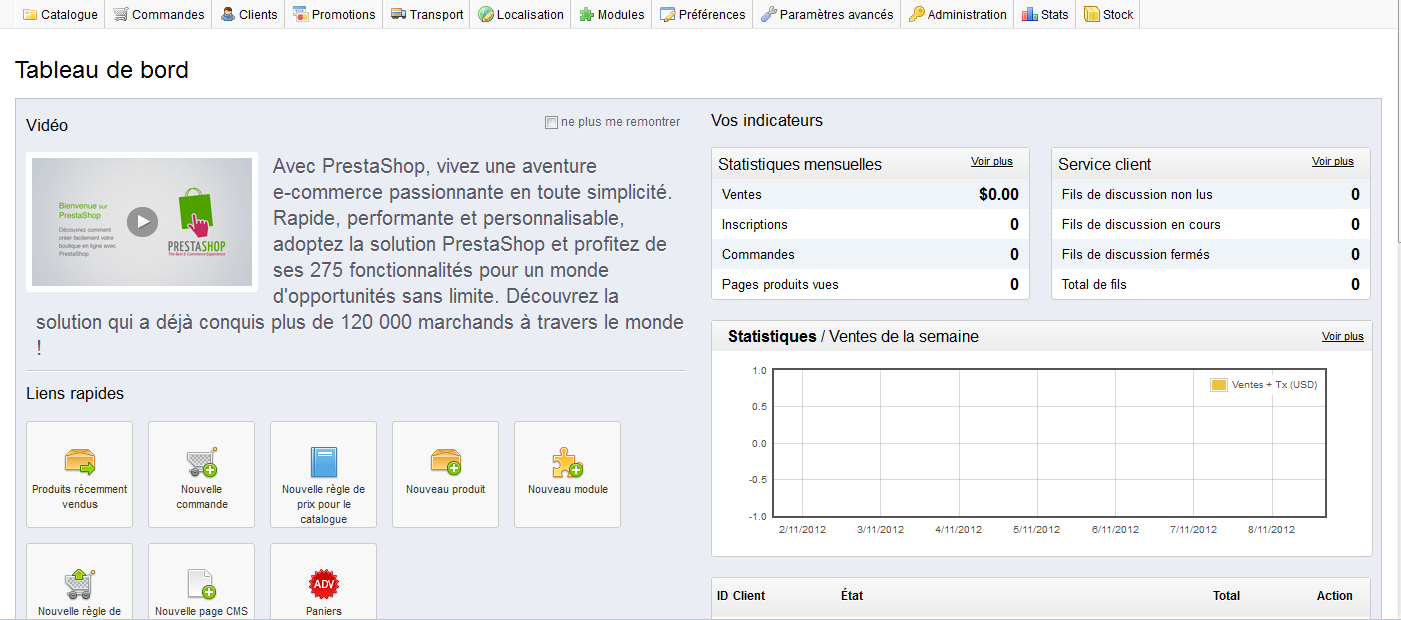
As a store administrator, you may have other people working for you that are in different locales across the globe. They may want to see the back office in their native language as opposed to English You can set the default language for the employee so that they see the back office in their desired language as long as that language localization pack has been installed. Below are the instructions to set the default language for employees in PrestaShop 1.5.
Modifying the default language in PrestaShop 1.5
- Log into your PrestaShop 1.5 admin dashboard.
- Using the top menu bar, hover over the Adminstration tab and click on the Employees option.
- You are now on the Employees list screen where you will see the list of employees in a table at the top portion of the screen. Find the employee you wish to edit and click on the Edit
 icon.
icon.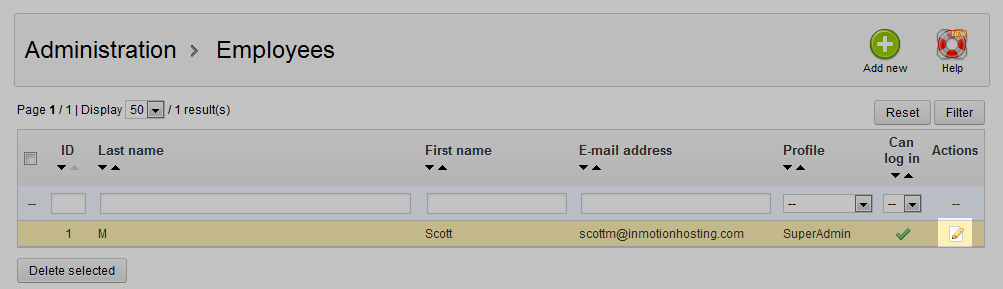
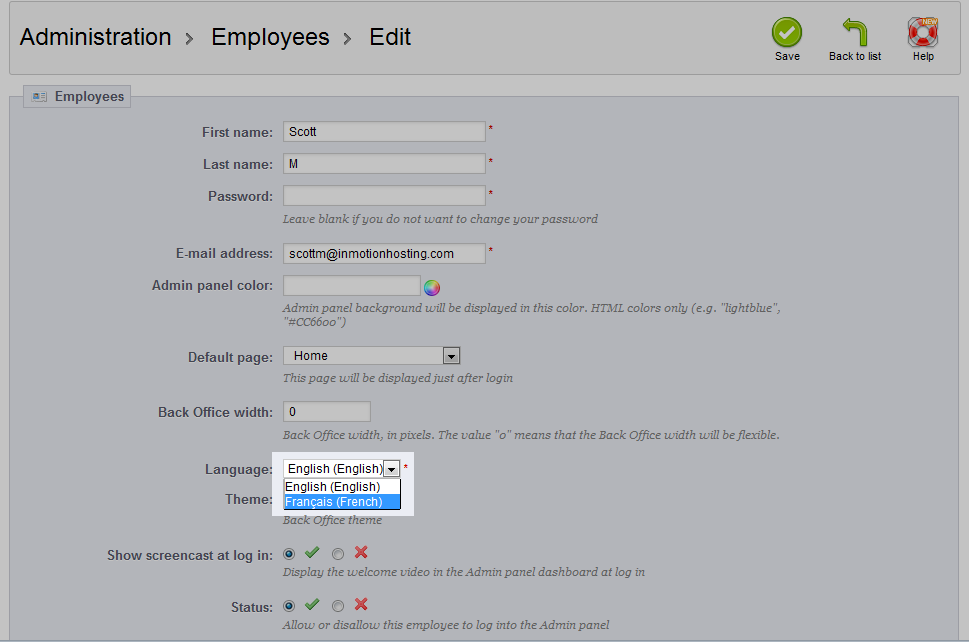
- This is the Employee Edit screen. Look for the Language field and select the desired language from the dropdown. In our example, we will select French.
- Click on the green Save button located in the upper right corner of the screen to finalize and save the changes. Below is a before and after shot of how changing the default language affects the back office for that user.
Before After