
A great advantage to using a content management system like PrestaShop is that you don’t have to hand-write a PHP contact form. Below we cover how to configure PrestaShop 1.7 built-in module Contact form and add contacts.
Add and Edit Contacts
- Login PrestaShop.
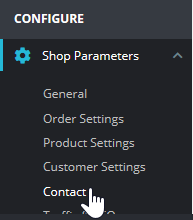
- Under Shop Parameters, press Contact.
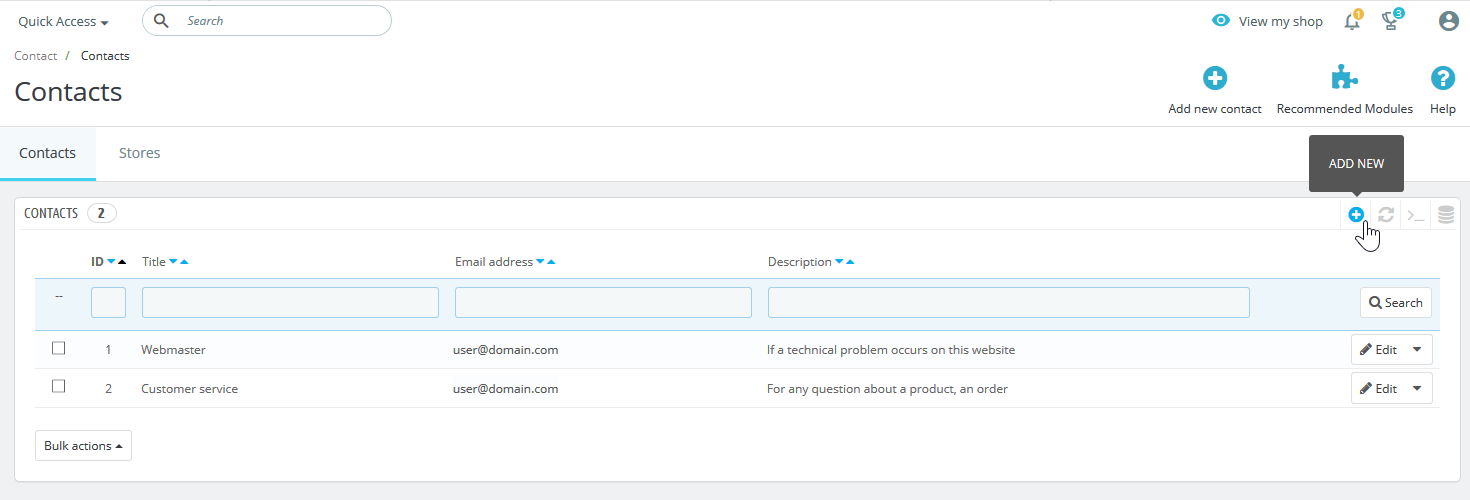
- To add a new contact option, select the plus (+) icon on the upper-right.
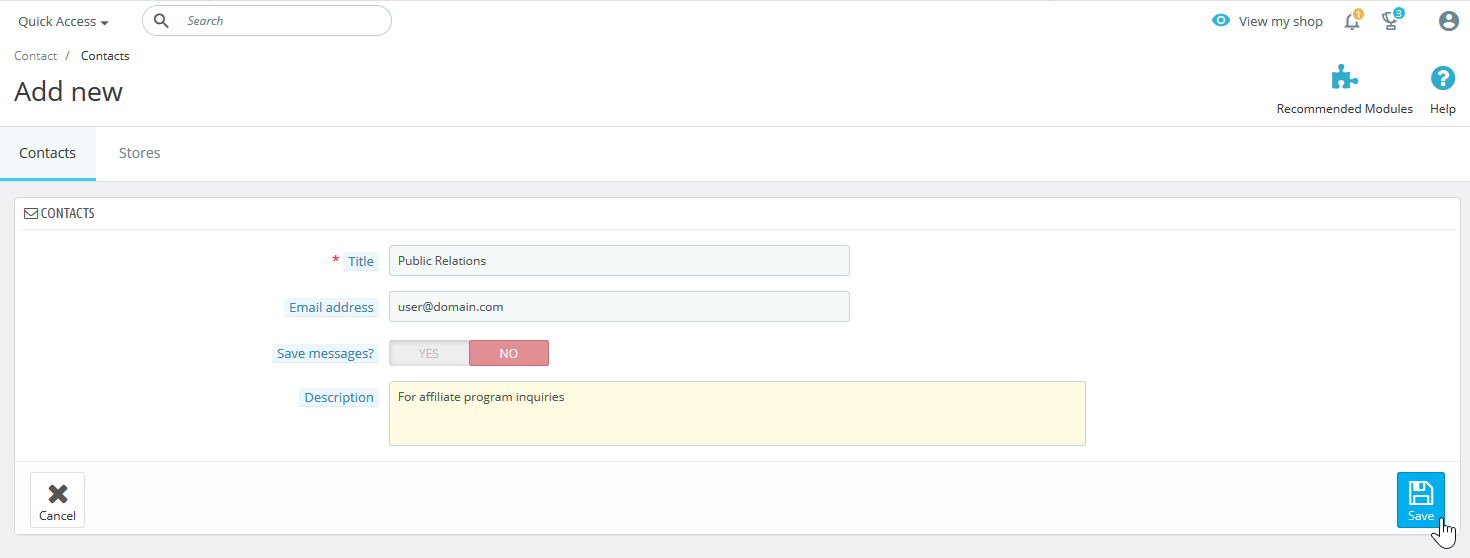
- When adding or editing a contact, you can modify the title, email address, title description (viewable to customers in some themes), and whether to save messages in the dashboard. Press Save when done.
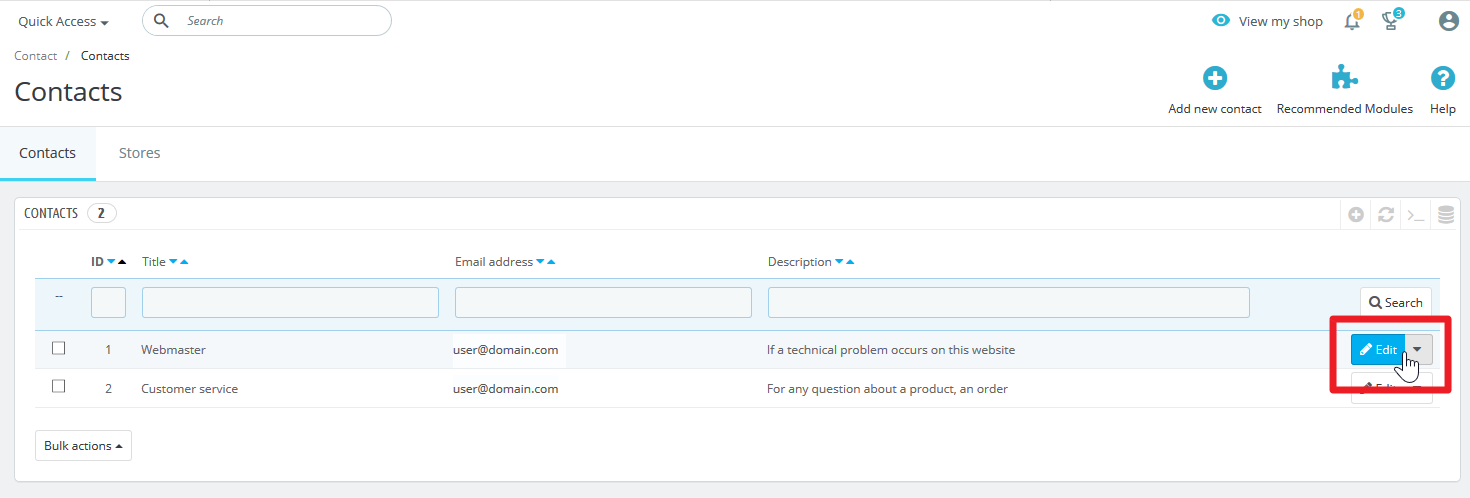
- To edit an existing contact title, select Edit on the right side.
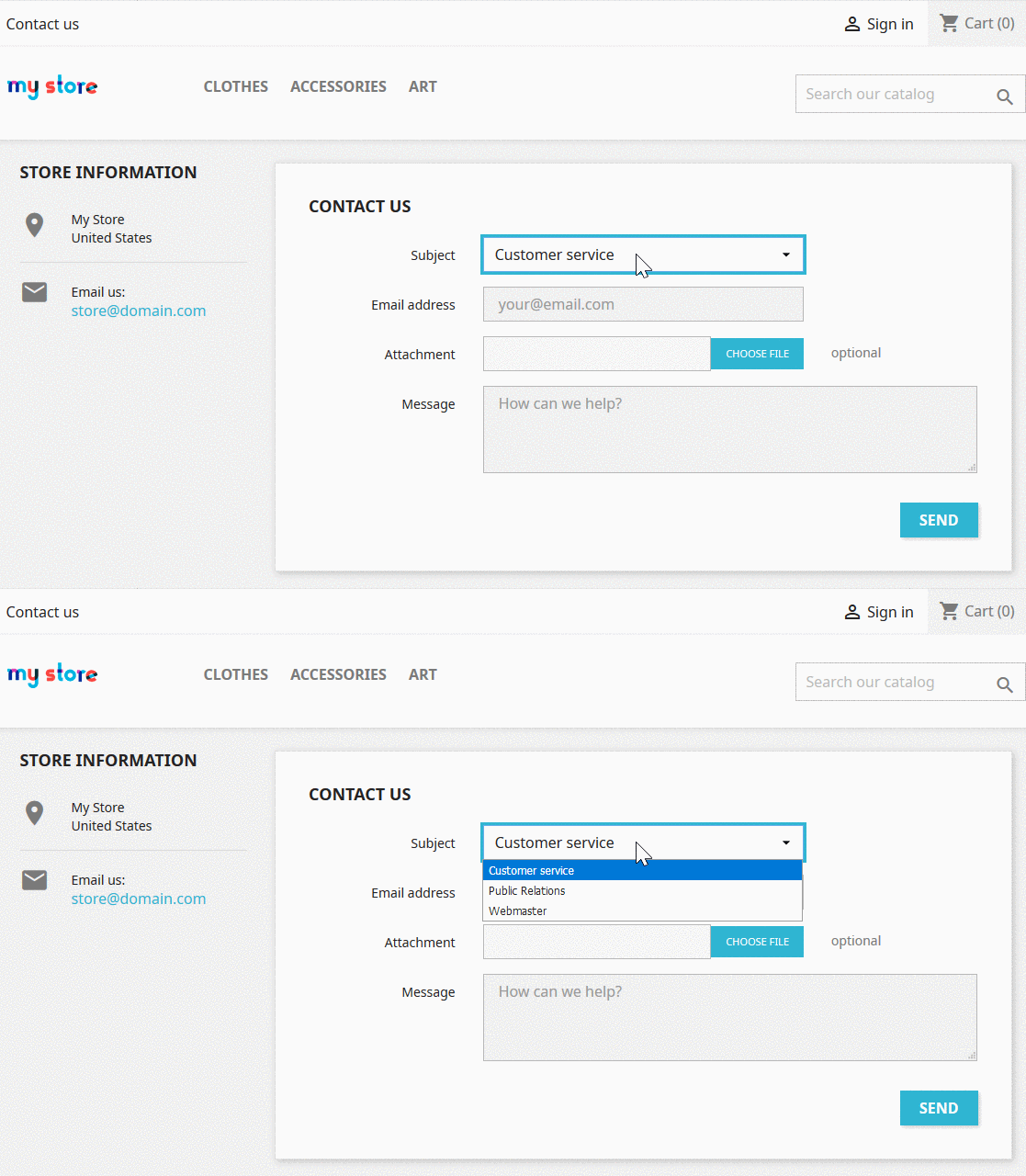
- You’ll see the new contact option on your PrestaShop contact page selected from the upper-left.
Configure Contact form Module
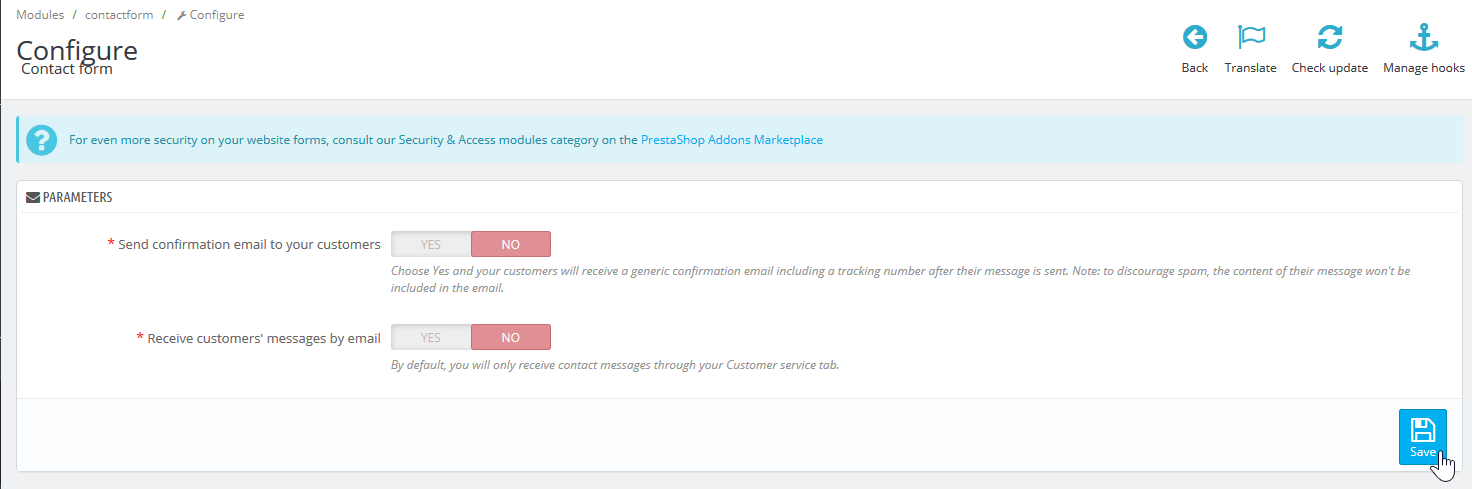
The Contact form allows you to choose whether to send a confirmation email to customers and receive messages via email as well as your Customer service section.
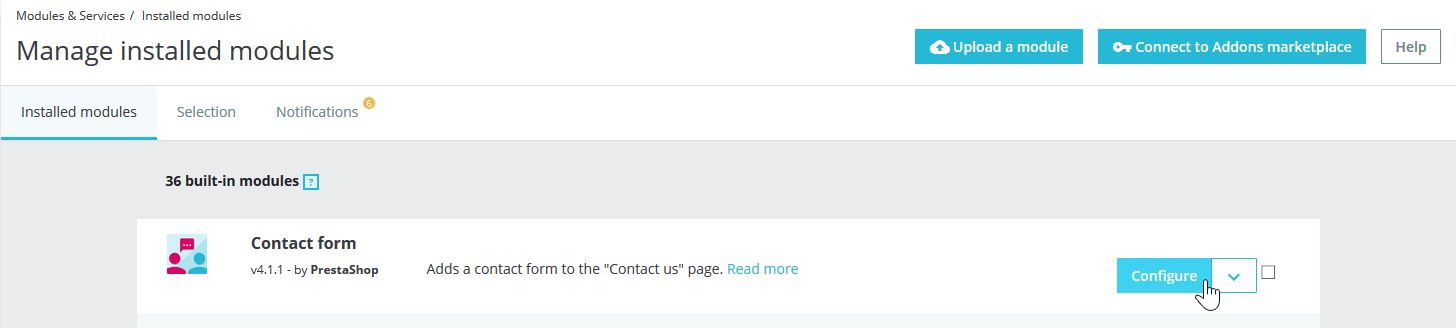
- Press Modules and Modules & Sservices.
- Select Configure beside Contact form.
- Toggle your preferred configuration settings and press Save.
You can learn more about improving your website in our PrestaShop education center.