
OpenCart gives you the ability to sell gift vouchers for merchandise on your website. By default the website visitors can purchase gift vouchers on your site by clicking on the link on the “extras” section of the footer. The customer will then be prompted to fill out the information for the gift voucher. By default the customer can purchase any amount for a gift voucher from $1 to $1000. This is then applied to a code, which would be entered into the shopping cart by the customer at the time of purchase. A gift voucher code is not attached to a specific account when it is created. This is different than a store credit, since store credits are applied to a specific user’s account.
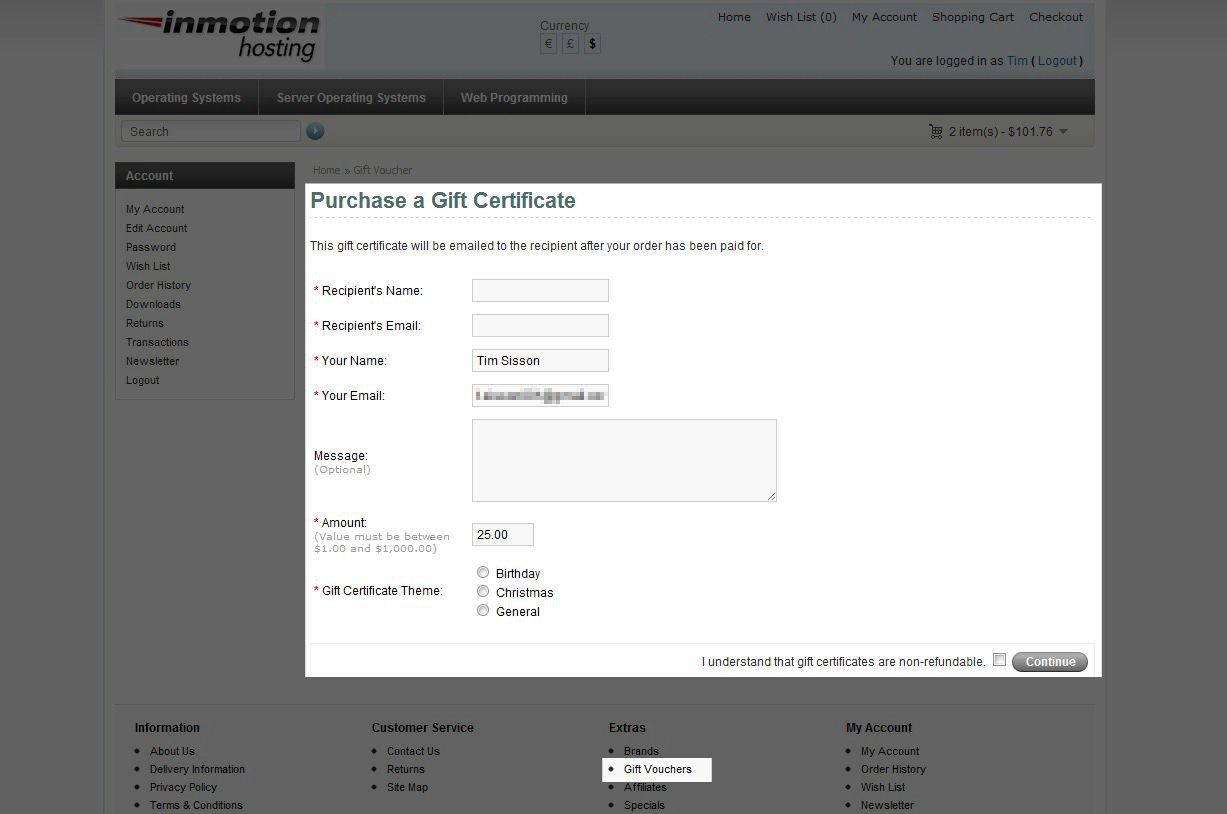
Gift vouchers are sent via email in the form of a code to be used during the checkout process. It’s important to understand that discounts are not offered on gift vouchers. Also, the gift voucher code will not be sent until the order status is updated to “complete”. This ensures that the gift voucher is paid for prior to sending the email.
Please read our article on manually creating Gift Vouchers, if you find you need to create a gift voucher manually through the OpenCart Dashboard.
If you need further assistance please feel free to ask a question on our support center website.