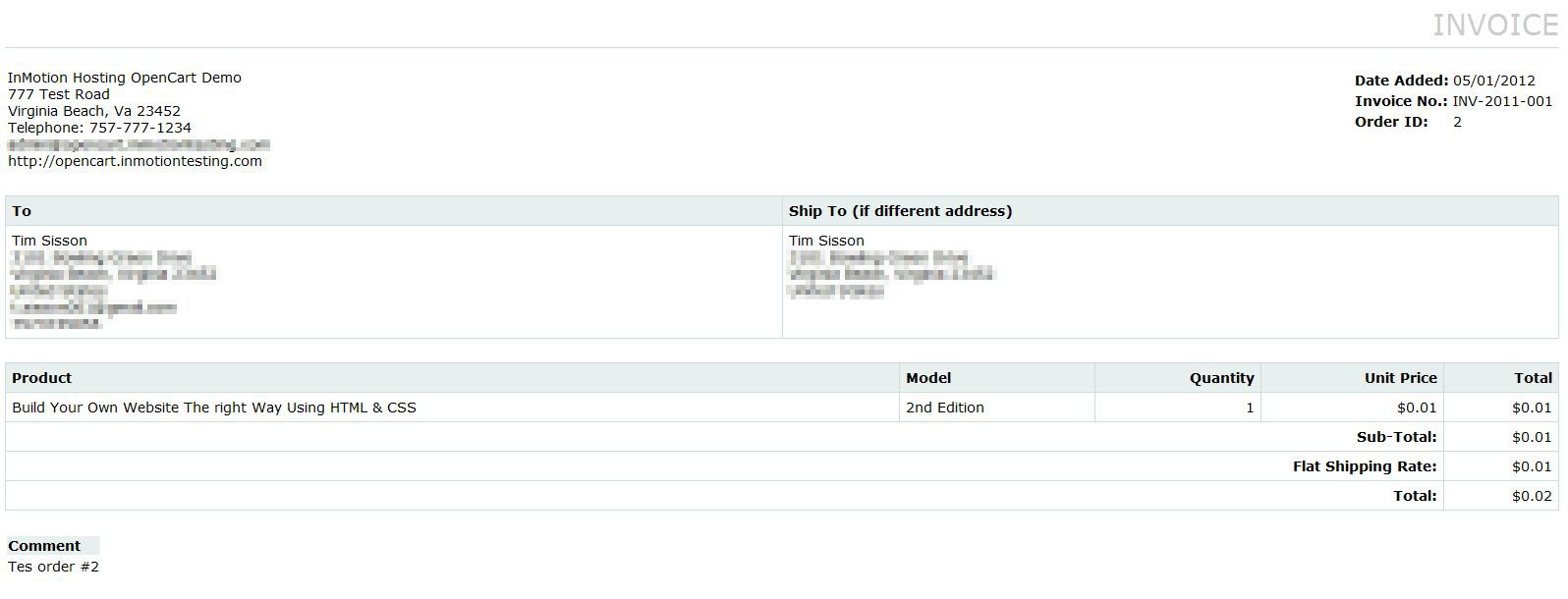
Printing Order Invoices in OpenCart Carrie SmahaUpdated on August 16, 2021 1 Minute Read When processing the orders in your OpenCart shopping cart you may want to include an invoice in the package for shipping. This is wise, so your customers can review the order once it’s received and they will have an invoice for their records. You can print customer invoices in the OpenCart Dashboard. Customers can view previous orders (order history) by logging into the shopping cart but they do not have the ability to print invoices. Log into your OpenCart Dashboard Go to Sales > Orders Check the box on the left side of the order you wish to print an invoice for Click “Print Invoice” in the upper right corner of the screen Right click on the invoice and select “Print” If you need further assistance please feel free to ask a question on our support center website. To find out more on using InMotion’s web hosting accounts, go to OpenCart Hosting Accounts on InMotion Hosting. Share this Article Carrie Smaha Senior Manager Marketing Operations Carrie Smaha is a digital strategy, web development, and SEO leader with 20 years of experience. She built her foundation in fast-paced agency environments before moving in-house to InMotion Hosting, where she leads go-to-market programs, agency initiatives, and technical product marketing that connects product capability to real customer decisions. More Articles by Carrie Related Articles Editing the Information Pages in the Footer of OpenCart My OpenCart 3 Contact Form Won’t Send Emails Resetting your OpenCart Admin Password with the Forgot Password link Using Free Cloudflare for SSL on OpenCart 1.5 Adding your store logo to your OpenCart 1.5 website Changing your Admin Password in OpenCart 1.5 Restoring a Database Backup in OpenCart 1.5 Sending Emails to Customers through OpenCart 1.5 How to Enable SSL Connection in OpenCart 1.5 Creating a 404 error page for OpenCart