
If you are building a large store with OpenCart, adding products one by one can be long repetitive process. There’s an extension that you can install that will allow you to export your current products in Excel, work offline on adding or editing new products, and importing the spreadsheet to add the new products to your store. This can save valuable time in getting your store operational.
The memory requirements for this extension can be quite high. If you have more than 2,000 products in your store and are on a shared server, this plugin may not be suitable for you to use due to the high memory usage.
Installing the Bulk Import/Export Extension
- Download the extension from here: Bulk Export/ Import Extension for OpenCart. Be sure to scroll down the page and locate the Download tab. Download the one for your particular OpenCart version.
- Extract the files that you just downloaded
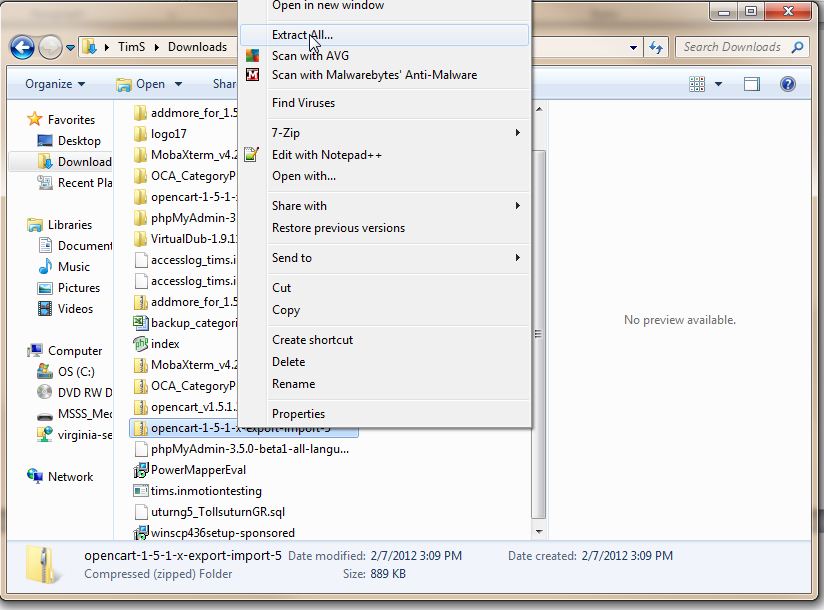
- Upload the folders “admin”, “system”, and “vqmod” and their files from the “upload” directory to your root directory of your OpenCart Store using a FTP program.

- Login to your OpenCart Dashboard
- In your OpenCart Dashboard go to: System > Users > Users Group
- Select the Top Administrator and click Edit on the right side.
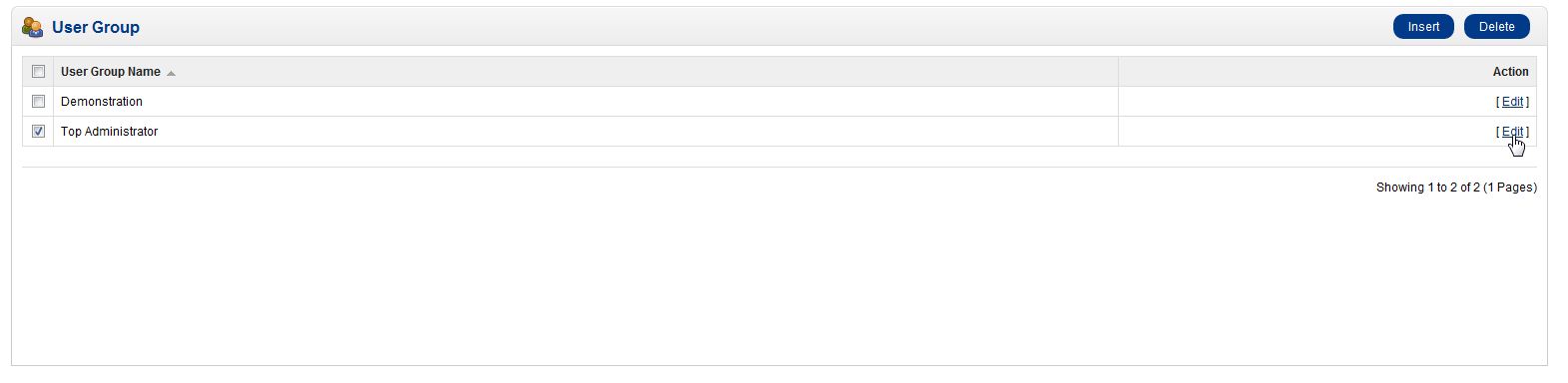
- Find the entry for tool/export in both Access and Modify dropdown lists and place a check by clicking on their boxes.
Now you can use the tool in your dashboard by going to: System Export/Import



Congratulations, now you know how to install the bulk import/export extension for OpenCart Products!