
You can manually create affiliate accounts in OpenCart. If you are not familiar with OpenCart’s built in Affiliate program, please see our Introduction to Affiliates in OpenCart. Creating a new affiliate account in OpenCart is easily accomplished through the OpenCart Dashboard.
How to Create Affiliate Accounts
- Log into your OpenCart Dashboard
- Go to Sales > Affiliates
- In the upper right corner click “Insert”
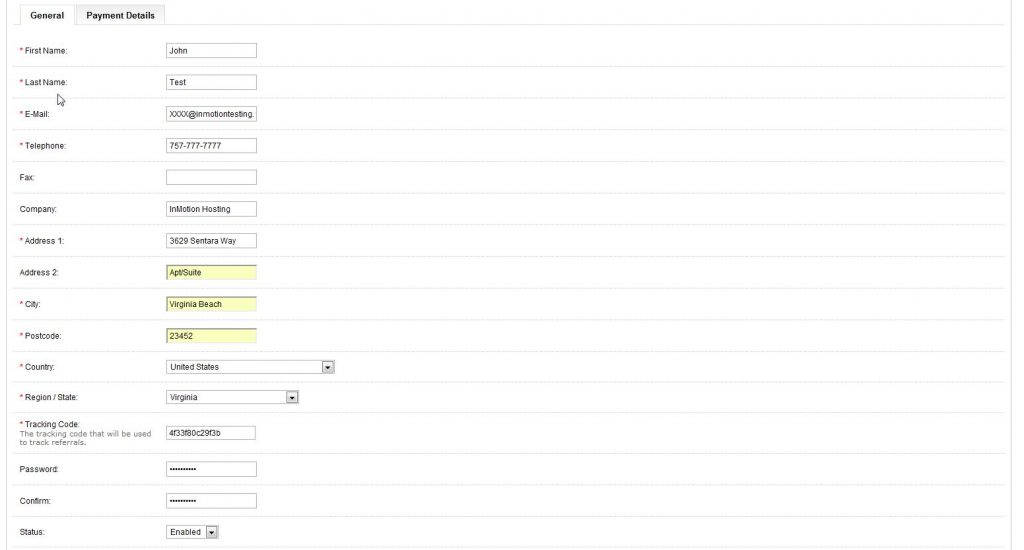
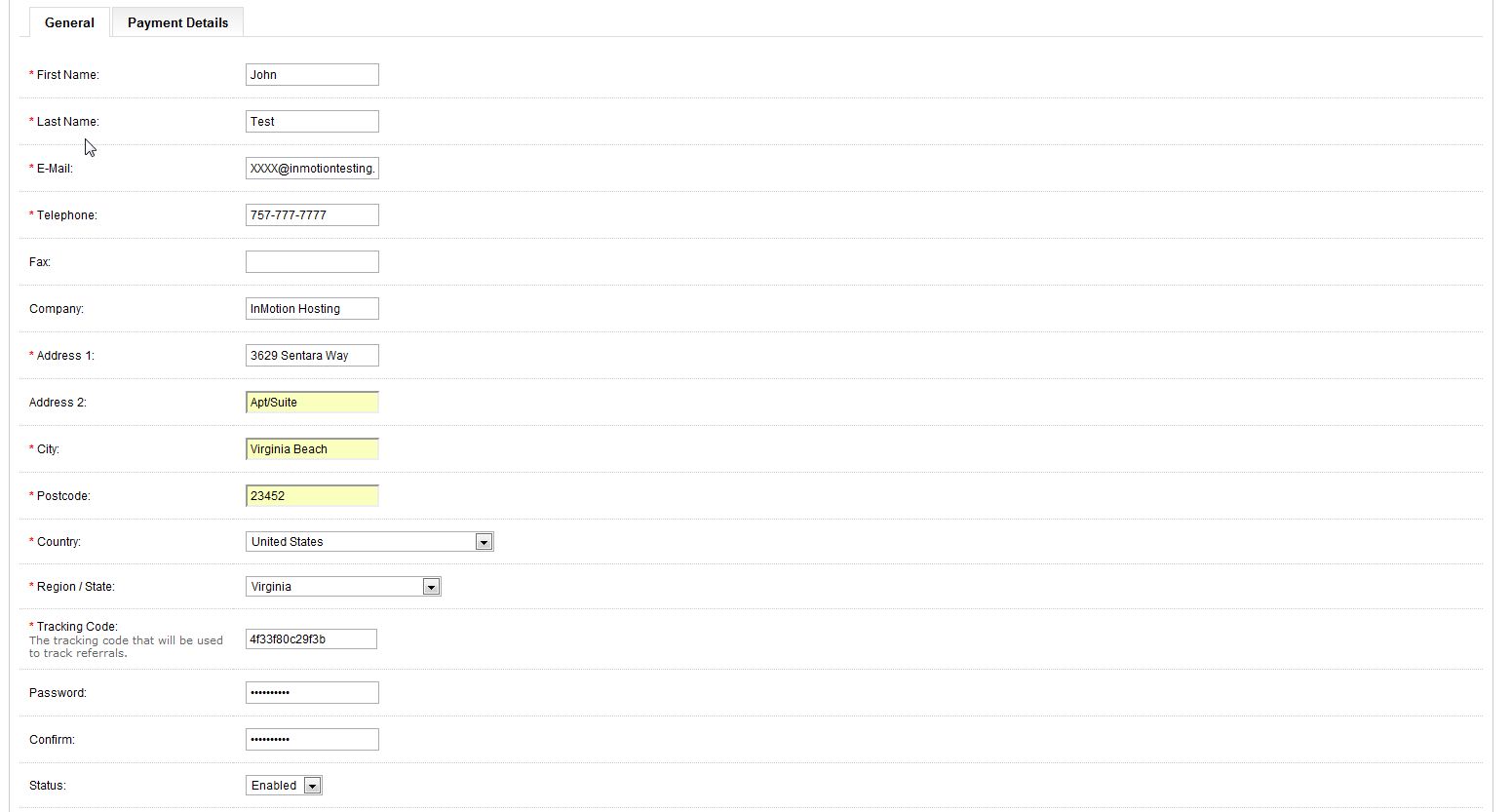
- Now you should be on the General Tab to start. Fill in the fields
- Click on the Payment Details Tab and fill in the fields as needed
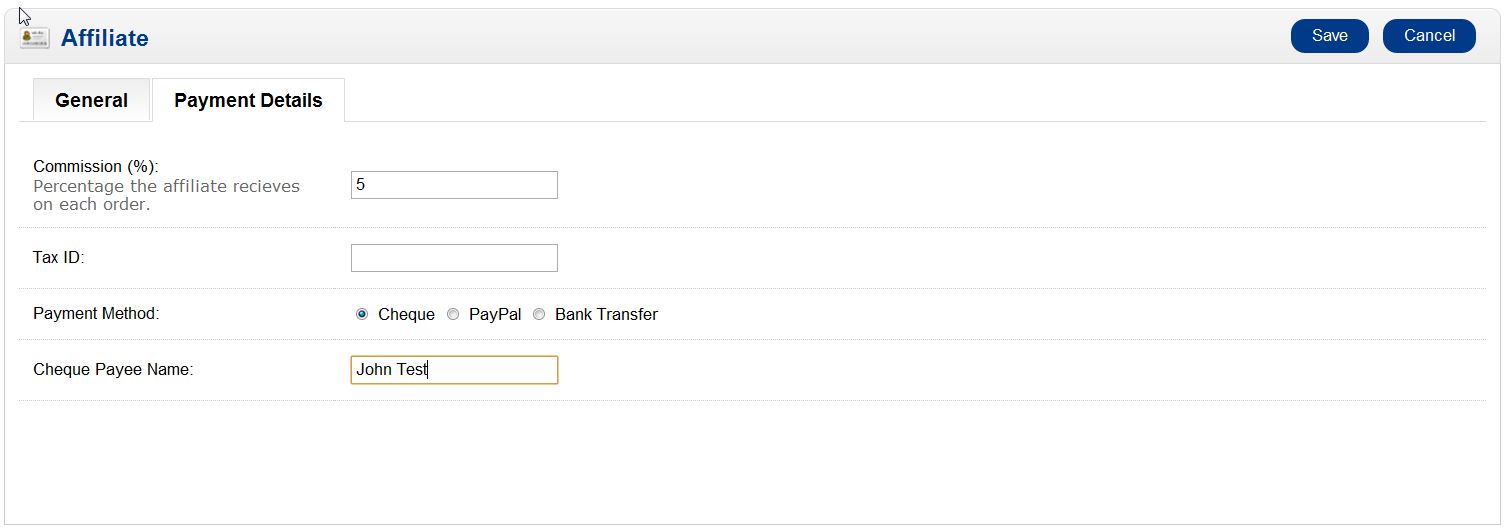
- Click “Save” and it will then be listed as an Affiliate account on the screen
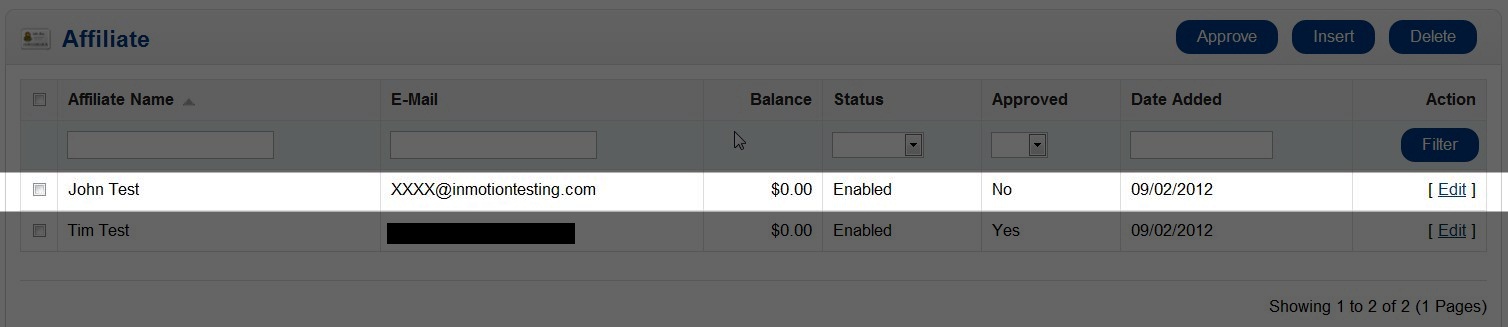
Please keep in mind, the account will need to be approved prior to the affiliate using their account. To approve accounts, please review our article on approving Affiliate accounts.


If you need further assistance please feel free to ask a question on our support center. To find out more on using InMotion’s web hosting accounts, go to OpenCart Hosting Accounts on InMotion Hosting.