
OpenCart gives you the ability to turn off errors so they are not being displayed on the browser screen. Since you have the option to turn off “Display Errors” you can still log errors to a specific file.
-
- Login to your OpenCart Dashboard
- Go to System > Settings
- Select your store from the list and click “Edit”
- Go to the “Server” tab
- Scroll towards the bottom
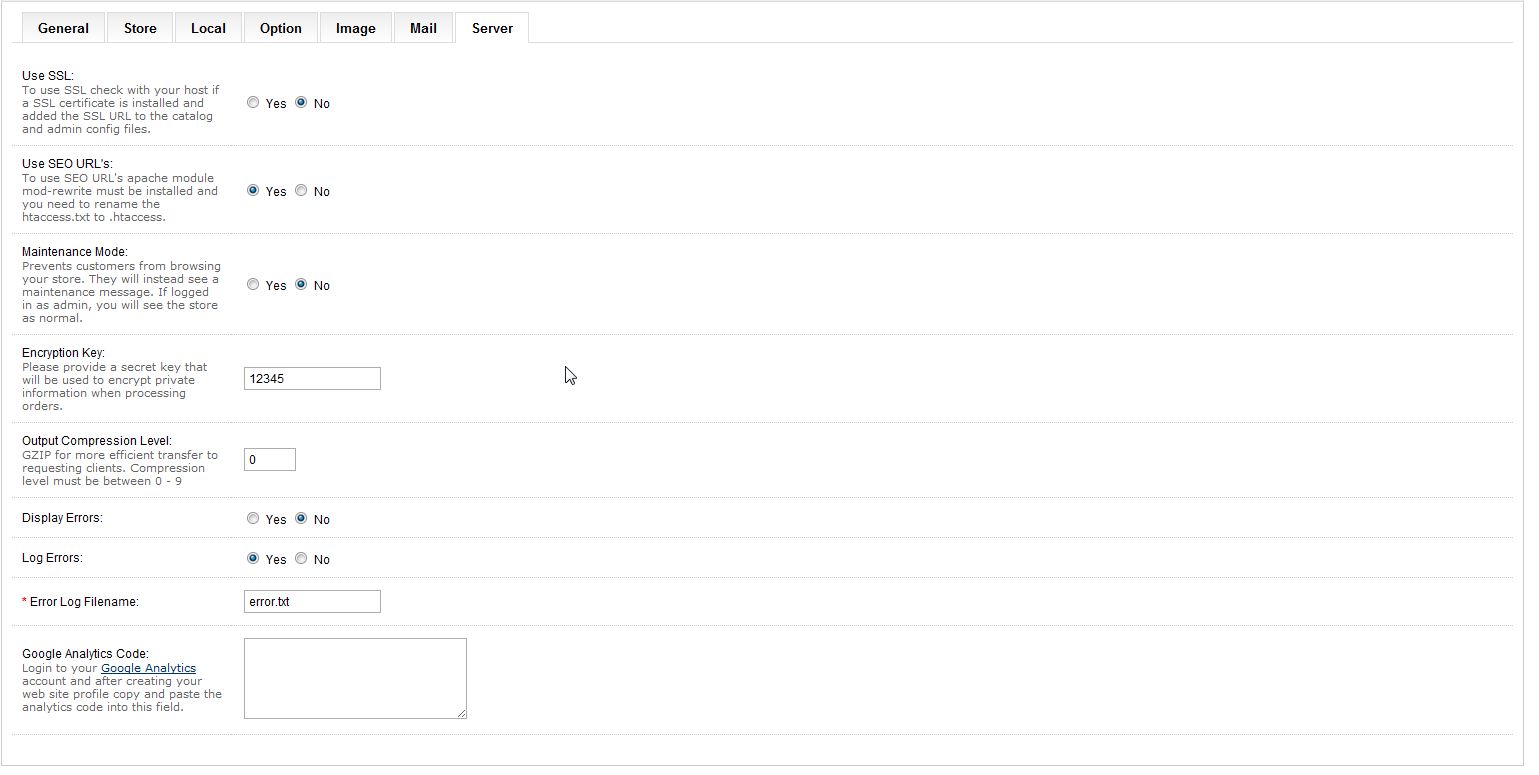
- To turn display errors “Off” so your visitors cannot see them change “Display Errors” to “No”
- If you want to log errors to a file, select “Yes” for “Log Errors”
- Enter in an “Error Log Filename”
- Click “Save”
If you need further assistance please feel free to ask a question on our support center.