
If you are an online shopper, you have probably used coupon codes before. Coupon codes can be a great motivator for customers to actually make a purchase on your website. Coupon codes can be a series of letters and numbers the customer enters during the checkout process to receive a discount on their order. This can be anything from a monetary value, percentage off their entire order, or free shipping. Coupon codes are created in the OpenCart Dashboard.
How to create coupon codes in OpenCart
- Log into your OpenCart Dashboard
- Go to Sales > Coupons.
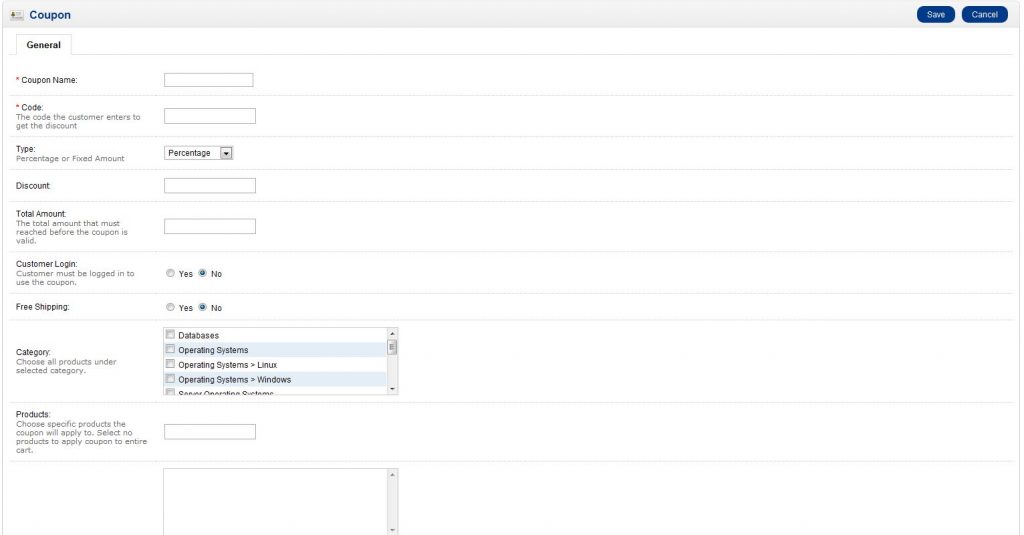
To create a new coupon code, click Insert in the top right of the screen.
- Once you have filled in the fields for the coupon click Save in the upper right corner. Your coupon code is now ready to use.
If you need further assistance please feel free to ask a question on our support center website.