
OpenCart has some great reporting tools built into the OpenCart dashboard. The sales report is an easy way to see how well your e-commerce website is performing. The sales report will allow you to look at your sales revenue for any given day, week, or month. Accessing the sales report is done through your OpenCart Dashboard.
- Log into your OpenCart Dashboard
- Go to Reports > Sales > Orders
- You can filter the results by using the different fields in the top section of the report
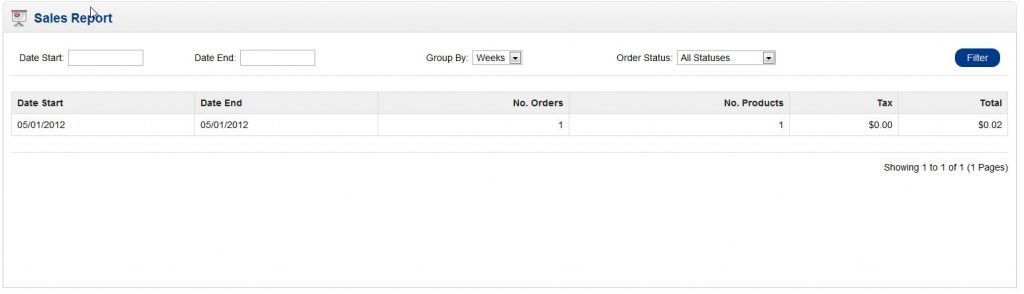
- Date Start: This is the date you want to start the sales report on
- Date End: This is the last day you want the report to include
- Group By: This allows you to group your sales by days, weeks, months, and years
- Order Status: This dropdown allows you to filter the results by different order statuses. As an example, this filter can show you how many voided orders you had for the given time frame
- Once you have set up the fields to filter your results, click “Filter”
If you have further questions, please feel free to ask a question on our support center website.
If you need a host for your OpenCart e-commerce site, click on OpenCart Hosting Accounts with InMotion Hosting.