
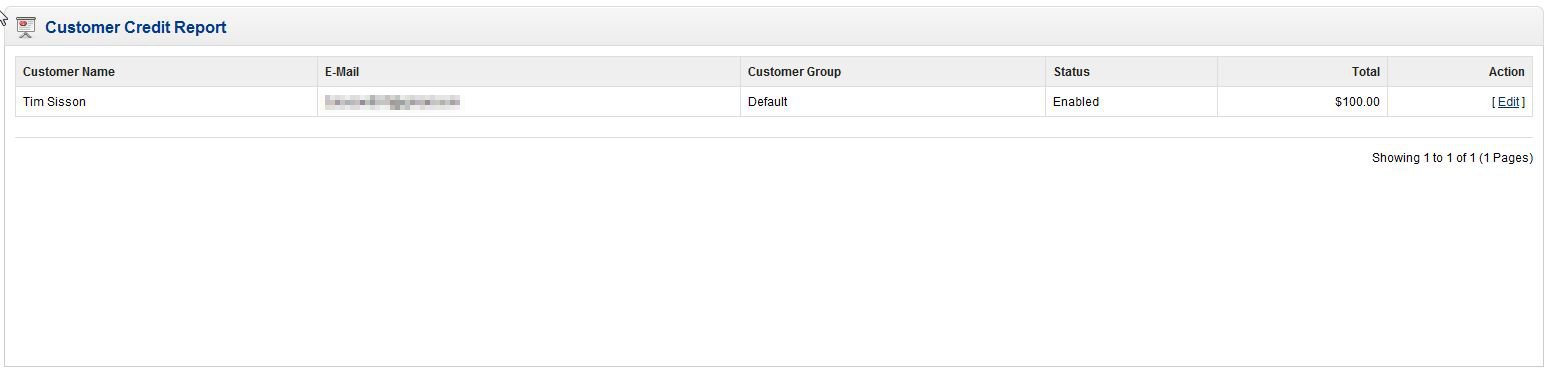
OpenCart includes a store credit report that you can view. This report will display all the customers that have a store credit in your OpenCart shopping cart. You can use this report to determine how much store credit is owed to your customers. This report is easily accessed in your OpenCart Dashboard. If you’d like to know more about how to issue a store credit, please see our article “Adding a store credit to a customer’s account in OpenCart“.
- Log into your OpenCart Dashboard
- Go to Reports > Customers > Credit
If you need further assistance please feel free to ask a question on our support center website.