
What version of OpenCart am I running?

Sometimes it can be important to know what version of OpenCart you are running. This is the case, especially when installing new extensions as not all extensions are compatible with every version of OpenCart. Finding out what version of OpenCart you are running is quite simple.

  1. Visit your OpenCart dashboard in a web browser
  2. Look at the bottom of the footer and you will see the version information
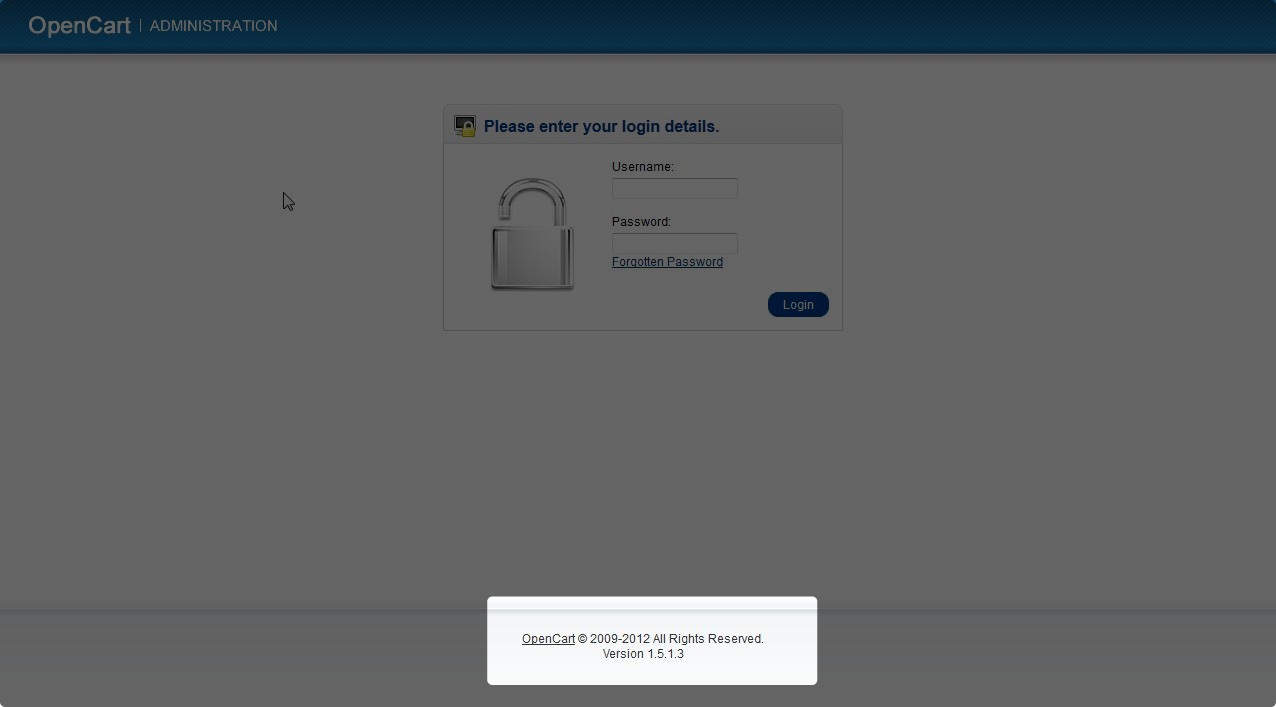
  3. opencart_version_1

If you need further assistance please feel free to ask a question on our support center.

Share this Article
Carrie Smaha
Carrie Smaha Senior Manager Marketing Operations

Carrie Smaha is a Senior Marketing Operations leader with over 20 years of experience in digital strategy, web development, and IT project management. She specializes in go-to-market programs and SaaS solutions for WordPress and VPS Hosting, working closely with technical teams and customers to deliver high-performance, scalable platforms. At InMotion Hosting, she drives product marketing initiatives that blend strategic insight with technical depth.

More Articles by Carrie

2 thoughts on “What version of OpenCart am I running?

  1. Didn’t work on my version, which I later found out to be v.3.0.3.2 by logging in and then navigating down the left hand side panel to ‘Reports’ where it then displays in the footer!

Comments are closed.