
One of the new features in cPanel release 56 is the additon of Security Advisor Alerts. The alerts are sent to the default email within WHM. While these alerts are useful, some of them can be misleading. You can disable the security advisor alerts so you will no longer receive them.
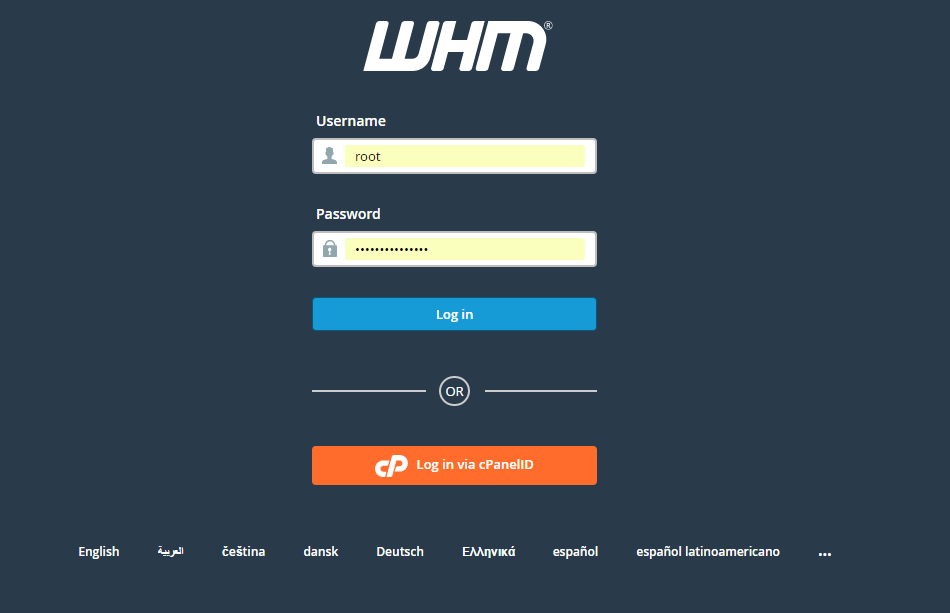
Log into WHM as the Root User
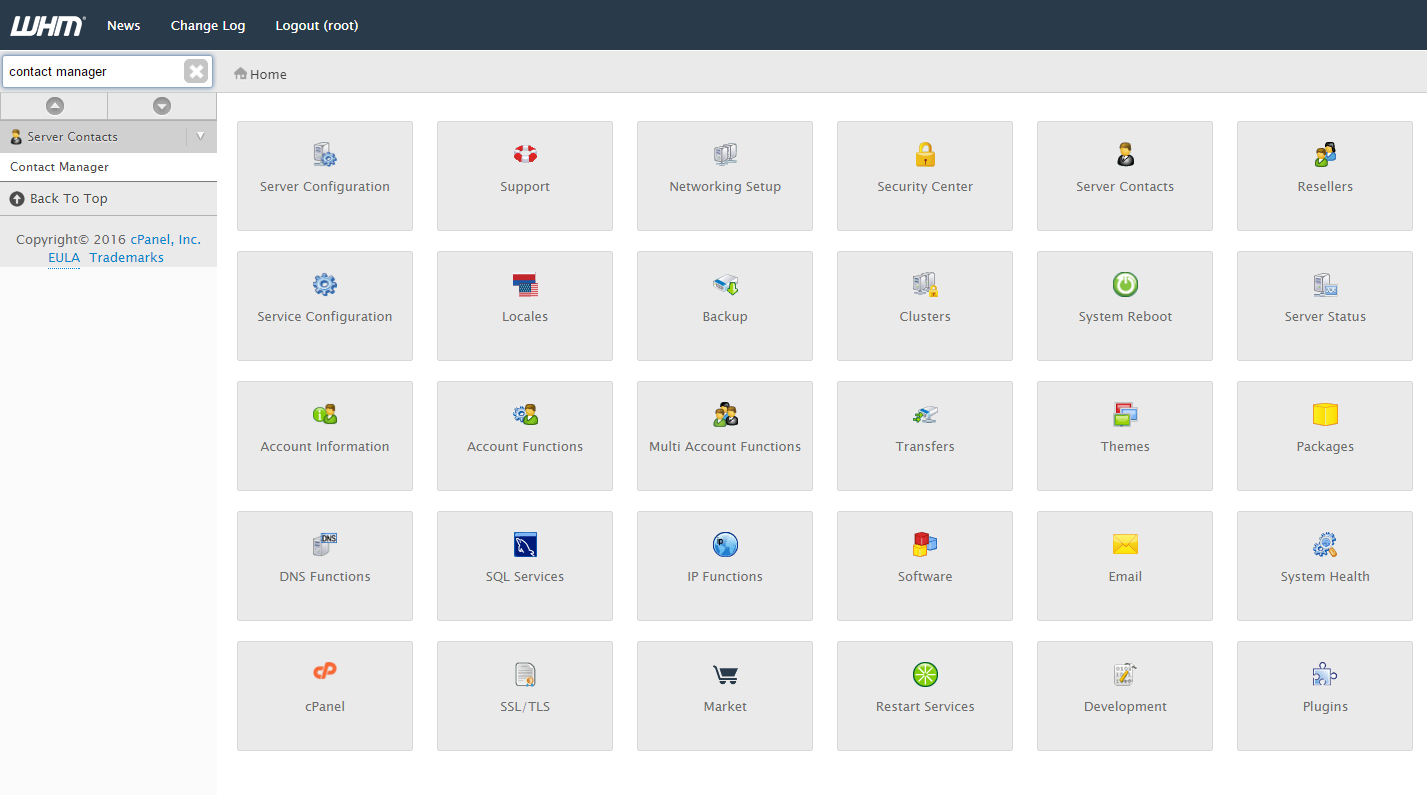
In the left menu pane type “Contact Manager”
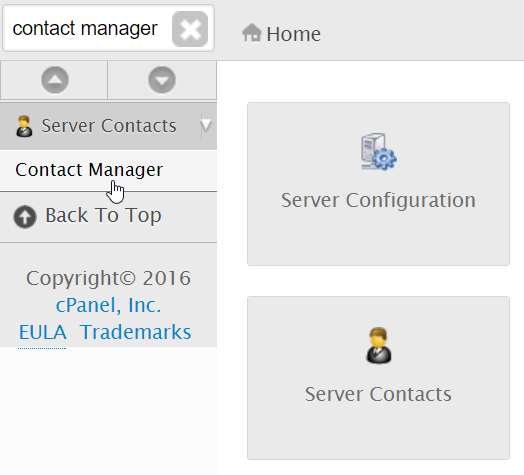
Select “Contact Manager” in the menu
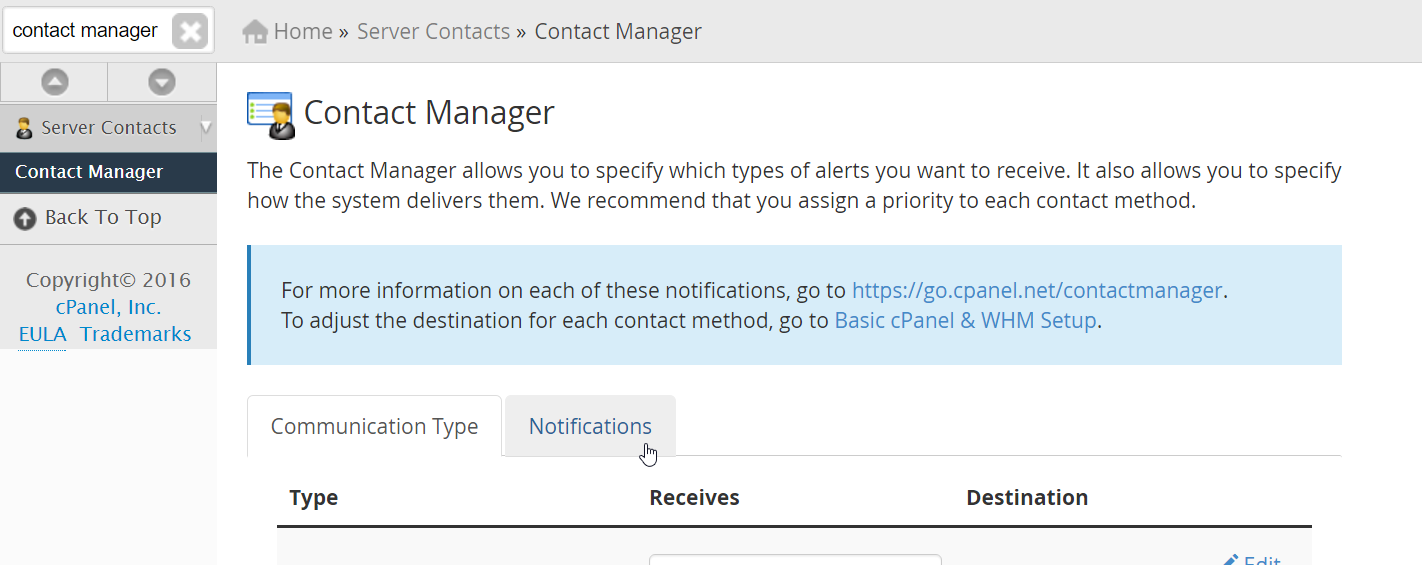
Switch Tabs to the “Notifications” tab on the screen
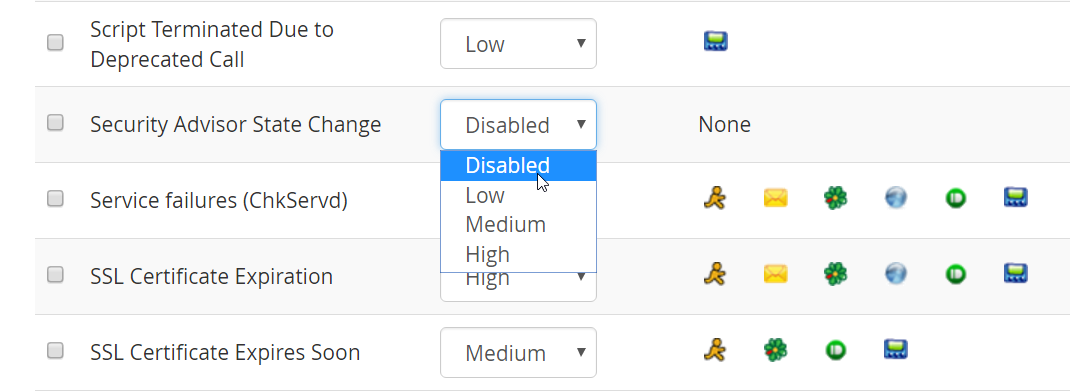
Scroll down to “Security Advisor State Change” and change it to “Disabled”
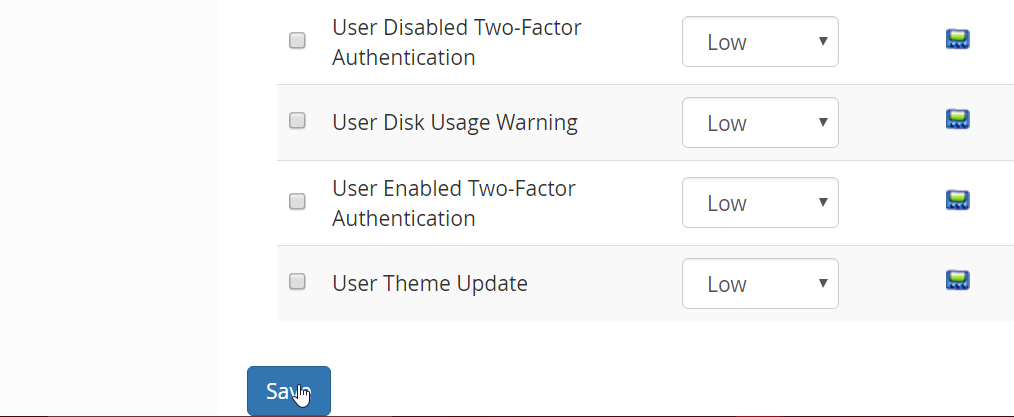
Go to the bottom of the page and select “Save”
Disable Security Advisor Alerts from the Command Line
Logged into your server via SSH as the root user, you can use the following command to disable Security Advisor Alerts.
[root ~]$ /usr/local/cpanel/3rdparty/bin/perl -I/usr/local/cpanel -MCpanel::iContact::EventImportance::Writer -e ‘my $writer = Cpanel::iContact::EventImportance::Writer->new(); $writer->set_event_importance(‘Check’,’SecurityAdvisorStateChange’,0); $writer->save_and_close();’
At this point you should no longer receive the security alert emails that WHM sends.