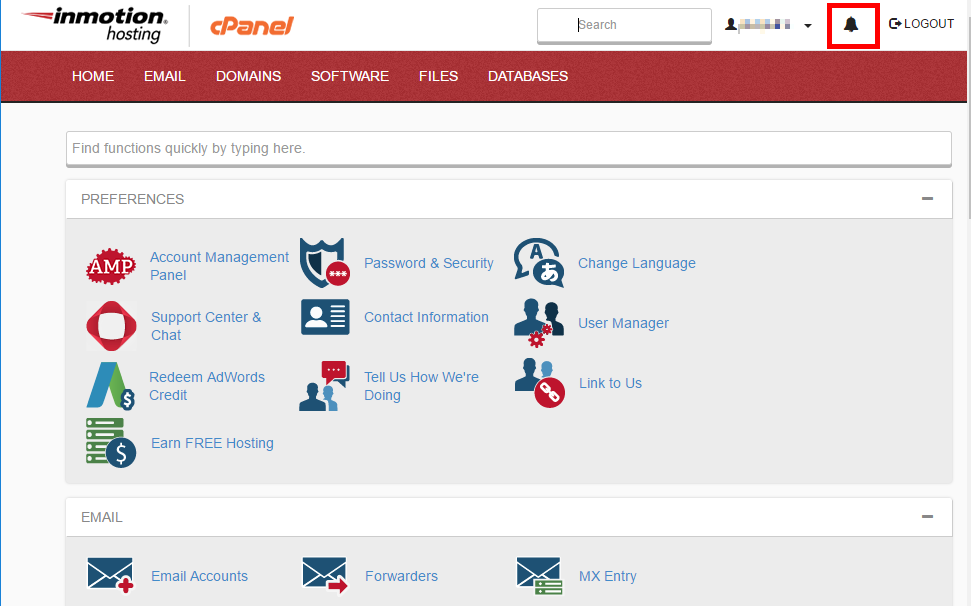
| Topic: | cPanel’s upgrade from x3 to Paper Lantern. |
|---|---|
| Status: | Updates will be completed no later than June 30, 2017. Updates will begin the first week of May. We do not have specific schedule for individual servers. |
| Who is impacted? | All Business Class & Reseller Hosting Customers. |
Keep in mind, as we update the server that houses your account, we DO NOT expect any downtime to occur. See cPanel’s blog post to learn about the deprecation of x3 cPanel theme. Please feel free to post any questions or comments regarding the upgrade to Paper Lantern at the bottom of this announcement.
What are the advantages of Paper Lantern?
cPanel designed Paper Lantern as a better option to x3. Paper Lantern includes many improvements including:
Bootstrap
Paper Lantern uses Twitter Bootstrap 3. This allows the creation of beautiful, responsive themes that look great on any device.
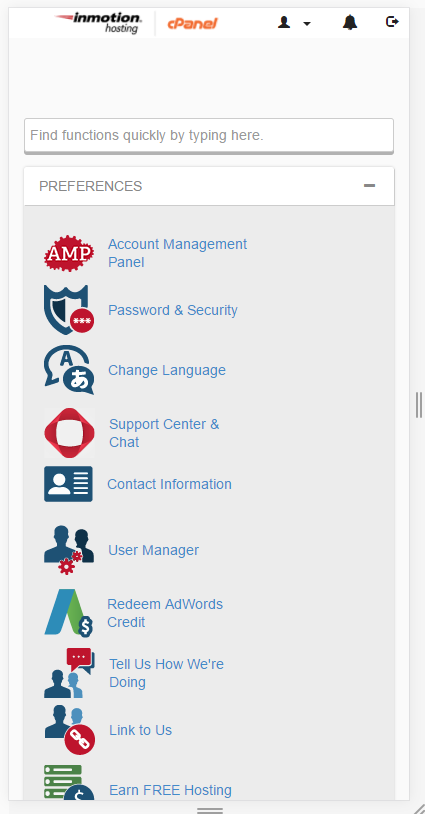
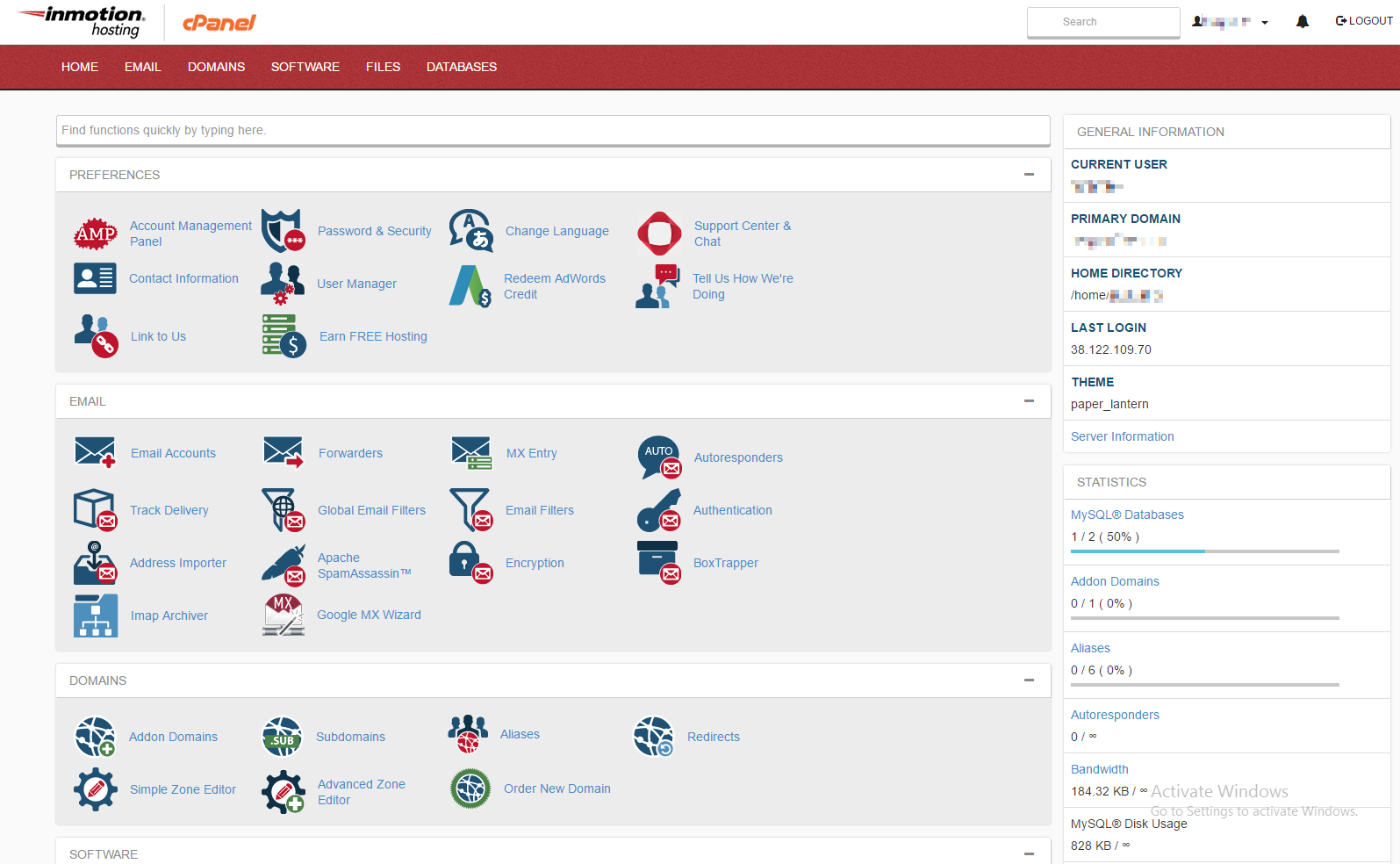
Better Design
The new design is much easier to navigate and use the interface, making it much more user-friendly.
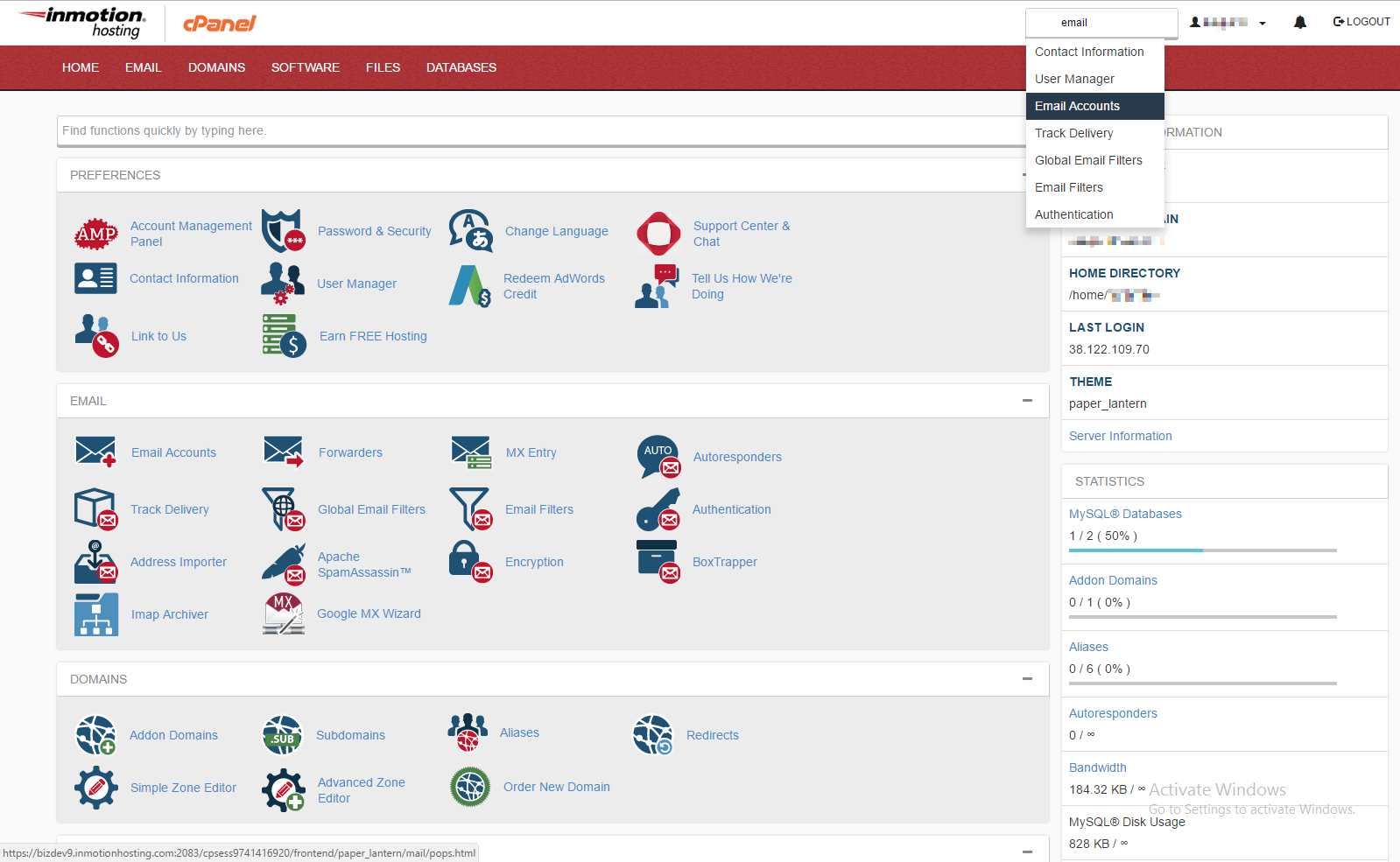
Improved Search
A better search feature allows you to find the right content much easier, taking you straight there from the clickable dropdown results.
Notification System
New notification design makes it easier to get information on updates within cPanel, or other important cPanel alerts.