
When you first log into the Magento 1.6 Admin backend you are presented with the Dashboard. This dashboard gives you statistics or reports. If you are running the store on a fiscal year instead or a calendar year, you may want to change how the reports display. You can change the date in which your year to date starts as well as setting which day the current month starts as well. All of these changes are made in the Magento 1.6 Admin panel.
- Log into your Magento Admin Panel
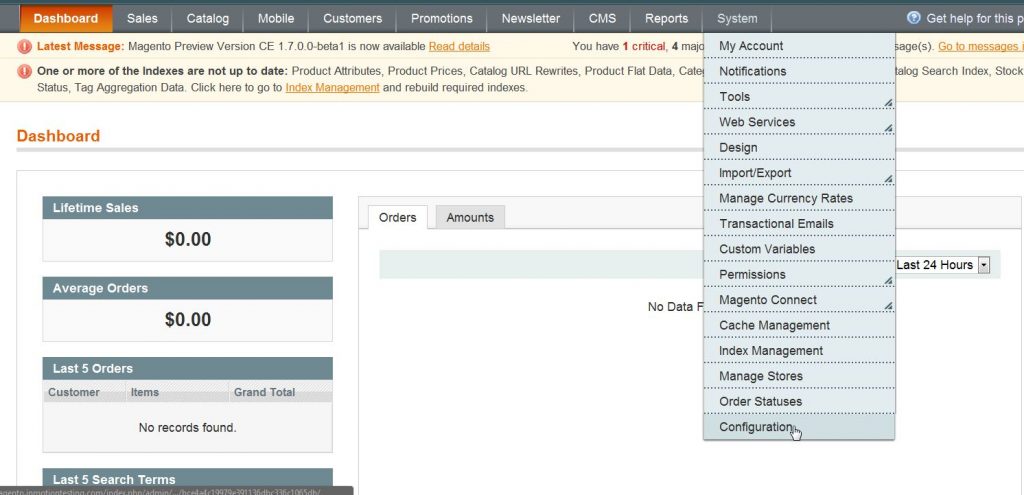
- Go to System ->> Configuration.
- Click on “Reports” in the left side menu pane.
- Open the “Dashboard” section.
- Change the “Year-To-Date Starts” and the “Current Month Starts“.
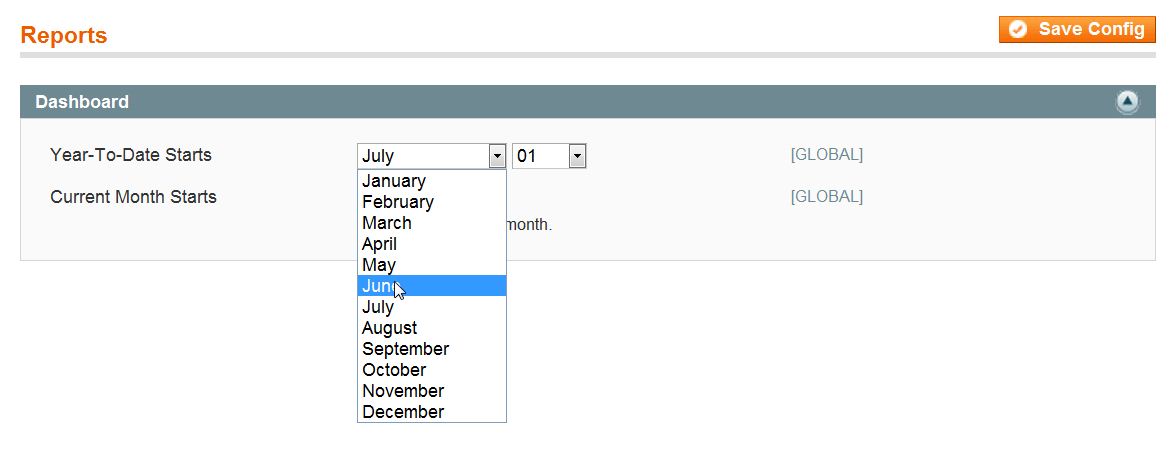
- Click “Save Config“.
Learn more about our Magento Hosting plans or visit our other Magento Tutorials in our Education Channel.