
Magento 1.6 by default has a compilation tool built into it. When you first configure your Magento hosting server, the compiler is disabled and your files have not been compiled. The compilation tool allows you to compile all the files in the Magento 1.6 installation to create a single include path. This can increase performance and in initial tests done by the Magento Development team, it can improve performance between 25%-50%. Compiling the Magento 1.6 installation files is done through the Magento Admin Panel.
- Log into your Magento Admin Backend
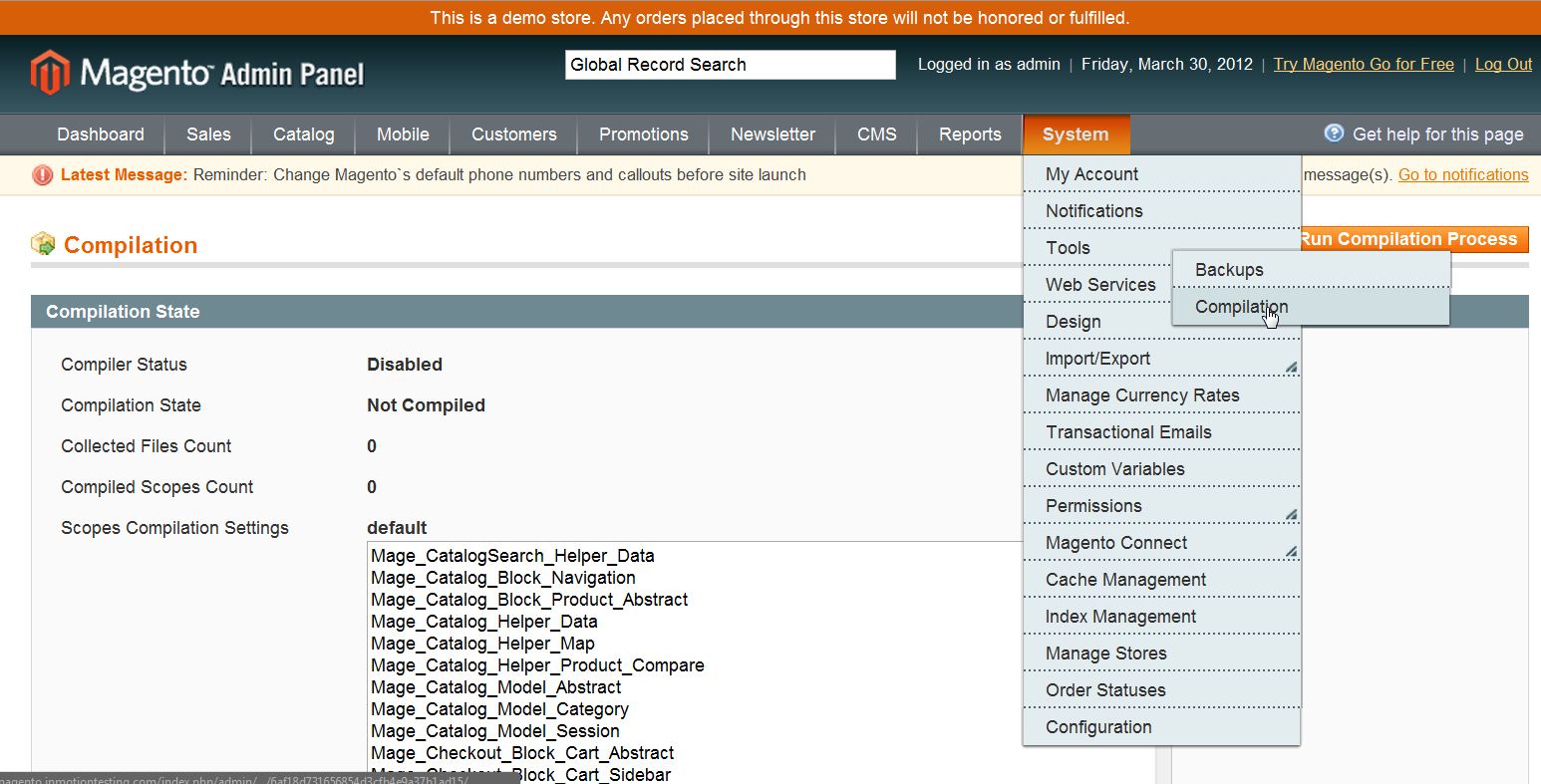
- Go to System ->> Tools ->> Compilation
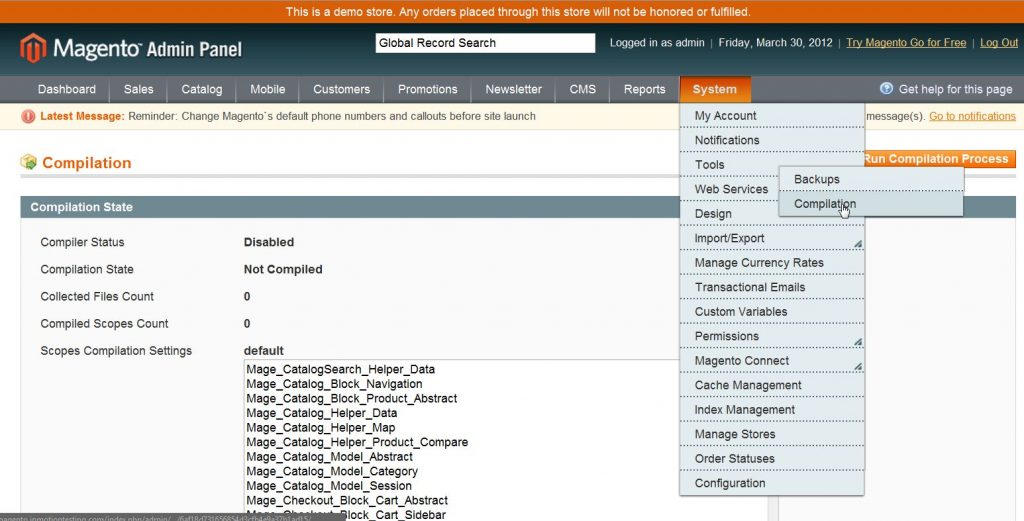
- Now, Click on “Run Compilation Process” to compile the Magento Installation Files


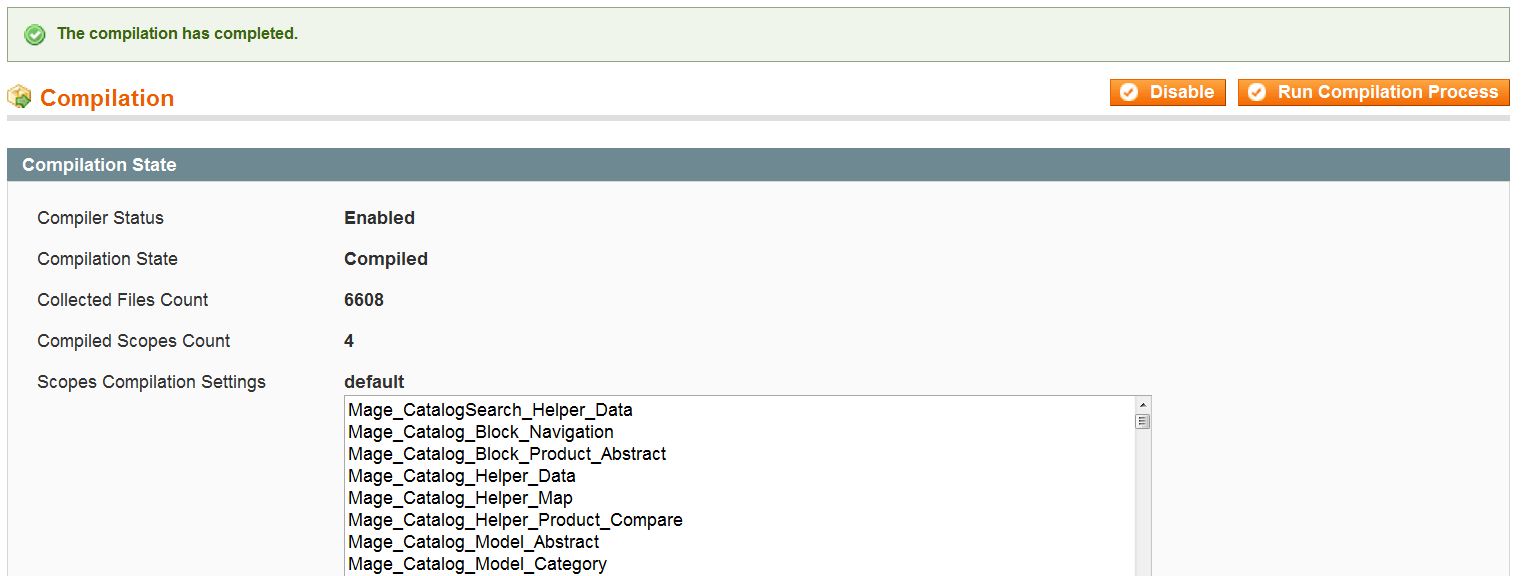
Once you run the compiler, it may take a while for Magento to compile all of its installation files. Once the compilation has been completed you will be notified and the “Compiler Status” and “Compilation State” will update accordingly.
If you need further assistance please feel free to ask a question on our support site.