
Magento 1.6 indexes all of your content in order to speed up how fast it accesses it. If you make changes to your store such as editing products, you’ll want to re-index the content so the changes will display on your front end. By default, if you have never indexed your data you’ll need to index it since none of the content will be indexed to start.
Re-indexing your content in Magento 1.6 is done through your Magento Backend. Magento will notify you if you need to re-index your content. If you have installed Magento 1.6 Sample Data, none of the sample products will show until you re-index your content.
- Log into your Magento Admin Backend
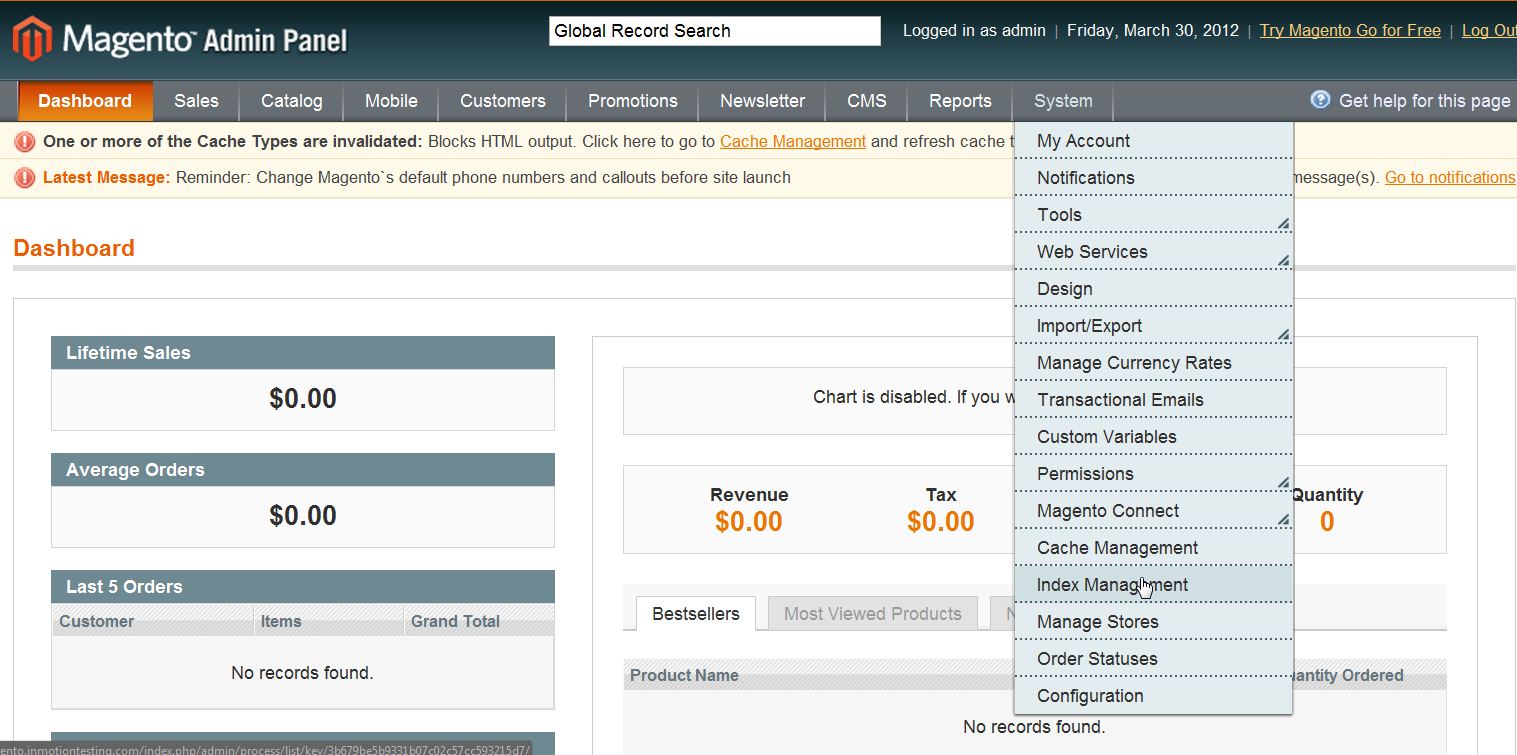
- Go to System ->> Index Management
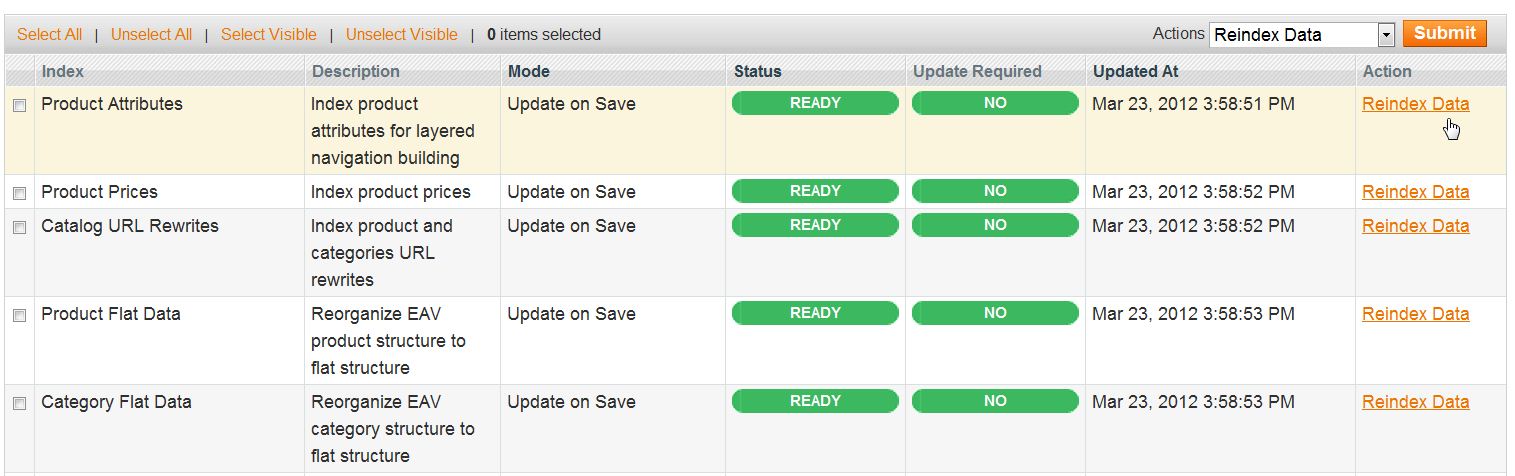
- If re-indexing or updating is rewuired the “Update Required” field will be labeled “Yes. You need to select “Reindex Data” on the right side
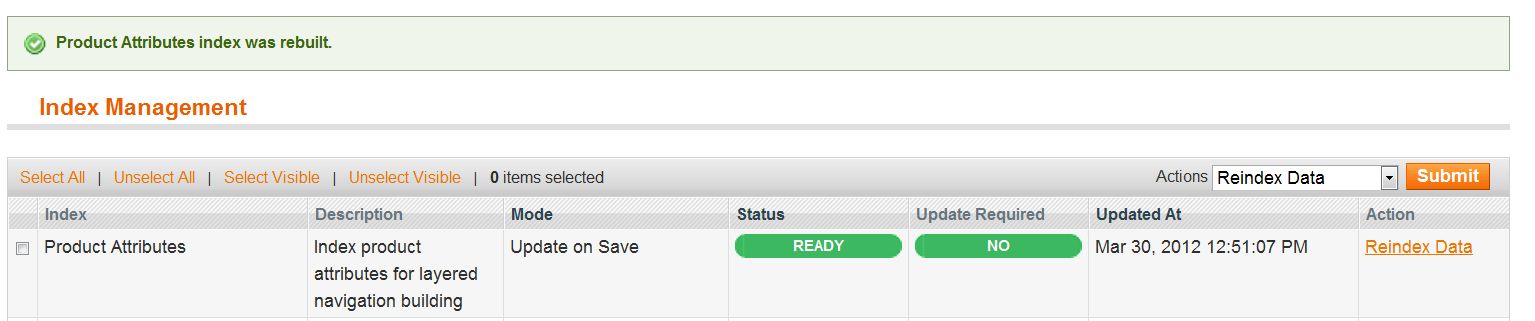
- You will receive a system notification like the one below to let you know what has been reindexed
If you need further assistance please feel free to ask a question on our support site.