
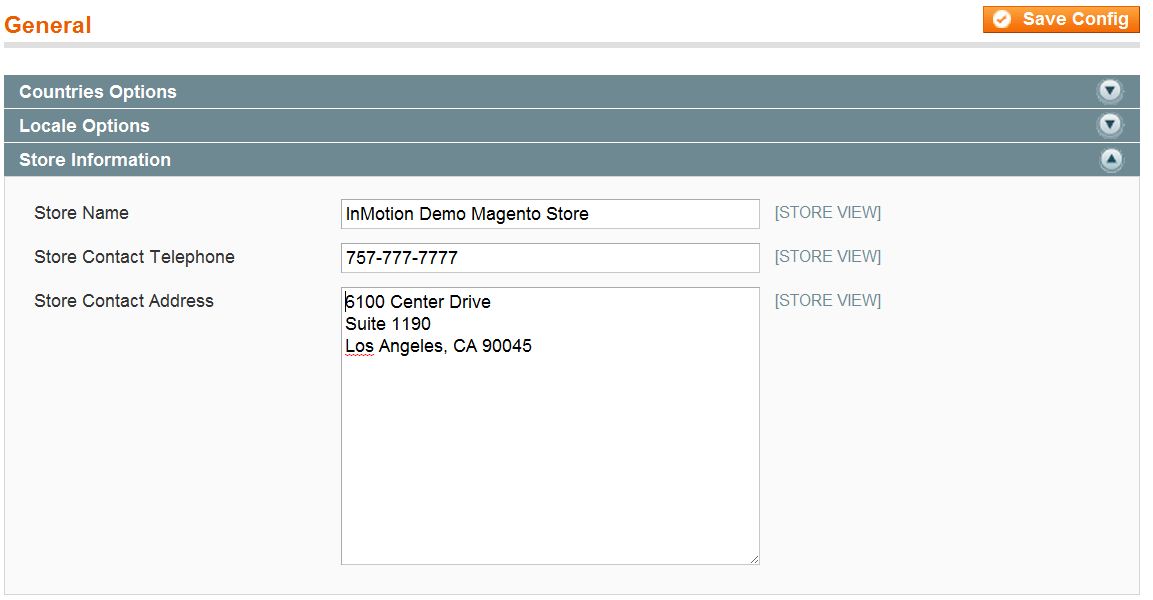
Magento 1.6 allows you to enter contact information so your website visitors can contact you. This information will be displayed on the website for your webstore’s visitors to see. You can add the “Store Name”, “Store Contact Telephone”, and “Store Contact Address” in the Magento 1.6 Admin Panel.
Please feel free to visit our other Magento Tutorials in our Education Channel.
- Log into your Magento Admin Panel
- Go to System ->> Configuration
- Click on the “General” button in the left side menu pane
- Click on the “Store Information” and fill in the Store Name, Store Contact Telephone, and Store contact Address
- Click “Save Config”
For more step-by-step guides and practical tips, visit our Drupal Education Channel.