Joomla 2.5 has reached its end of life as for 12/31/2014. Please be advised this may be a security risk to your website. You can view more information about the end of life here.
In a previous article, we showed you how to move a Joomla 2.5 module to a different position. As we continue working with extensions in Joomla 2.5, the next thing we’ll do is show you how to get modules to show up on your homepage.
To show a Joomla 2.5 module on your homepage:
- Log into your Joomla dashboard
- In the top menu, hover over Extensions and click Module Manager
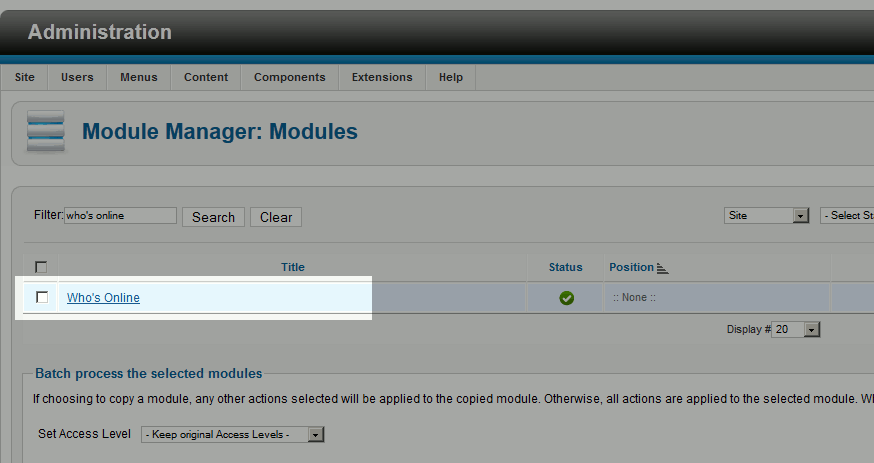
- Use the filter feature to find the module you would like to show on your homepage and then click the module’s name
- Next to position, choose which position on the homepage to show this module on
- Under Menu Assignment, ensure Module Assignment is set to Only on the pages selected. Then click the Main Menu Tab and then select Home
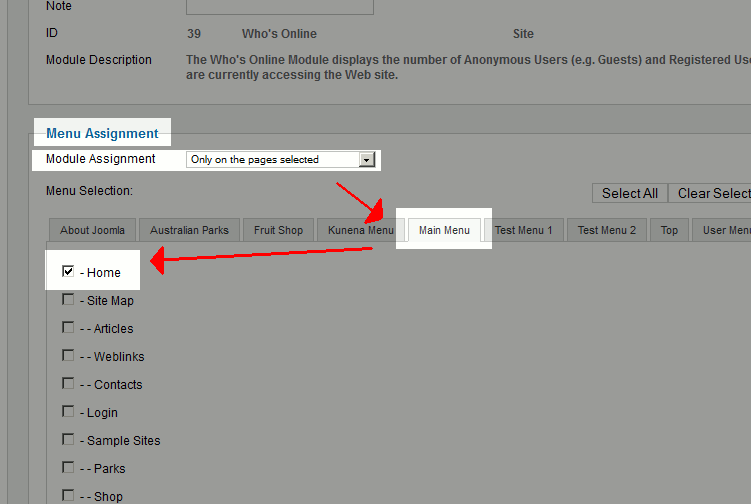
Please note that this is the most important step of displaying a module on your homepage!
- Click Save and then test your website. You should now see this module on your homepage only.
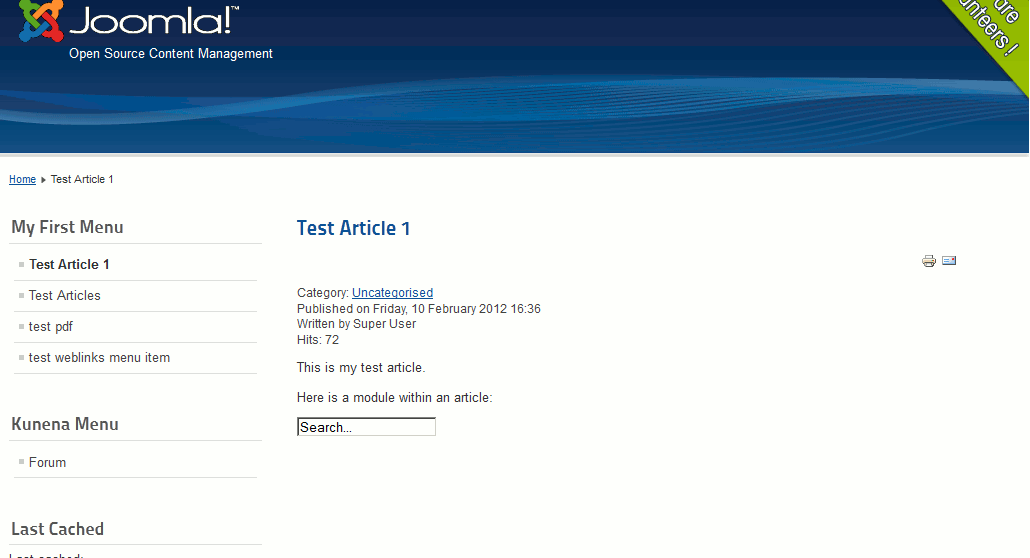
Our homepage (where the module is shown) A random article (where the module is not shown) 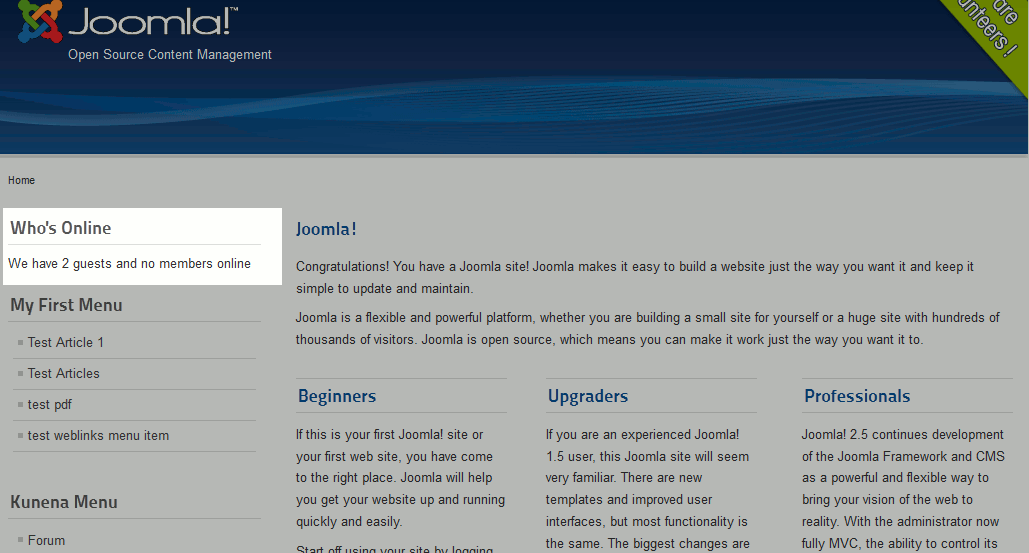




You now know how to show modules on your Joomla 2.5 homepage. In our next tutorial, we’ll show you how to uninstall an extension.