Joomla 2.5 has reached its end of life as for 12/31/2014. Please be advised this may be a security risk to your website. You can view more information about the end of life here.
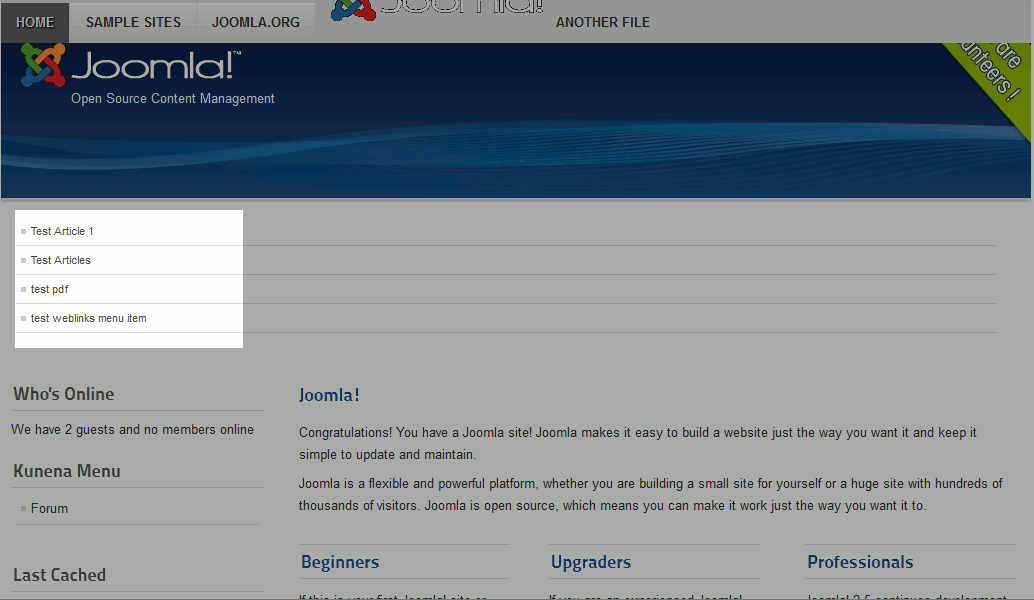
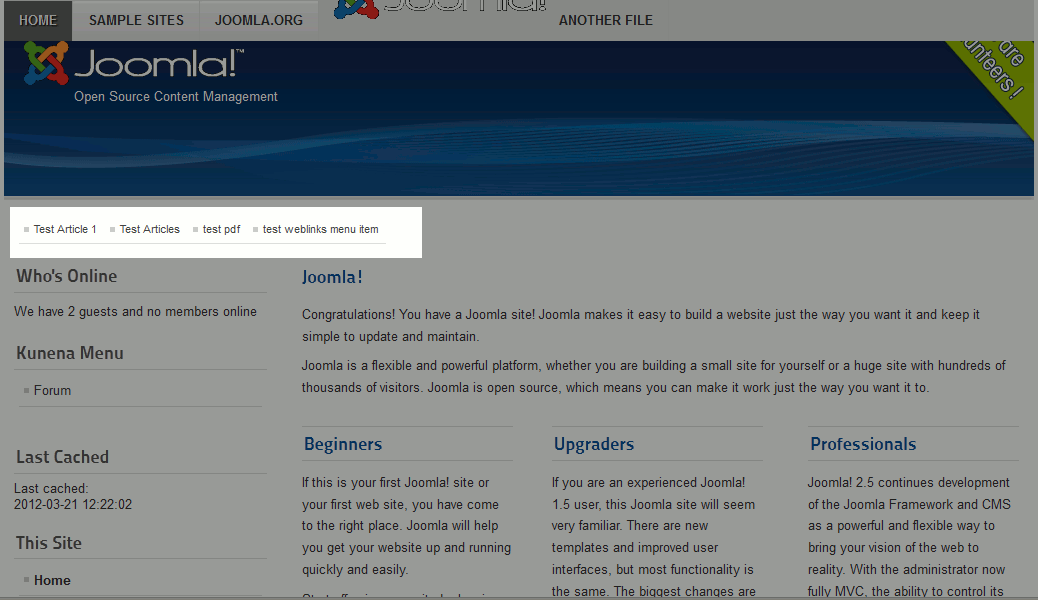
In previous versions of Joomla, the ability to create both vertical and horizontal menus was built in. With newer versions of Joomla however, such as Joomla 2.5, menus by default are vertical and there is not an option to change them to list items horizontally. Using CSS, you can create a horizontal menu, and in this Joomla 2.5 tutorial we’ll show you how to do this.
To create a Horizontal menu in Joomla 2.5:
- Log into your joomla dashboard
- In the top menu, hover over Extensions and click Template Manager
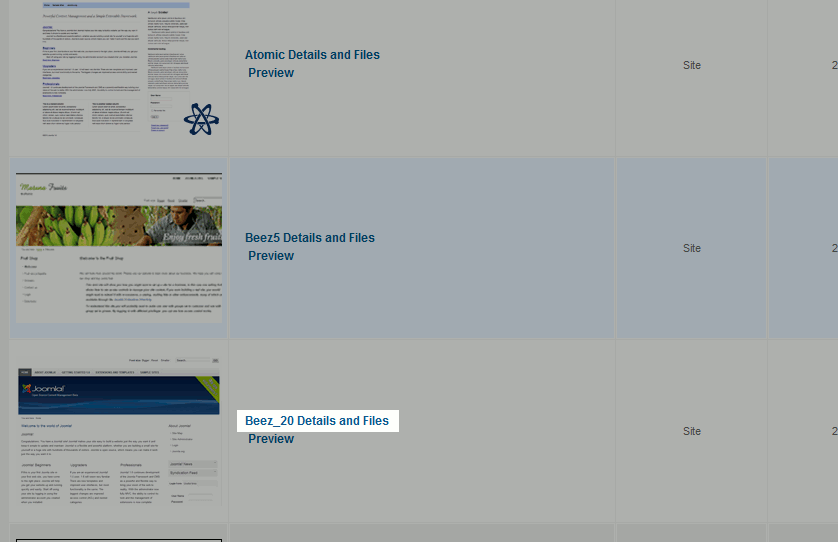
- Click the Templates tab, and then click the Details and Files link next to your template
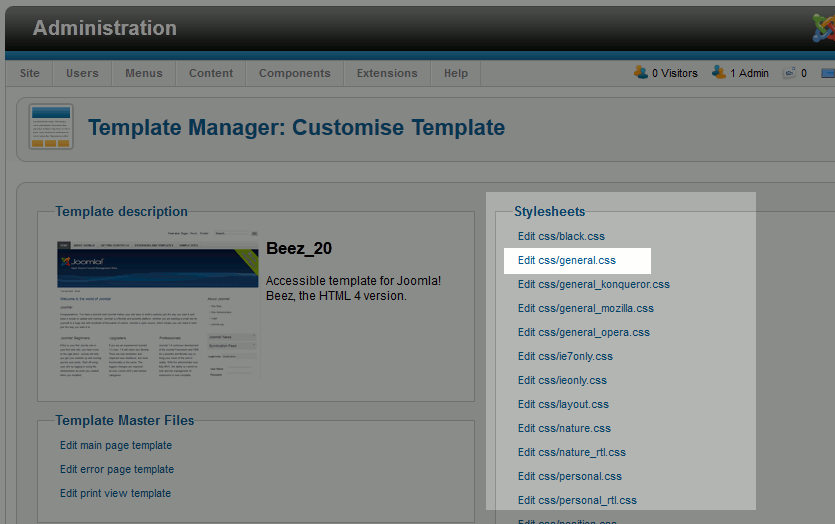
- Under stylesheets, click the stylesheet for your template. If you have numerous stylesheets, find and click one similar to general.css
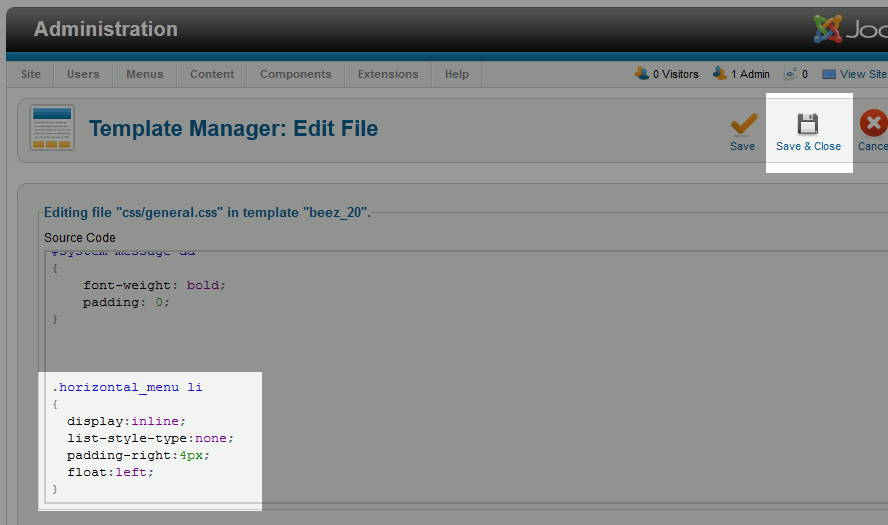
- Scroll to the bottom of the file, insert the following code, and then click Save & Close
.horizontal_menu li
{
display:inline;
list-style-type:none;
padding-right:4px;
float:left;
}
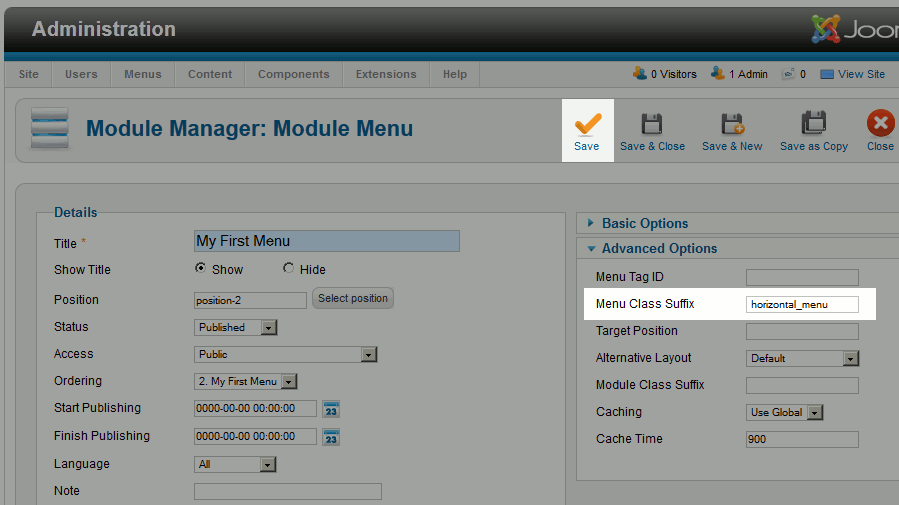
- The next thing you will need to do is edit the module of the menu you would like to be horizontal. To do this, hover over Extensions in the top menu and click Module Manager. Then use the filter feature to find your menu and click on it.
- Under the Advanced Options, next to Menu Class Suffix enter ” horizontal_menu”. Be sure not to enter the quotes, but do include the space before the word horizontal_menu. Then click Save
- Visit your Joomla 2.5 site again, refresh the page, and you should now see your new horizontal menu! As this is a simple CSS change, this should work regardless of who you use to host your Joomla website.
Vertical Menu Horizontal Menu