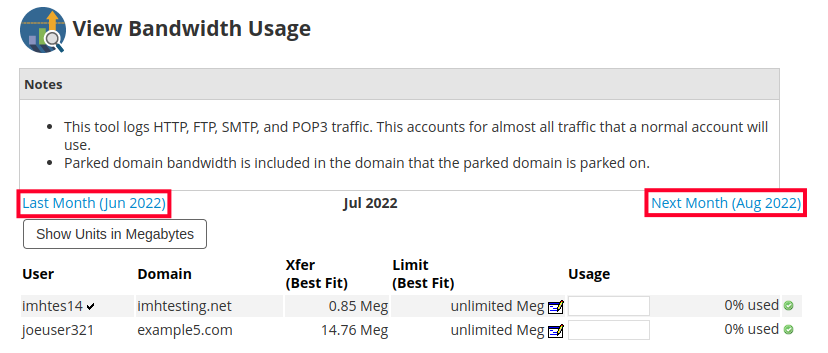
Within your WHM (Web Host Manager), you have the ability to monitor WHM disk usage and bandwidth usage for the cPanel accounts that you manage. This can help you determine the specific accounts that are using up most of your server resources.
This guide will show you how to monitor cPanel disk space and bandwidth usage in WHM.
How to View Disk Space Usage
- Login to your WHM.
- Type “list” in the search box.
- Click the List Accounts link which is under the Account Information heading in the left menu.
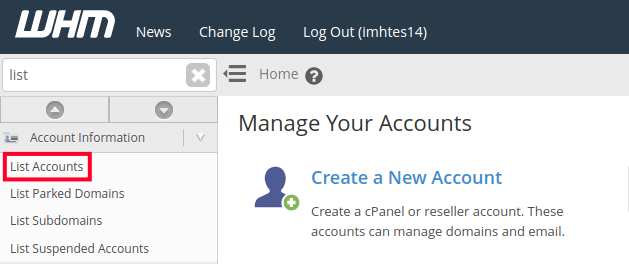
You will see a listing of all of your accounts, and disk space usage can be seen under the “Disk Used” column.
How to View Bandwidth Usage
- Log into your WHM.
- Type “bandwidth” in the search box.
- Click the View Bandwidth Usage link under the “Account Information” heading in the left menu.
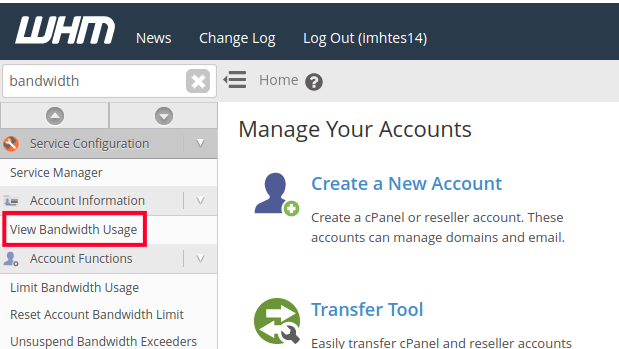
You will then see a list of your accounts and the bandwidth usage for the current month can be seen under “Xfer (Best Fit)”.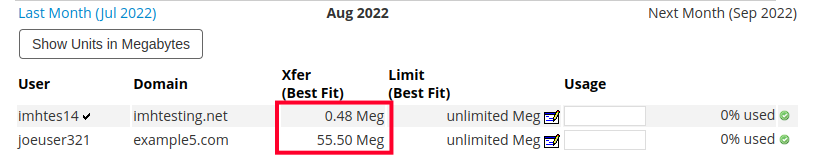
Total Bandwidth Usage will be listed toward the bottom of the page.
- You can also view usage for other months by clicking the “Last Month” and “Next Month” links.