Joomla 2.5 has reached its end of life as for 12/31/2014. Please be advised this may be a security risk to your website. You can view more information about the end of life here.
If you need to upload images to your Joomla 2.5 website, you can do so using the Media Manager or you can upload images directly from the article editor. If you need to browse your current list of images (instead of uploading images), you can easily do this using the Media Manager. You’ll notice in the Media Manager that you can either browse files using either a Thumbnail view or a Detail View. In this Joomla 2.5 article, we’ll show you the differences between the Thumbnail View and the Detail View.
How to access the Joomla 2.5 Media Manager:
- Log into your Joomla Dashboard
- In the top menu, hover over Content and click Media Manager
To toggle between Thumbnail View and Detail View:
- Follow the steps above to access the Media Manager
- Click the Thumbnail View tab or the Detail View tab
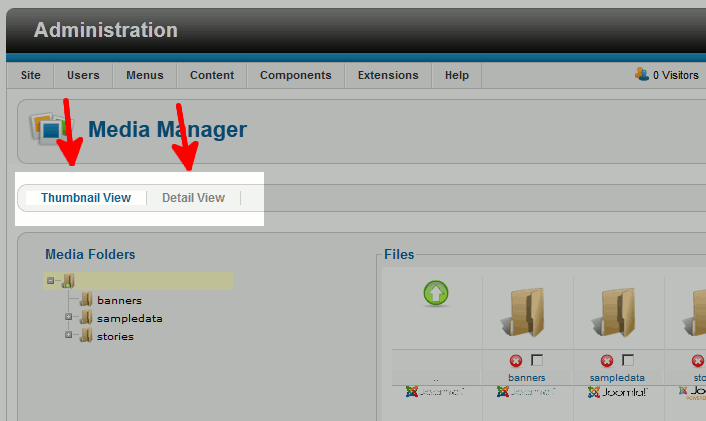

Thumbnail View vs. Detail View
| Thumbnail View | Detail View |
|---|---|
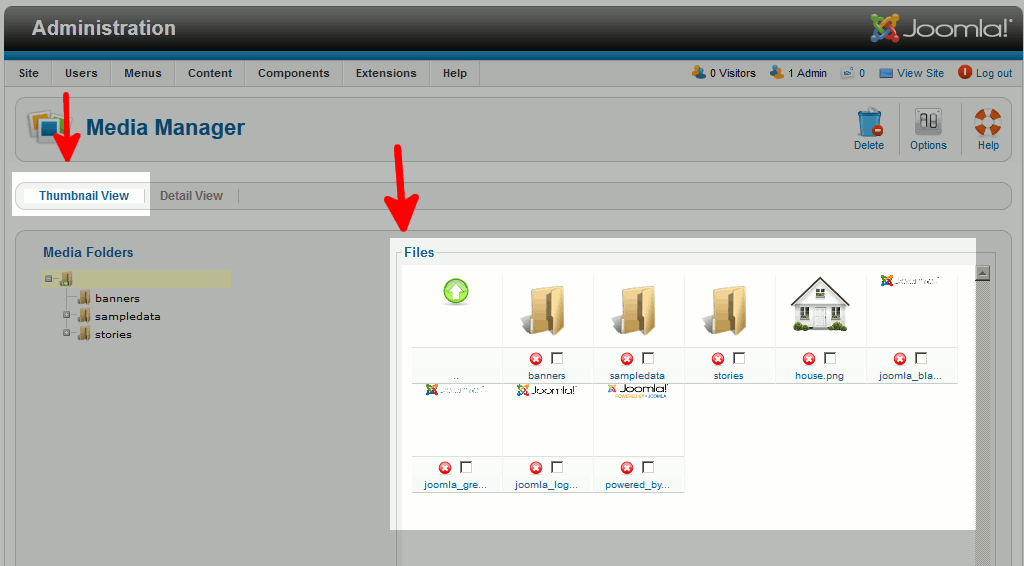
|
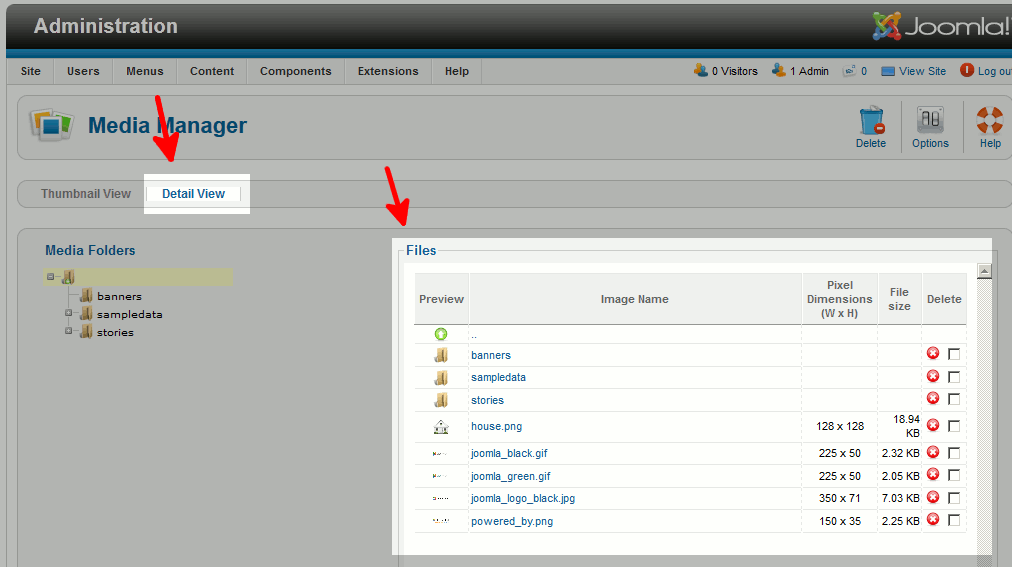
|
| Thumbnail View | Detail View | |
|---|---|---|
| One Click Image Preview | yes | yes |
| One Click Image Delete | yes | yes |
| Mass Image Delete | yes | yes |
| Image Pixel Dimensions | no | yes |
| File Size | no | yes |