
In this tutorial, we will show you how to find your server name in cPanel. The server name is for the actual server that hosts your website files and is good to know at times. For example when you are trying to identify if we are performing maintenance on your server.

Find Your Server Name in cPanel
- Log into your cPanel.
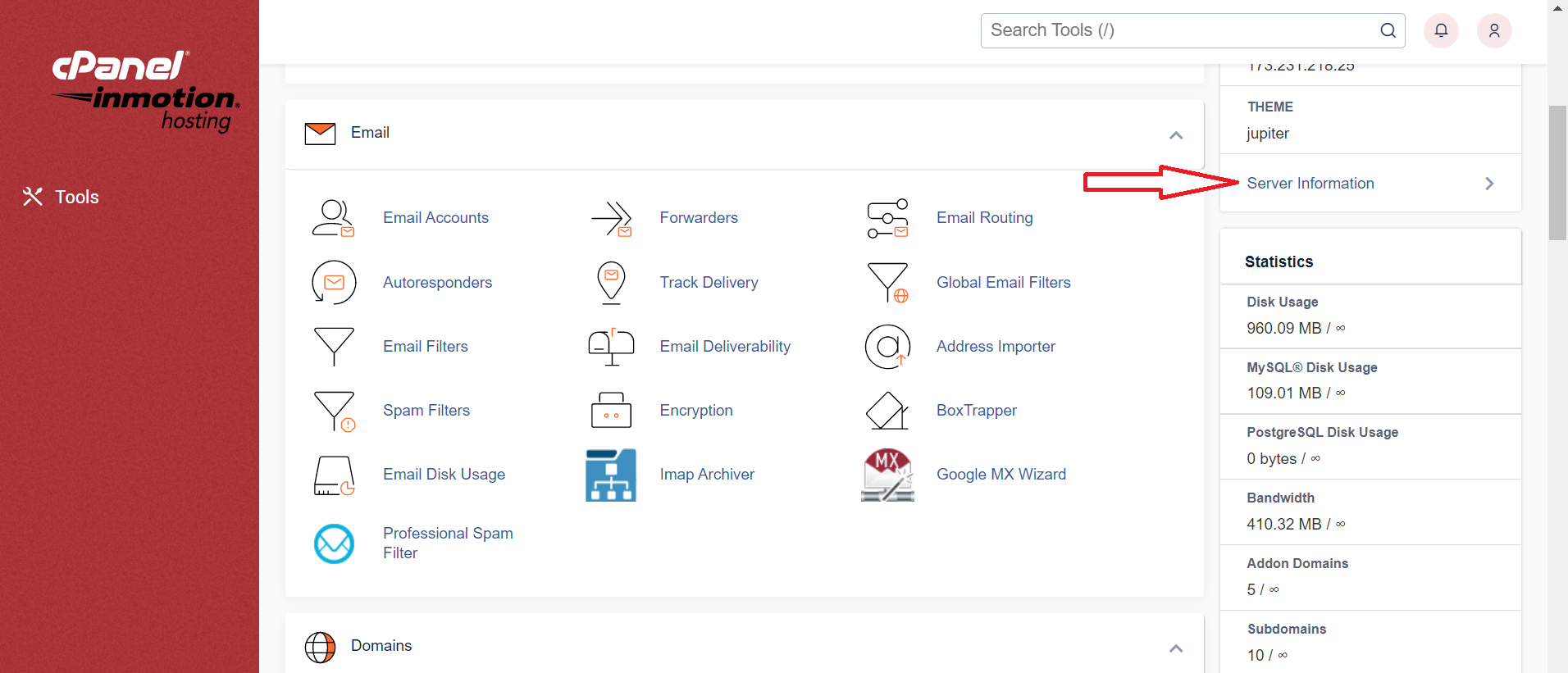
- Click the Server Information link in the General Information section.
- You will then see your Server Name listed along with additional information about your server.
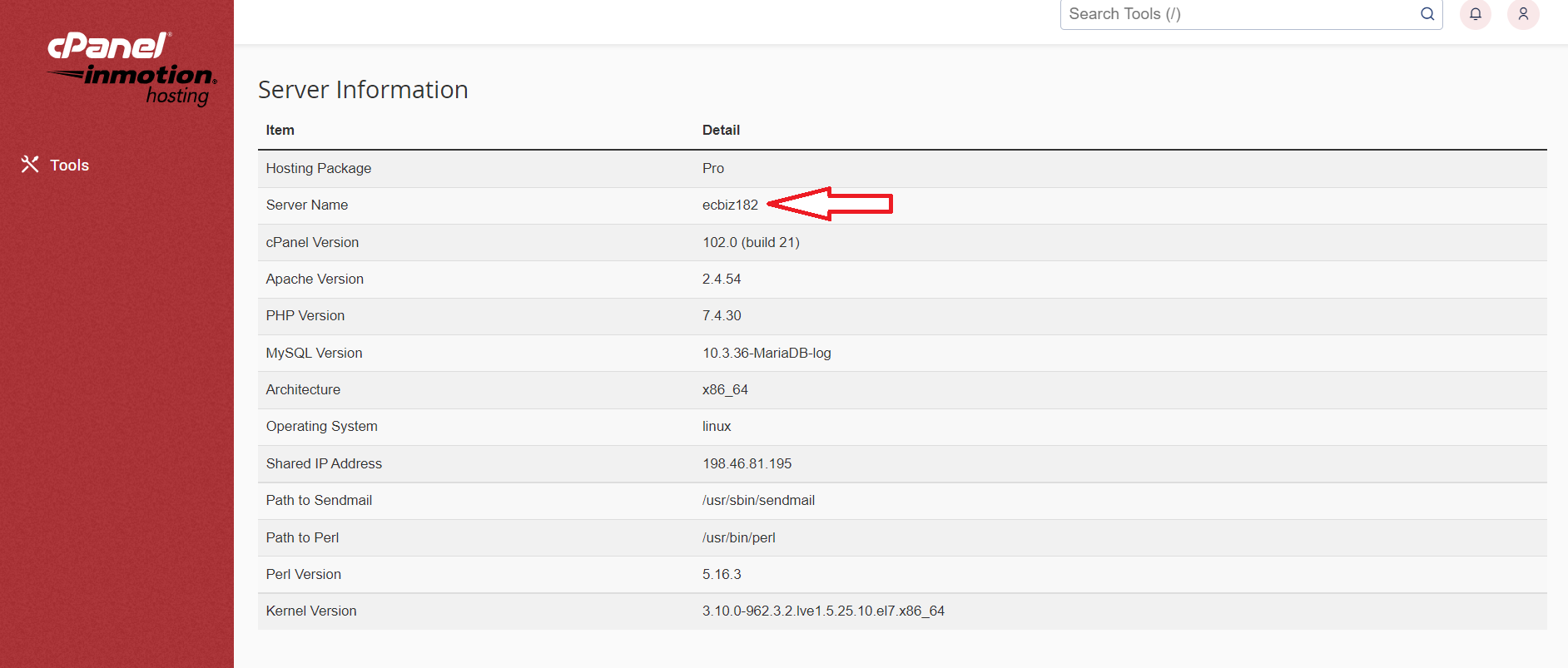
Congratulations, now you know how to identify your server name in cPanel!
Did you know? Not all hosting companies provide free access to cPanel. InMotion does and it’s just one of the many features of our Shared hosting plans.
Trust your business to an industry leader in fast and reliable website hosting solutions. InMotion Hosting offers secure web hosting with 99.99% uptime, 24/7 expert human support, and 100% money-back guarantee.