


Install Working with Images Watermark Upload files Create gallery Remove comments As a photographer, there are many choices that one can make in order to create a website. One of most popular choices to create a website on the internet is the freeware known as WordPress. This tutorial will show you how to easily create Read More >
Product Guides
Welcome to the InMotion Hosting Product Guides
This page helps you get started, whether you’re setting up a new website or exploring our products. Select a product below to access tutorials, setup guides, and troubleshooting articles tailored to your hosting plan or service.
Web Hosting

Dedicated Hosting
Dedicated Linux servers that are completely customizable to meet your enterprise level needs.

Business Shared Hosting
Quickly launch your web presence with our affordable Business Shared Hosting plans.

Reseller Hosting
Be your own web hosting provider to your customers with our affordable Reseller Hosting plans.
Reseller VPS Hosting
Be your own web hosting provider to your customers with our affordable Reseller VPS Hosting plans.

Managed VPS Hosting
Learn how to get the most out of your Managed VPS Hosting plan using cPanel/WHM or Control Web Panel.
Hosting for WordPress
Our Hosting for WordPress on cPanel is fine-tuned to deliver superior performance, security, and provide best-in-class hosting.
UltraStack ONE for WordPress
Our all-in-one Hosting for WordPress platform is the ultimate choice for website owners who want to simplify their hosting and management process for their high-performance servers.
Website Services & Software

Web Design Services
Get detailed answers to your questions about our Website Design and Maintenance Services, including getting started guides and common tasks.

Backup Manager
Give yourself peace of mind with Backup Manager. Automatically backup your files, databases, email and cPanel account settings on an external server.

Softaculous
Easily install, upgrade, and manage over 400 web applications, site builders, and frameworks with Softaculous. Save time from manually uploading installation files and configuring databases with cPanel.
Guides That Apply To Every Product
Billing, email, security, and account management work the same no matter which plan you’re on. Start here when the topic isn’t tied to one product.
Still Stuck?
Community Forum
Ask other customers and our support team in the Community Support Forum.
Open a Ticket
For server-specific issues that need eyes on your account.
Live Chat
24/7 Support for customers with active hosting plans.
Integrating Elasticsearch with WordPress using ElasticPress
If you’ve ever used Elasticsearch for managing your searchable content, you know that it is incredibly fast and scalable. If you’re a WordPress user, you likely also know that obtaining WP_Query objects can sometimes have a negaitve impact on your resource usage if you have a large database of center to search from. Thankfully, 10up Read More >
Adding a Spotify widget to WordPress with the Spotify Master Plugin
If you are a musician, you are certainly familiar with the streaming music service, Spotify and likely would want to promote your music on there. In this article, we will show you how to embed a link your Spotify profile into WordPress using the Spotify Master plugin. Installing the Spotify Master widget First, log into Read More >
WordPress Critical Security Announcement
As of today, several vulnerabilities were discovered and patched within WordPress. The most critical of these is a cross-site scripting vulnerability which allows malicious comments to be left, and when seen, can execute unauthorized code as the administrator user in versions 3.0-3.9.2. Although 4.0 is not affected by this particular vulnerability, several other vulnerabilities were Read More >
InMotion Hosting Shared Servers and Reseller servers Using SSD
InMotion Hosting servers regularly undergo maintenance and upgrades in order to keep them running optimally. The most recent notable update for InMotion Hosting servers is the move to use SSD (Solid State Drives). The following article lists the servers that have been updated to SSD. Read more about SSD Hosting. Shared Servers and Reseller Servers Read More >
Banning known hack sources from your WordPress site
Preventing malicious attacks before they are even attempted is often one of the best defenses against your website becoming hacked. Of course, there is no replacement for a securely developed site, but a large majority of attacks can be blocked by simply banning malicious sources from your WordPress site. In this article, we will show Read More >
Working with Images for your WordPress PortFolio Website
Workflow File format Image size Watermarking Uploading The most important thing that you as a photographer are going to want out of a website is its ability to showcase your images. The main problem is that the image produced by modern digital cameras are very large. This is important because, the larger the file, the Read More >
How to Create a Gallery in WordPress without a Plugin
One of the strengths of WordPress is its ability to quickly handle images within its pages and posts. In fact, you can easily create a gallery to display images with little more than the default theme. No plugins are needed! The following article will walk you through the steps necessary to create a basic image Read More >
Creating a Child Theme in WordPress
If you want to modify a WordPress theme, you should create what’s called a child theme. A child theme allows you to make updates that would not be overwritten by updates to the theme. Theme updates occur on a regular basis, usually in response to updates to WordPress. If the modifications were made to the Read More >
The add_action WordPress function
The add_action function is arguably the most used function in WordPress. Simply put, it allows you to run a function when a particular hook occurs. In this article, we will introduce you to the add_action function and teach you how to use it in your first WordPress plugin. For example, if you wanted to add Read More >
The has_action() WordPress function
When writing a WordPress plugin or theme, you may need to check if an action hook exists before running additional code. In this article, we will show you the has_action WordPress function as well as how to use it. Usage <?php has_action( $tag, $function_to_check ) ?> Parameters The has_action function includes 2 parameters, on of Read More >
Preventing comment spam with the PlusCaptcha plugin for WordPress
Unprotected comment fields can be largely targeted for spam if left defenseless. One solution to ensure that the form is submitted by a real person is to use a captcha. In this article, we will show you how to install and configure the PlusCaptcha plugin on your WordPress site in which your users can complete Read More >
Prevent WordPress brute force attacks with BruteProtect
When running a website, especially with the increase in brute force attacks against WordPress sites, it is important to protect yourself. Thankfully, BruteProtect will allow you to easily and automatically block attacks. As BruteProtect stores known attack sources in its database, many attacks are stopped before they even begin. In this article, we will show Read More >
Cleaning up Old Comment Meta Data in WordPress
After a while, old comment meta data can sometimes pile up in your database in which it can take up space as well as negatively impact your site performance. In this article, we will show you how to easily clean up the wp_commentmeta tables in your database to remove old comment meta data that no Read More >
Showing your Facebook page photos in WordPress
If you have a website for your business, chances are that you have a Facebook page as well. In this article, we will show you how to use the Facebook Photo Slider plugin to easily display your Facebook page’s images within your WordPress site with an attractive and efficient slider. Note: This plugin only works Read More >
Upgrade to VPS NVMe SSD Hosting
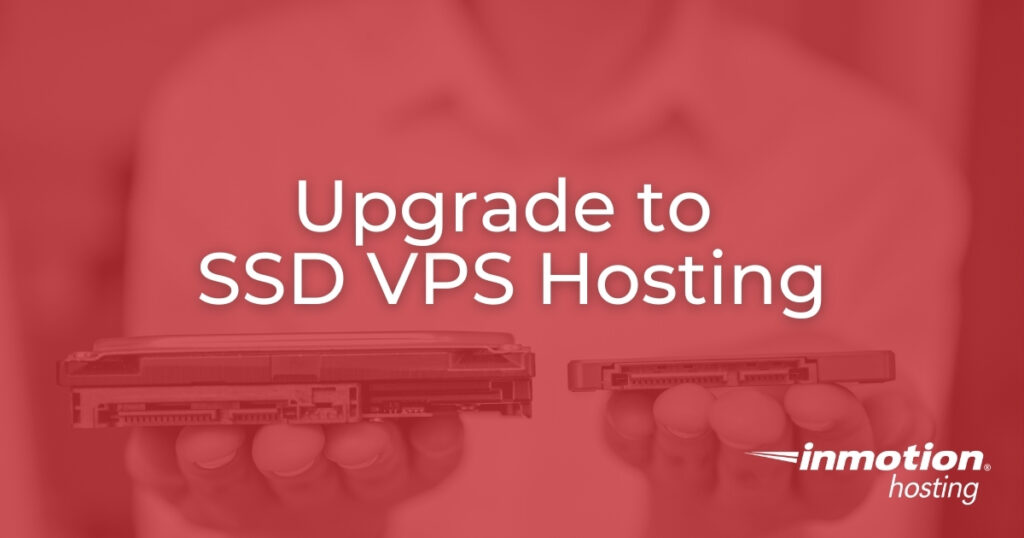
As a linux VPS host, InMotion Hosting now provides a way for you to update your VPS hosting account to NVMe SSD (see why you should switch to NVMe hosting). The upgrade to your account is easily done using your Account Management Panel (AMP). There would be little to no downtime involved in the migration process. Read More >
Installing Logaholic via Softaculous
Logaholic is a program that allows you to track statistics for your website. These stats allow you to see things such as how many hits your site gets on a daily, weekly, or monthly basis. You can use these stats to compare and see trends to help your site become more efficient. This article guides Read More >
Configuring Text Message Notifications in WordPress
Knowing when various things happen within your WordPress site is always critical and sometimes hard to keep up with, especially if you have multiple individuals all making changes. Having a notification system in place that alerts you anywhere you are via text message of changes that are made can make your life a lot easier. Read More >
MailPoet Newsletters WordPress plugin vulnerability – update immediately
On July 4th, 2014 a vulnerability was discovered in the MailPoet Newsletters plugin for WordPress that allows code to be remotely injected into any sites that are running versions 2.6.7 or older. Am I affected? Thankfully, the developer of the MailPoet Newsletters plugin has released an update that resolves the security vulnerabilities. If you are Read More >
The wp_delete_post() WordPress function
At times, you may need to delete a post using a WordPress plugin. For example, if you had a calendar system that created posts for events, and the event was canceled or happened in the past, the ability to automatically delete posts can be quite useful. In this article, we will show you how to Read More >