Our PHP hosting services empower you to have full control over your PHP versions with the latest cPanel functionality. With just a few clicks, you can switch between different versions and even use different versions across sites in the same cPanel. This is especially helpful when upgrading older sites, troubleshooting, or dealing with third-party applications. Read More >
Education Channels
Be More Successful
InMotion Hosting knows the web runs off of open source software, and we love to support it. Our Education Channels will help you with using some of the most popular programs on the web today! Our Joomla tutorials make creating a website Joomla easy. Read our Drupal tutorials and learn how the saying, ‘Drupal Hosting is only for programmers’ is such a big misconception! Whatever software you use, InMotion Hosting is your best choice today for all your web hosting needs.
What is an Education Channel?
Whether you have a Shared Hosting account, a Virtual Private Server (VPS), or a Dedicated Server, our education channels are very helpful and will assist you as you carve out your web presence. Stay up to date on your favorite topics by becoming a fan on Facebook, following us on Twitter, and subscribing to our YouTube channel.
Blogs and Content Management Systems

WordPress
While WordPress initially began as a blogging platform, it has grown into one of the most popular Content Management Systems used in creating all types of websites today.

BoldGrid
BoldGrid is a WordPress plugin suite that makes building websites a breeze. With fully generated sites, all you need to do is install it and then customize the content to make it your own!
Laravel
Laravel is a versatile and sophisticated PHP framework designed for building scalable and maintainable web applications with elegant syntax and powerful tools. Discover the power and elegance of Laravel through our step-by-step guides.

Moodle
Moodle is a free open source software for designing educational courses. Moodle is an abbreviation for Modular Object-Oriented Learning Environment. The software is also known as an Online Course Management System or Virtual Learning Environment.

Joomla
Joomla is an open-source content management system (CMS) for creating and managing websites, known for its flexibility and extensibility. Learn more about Joomla in our education channel!

Drupal
Create a powerhouse website with the help of the Drupal Content Management System. Make it even better with the large list of add-on modules. Conquer the competition by learning about Drupal here.
eCommerce

WooCommerce
WooCommerce is the official WordPress eCommerce system. It brings you the ease and simplicity of WordPress with powerful eCommerce features.

PrestaShop
PrestaShop is the most reliable and flexible open source eCommerce software. Built with a responsive interface per input from experienced designers and eCommerce business, the software is used by over 200,000 merchants online.

OpenCart
Looking for a complete guide for setting up an online store? Our OpenCart tutorials cover everything you need to know to get an online store up and running.

Magento
Magento is one of the most successful eCommerce systems in recent years. It has many powerful features and is very integrated compared to some other ecommerce systems. It is very popular with larger companies and many shops graduate to Magento after starting on more simple systems. Visit our Magento Hosting if you are not a current customer.
Our Software Tools

cPanel
cPanel is your tool for managing your hosting account. From creating email address to configuring database, cPanel’s tools will help get the job done.

WP-CLI
WP-CLI (WordPress Command Line Interface) is the a powerful tool built to allow the management of your WordPress sites through the Command Line Interface (CLI). Typically utilized by advanced users, our comprehensive guides can help anyone familiarize themselves with using this efficient tool to manage WordPress.

WebHost Manager
WHM is a tool only available to VPS Hosting and Dedicated Hosting users that allows you to, in essence, manage your server as your own web host.

EasyApache
EasyApache is the PHP and Apache configuration software built by cPanel. EasyApache can be complex but simple to use to control your PHP and Apache environments.
Email Setup & Deliverability

Everything Email
From basic setup to how to get the most out of your email, we’ll get you off to a good start with your new email accounts.
WordPress Through the Ages
Currently responsible for powering more than 35 percent of the internet, WordPress is hands-down the most popular CMS available. But its rise to the most used CMS didn’t happen overnight. Releasing a new version of its product an average of about every 152 days, WordPress has continued to grow and improve throughout time via the Read More >
Gutenberg 8.6 (Plugin) Update
This is a short summary of the Gutenberg 8.6 update. The latest changes include a Cover block with added video position controls and Block pattern updates. This article will display and describe these added changes. In order to use the latest version of Gutenberg, you need to download the plugin from the WordPress Plugin repository. Read More >
Gutenberg 8.5 (Plugin) Update
When you see an update on Gutenberg, you can expect an improvement of the many features in the oft criticized editor within WordPress. Gutenberg has a love or hate relationship with many WordPress users, but aside from some of its quirks, using it can help speed up content creation in WordPress posts. The latest release Read More >
How to Install FFmpeg on AlmaLinux and CentOS with RPM Fusion
You need to record, stream, or convert media files on your server, and FFmpeg is the cross-platform command line interface (CLI) tool built for the job. It works as both an audio editor and a video editor. This guide shows you how to install FFmpeg on AlmaLinux 8, 9, and 10, or on CentOS 7, Read More >
Installing Kubernetes on CentOS 7
Kubernetes is a popular open-source solution for automated software deployments that uses containerized applications. Originally designed by Google, Kubernetes is compatible with most Linux distributions, including CentOS 7 and Ubuntu. When Kubernetes is installed and configured, it is then referred to as a Kubernetes cluster. A Kubernetes cluster involves 2 or more machines that are Read More >
How to Install FFmpeg on Debian with APT
The FFmpeg command line interface (CLI) application is a free, versatile audio editor and video editor for Linux, Windows, and macOS. FFmpeg offers a long range of possibilities for recording, streaming, and converting media files to your preferences. Below we cover how to: Install FFmpeg Use FFmpeg Keep in mind, the apt version of FFmpeg Read More >
How to Add Business Hours to WordPress

Though we’re interacting more and more online every day, some elements of the physical world can and should follow us to our digital spaces. For businesses, this includes adding business hours to your WordPress site. Even if your doors aren’t physically open, business hours can tell your audience when you’re available for communication and set Read More >
Opportunity – Online WordPress Meetups!
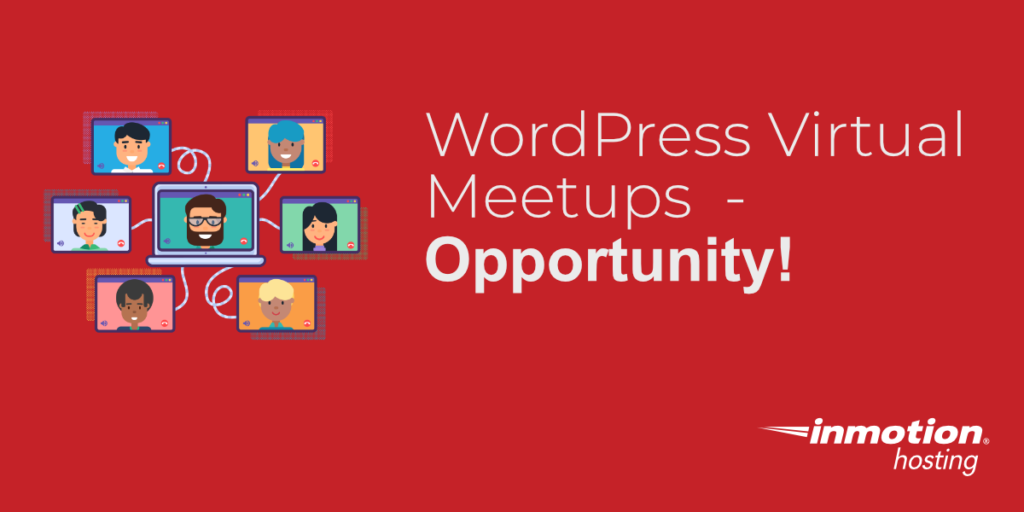
The picture below is from the last in-person WordPress Meet up in Virginia Beach. At the time, the concern was more about space and the food that would be available for the attendees. Months later, everything has changed. The pandemic has led to changes in work and social lives. However, for local WordPress Meetups, this Read More >
Unsplash WordPress Plugin Allows Image Search from Editor
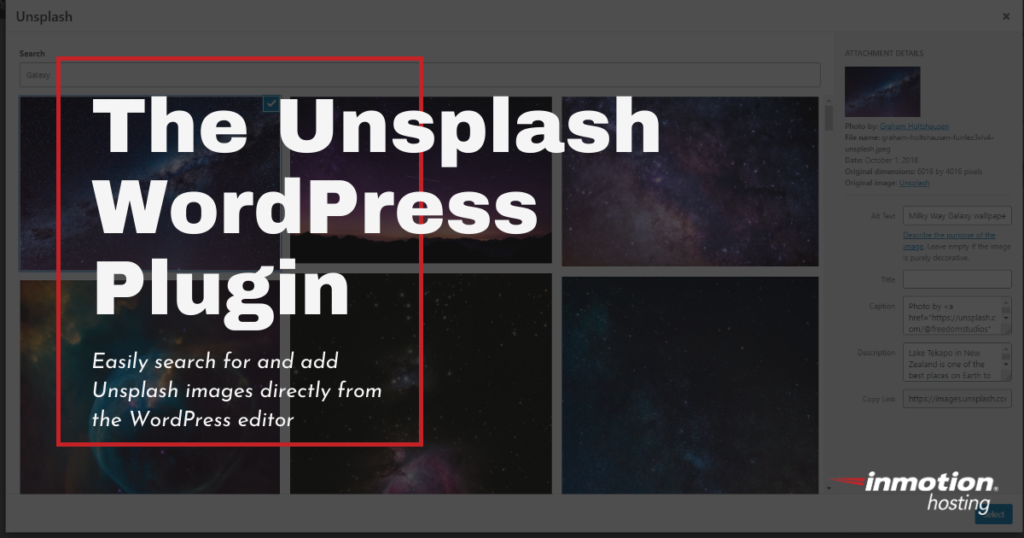
Unsplash, the free stock image platform, has recently launched a WordPress plugin that allows users to easily search for and add Unsplash images directly to their WordPress site via a block added to the editor. If you’re unfamiliar, Unsplash has hundreds of high-resolution, photographer submitted images available for free use. The plugin, which was created Read More >
How to Install PIP
PIP (Python Installs Packages) is a package management system designed to install and manage software packages written in the Python language. While most installations of Python come preinstalled, it may sometimes be necessary to manually install PIP on your machine. PIP can be installed on all major operating systems, including most varieties of Linux distributions. Read More >
How to Create and Edit Pages and Posts in WordPress

Pages and posts are essential, foundational elements for all WordPress websites. No matter the purpose of your website, you will have pages, posts, or both for your site to function properly. There are a few differences between pages and posts, but creating and editing them is pretty much the same. Remember that when you edit or Read More >
How WordPress Helped Small Businesses During COVID-19

In March of 2020, the US started to shut down due to COVID-19 and around 30 million small businesses felt the impact. As schools closed and people begin to shelter at home, small businesses immediately felt the pressure as foot traffic halted. Small business owners needed to adapt to the new stay at home environment Read More >
Ansible and Docker
When automating your data center infrastructure, it is important to understand the various technologies that are available to you, as well as how the individual technologies can be used in combination to better suit the individual needs of your operation. For example, both Ansible and Docker exist as solutions for the automation of server software Read More >
How to Wrap Text in Emacs

Emacs is a high level open source cross platform text editor. The first time you open Emacs you might start typing and realize your text rolls right past the right margin of your editor frame and continues into nowhere. For most users, wrapping text (or, soft wrap) is more visually appealing, and helps keep a Read More >
Google Web Stories Creates Beautiful Content for WordPress Websites

Content is king. No, seriously. You may be tired of the saying but it’s still very much the truth. Engaging, shareable content on your website boosts audience interactions, encourages content sharing, and can help you maintain and grow website visits. However, creating sleek, engaging content can be time-consuming, especially if you’re a small business owner Read More >
Resource Guide — Top Free WordPress Form Plugins
No matter what, when building a WordPress website, you can count on adding a forms plugin. Across all businesses, adding a form is a must. It’s the easiest way for visitors to get in touch with you and, at this point, is an element visitors expect to see. Adding a form is the easy part. Read More >
How to Log into Your WordPress Dashboard
One of the benefits of being an InMotion WordPress Hosting customer is that we can migrate your existing WordPress website to your InMotion Hosting account or easily get you set up with a site that has WordPress already installed. At that point, it’s just a matter of logging in and getting started. Once you have Read More >
How to Enable a SSL on a WordPress Site
In this tutorial, we will show you how to enable your WordPress SSL, so you can connect to your website securely using an SSL certificate. For more information, see our guide titled “What is SSL and why is it important?“ Note: You will need an SSL Certificate before attempting to complete this tutorial. An SSL Read More >
How to Manage AutoSSL Certificates in cPanel
After you have enabled AutoSSL, the free SSL that’s auto-enabled forever, in WHM, then the next step is to make sure that the certificates have been added to your account. You can manage the certificates in the cPanel using the SSL/TLS interface. The following article applies to Shared Hosting customers as well as Reseller customers. Read More >