
It’s good to have more than one way to achieve a goal. With Ampache, this starts with having another way to reset user passwords. Other than using the Lost Password option on the login screen, you can temporarily disable authentication settings by changing two lines in the configuration file. Below we cover how to reset an Ampache user password without the Lost Password function.
Reset Password
- Log into cPanel File Manager, FTP, or SSH.
- Navigate to the root directory.
- Edit the config/ampache.cfg.php file.Change use_auth = “true” to “false”.Change default_auth_level = “guest” to “admin”. Save your changes.
- Open Ampache in the web browser. You’ll be logged in as the admin user.
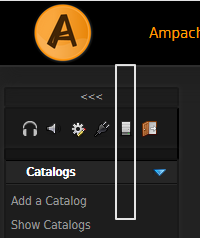
- Select the Admin icon from the dashboard.
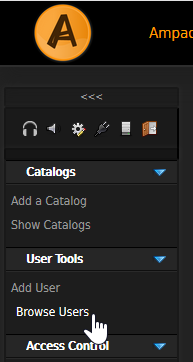
- Select Browse Users.
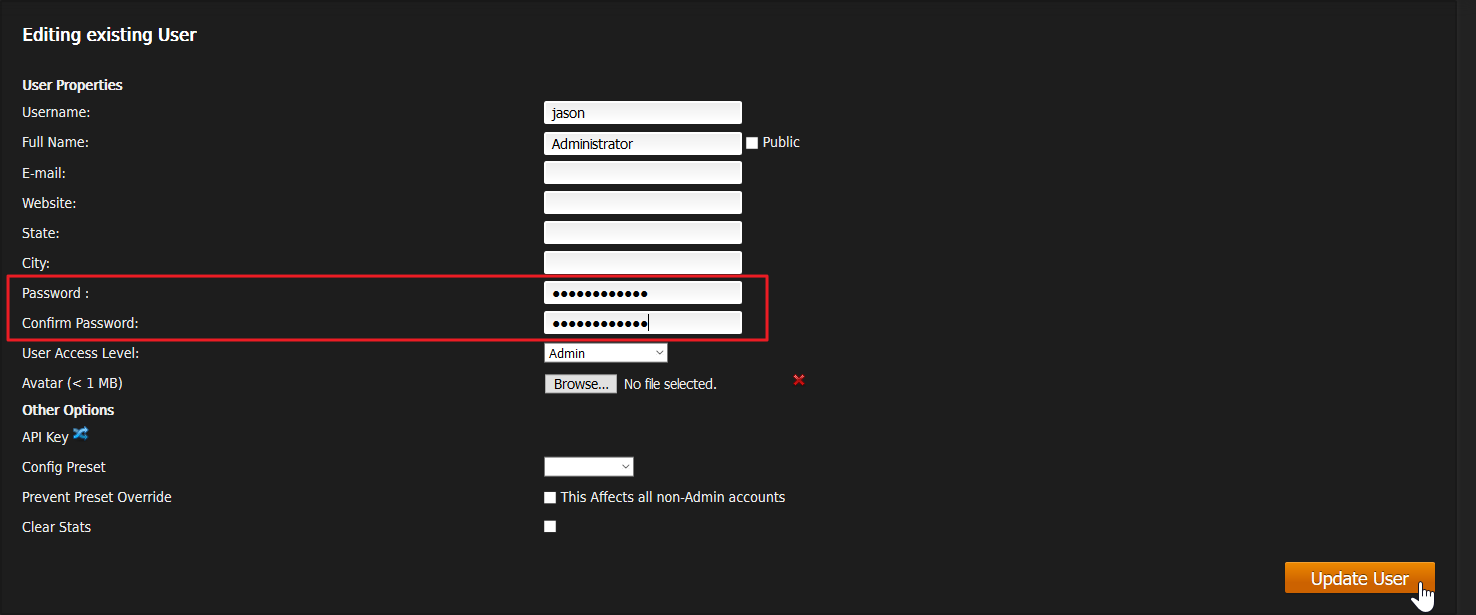
- Select the user’s Edit icon under the Action column.

- Set a new password and press Update Account.
- Log out Ampache.
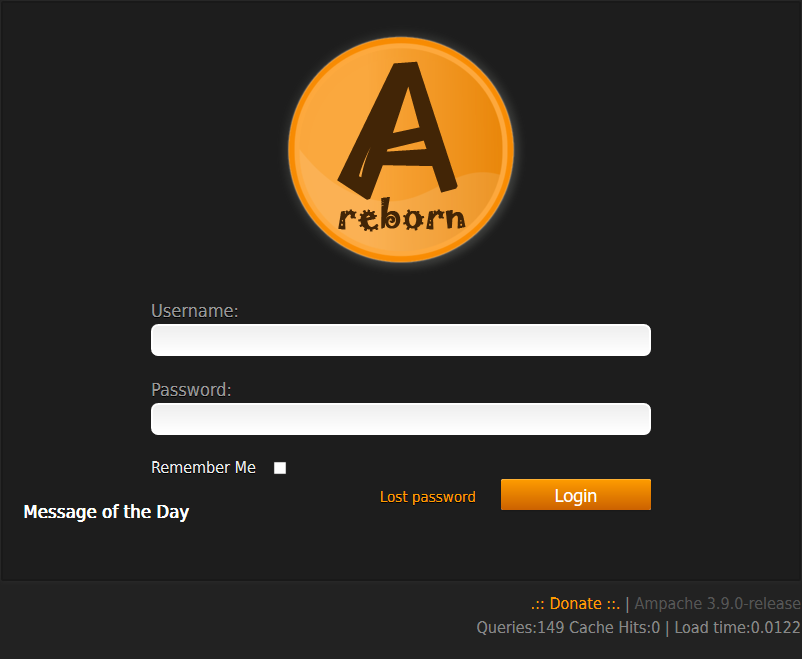
- Login with the new password.
- If successful, undo the changes in config/ampache.cfg.php.
Note: If this doesn’t work, try with a private browser, or create a new admin user before removing the old one.
Learn more about live broadcasting and creating backups to make the most out of Ampache.