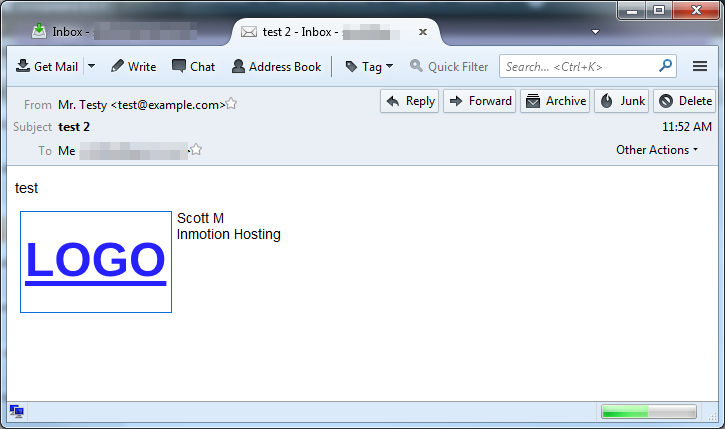
With the new upgrade to the Horde mail interface, you can now have images in your signature. For companies, the most common image to add is the company logo. Follow along with the instructions below as we demonstrate how to add your logo (or any other image) to your email signature in Horde.
Note that as of Horde Internet Mail Program (IMP) version H5 (6.2.8) the maximum total image size is 30 KB.
- Log into your Horde mail interface.
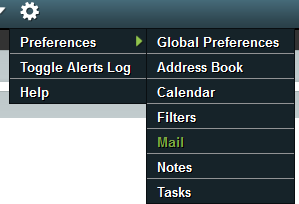 Once inside, hover over the cog image and then Preferences. Select Mail from the pop-up menu.
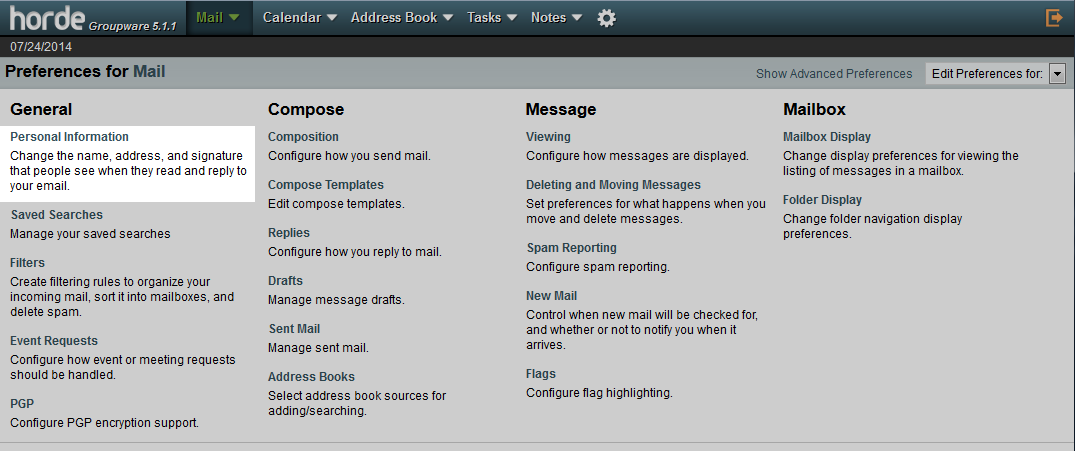 Now click on the Personal Information link.
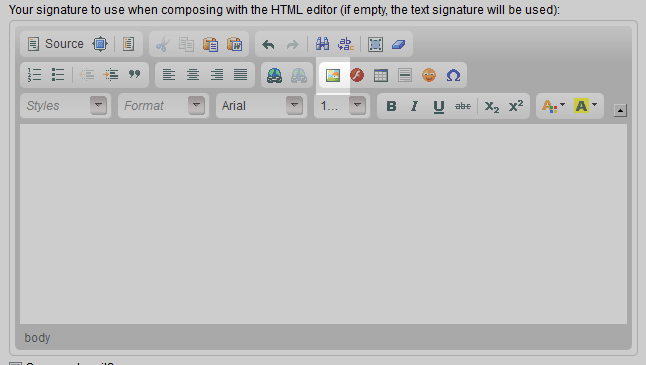 This page is where you set your signature. Scroll to the bottom area where the HTML editor is. This is the one with many different buttons. Find the image button and click it.
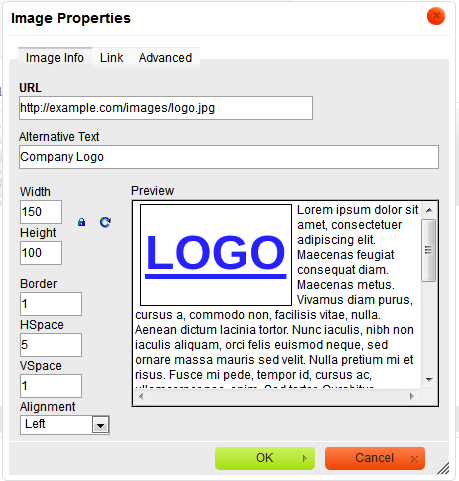 Enter the image link in the URL field. You are not able to upload the image directly to the server, so you will need to know the exact address of the image on your server. For example, this image is located at “https://example.com/images/logo.png“. There are various optional fields here you can use to further customize the logo’s size and/or its position.
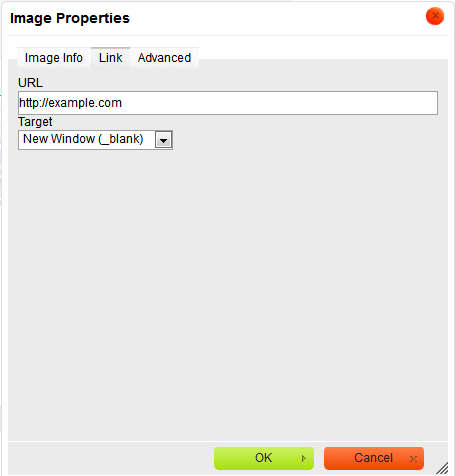 After adjusting the options on the Image Info tab, it is a good idea to make the logo a link back to your website. Configure this tab for your logo to point to your website.
Below is a shot demonstrating the logo in a very simple test email. Note that you need to be sure to send the email in HTML format (by selecting a checkbox for HTML mail when composing) in order for the logo to be in the signature. If this is not done Horde will choose the text-based signature if you have created one.