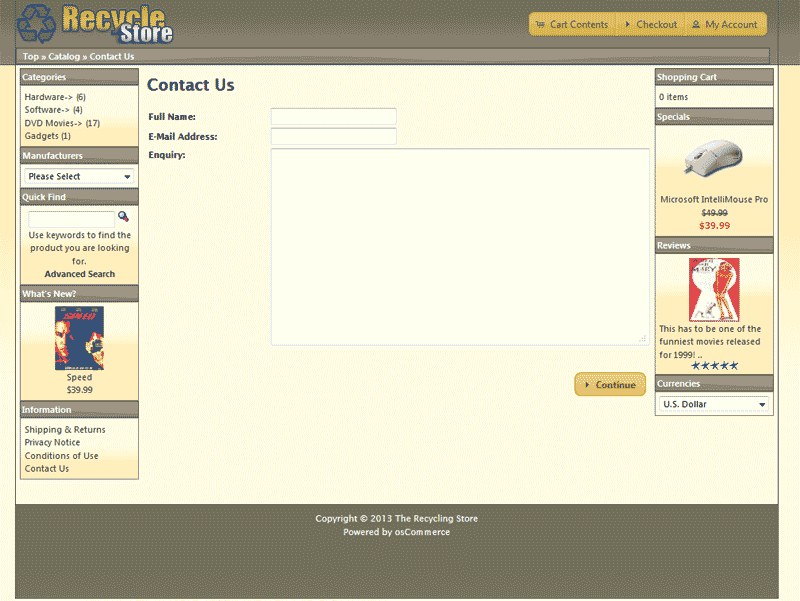
When you install osCommerce, you will have a Contact form by default set up for your shop. The Contact form provided works well, except, there is no validation preventing robots from filling the form out. This article will explain how to secure your website contact form using the Simple Captcha Add-On.
Download the captcha module
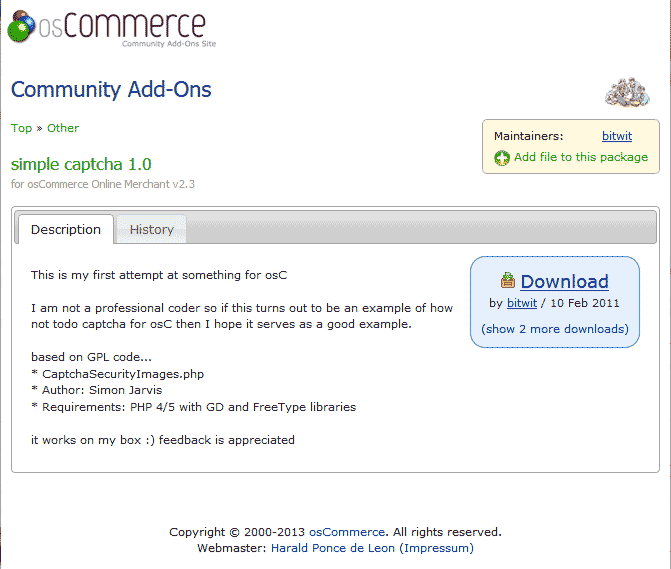
Before you can set up the captcha on your contact form, you will need to download the files from the osCommerce Add-On site. Visit the link below and download the osC-2.3.1-simple-captcha-1.2.zip file with the Add-On code.
https://addons.oscommerce.com/info/7822
Once you get the osC-2.3.1-simple-captcha-1.2.zip file on your computer, follow the steps below.
Steps to add a captcha to your contact form
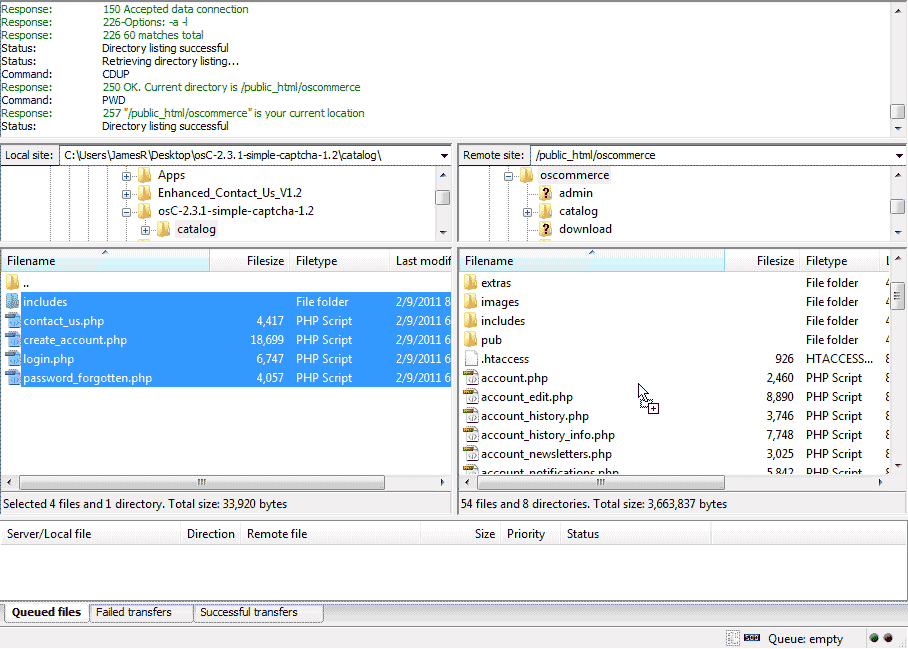
Upload the files in the catalog folder to your osCommerce installation directory.
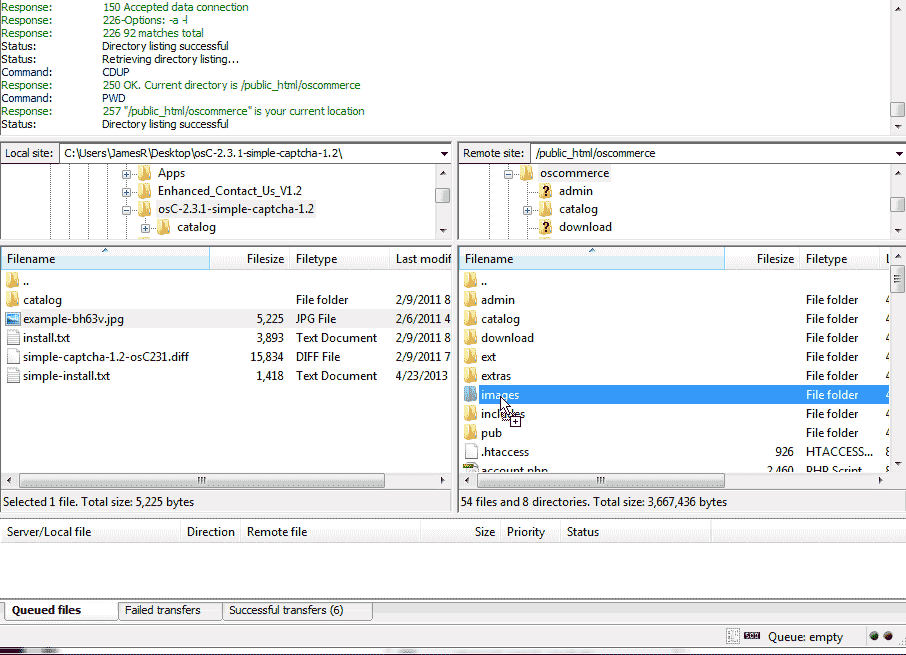
Upload the example-bh63v.jpg image file to your images directory in your osCommerce installation folder.

Rename the image to captcha.jpg.
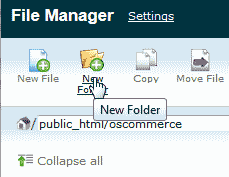
Create a folder in your osCommerce installation folder and call it “fonts“.
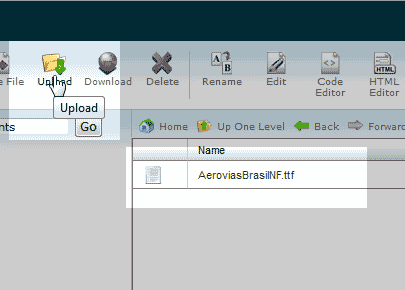
Upload your font to the font directory for the captcha to work
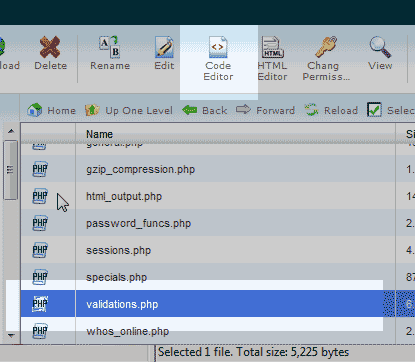
Edit the following file.
/includes/functions/validations.php
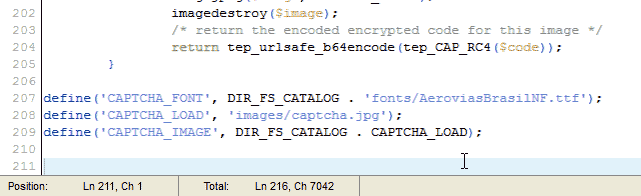
Paste the following code into the validations.php file before the
?>at the bottom of the page.define('CAPTCHA_FONT', DIR_FS_CATALOG . 'fonts/truetypefont.ttf'); define('CAPTCHA_LOAD', 'images/captcha.jpg'); define('CAPTCHA_IMAGE', DIR_FS_CATALOG . CAPTCHA_LOAD);Note! You will need a font uploaded. Make sure you change the truetypefont.ttf file name to your font file name. In this case the path will be AeroviasBrasil.ttf.
Save the changes.
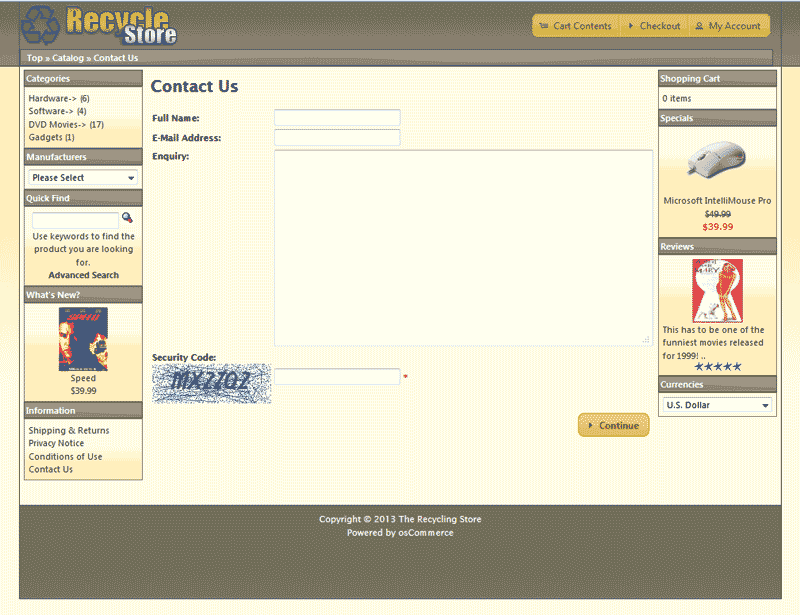
Now visit your website where the contact form is and you will see the captcha on the page.







