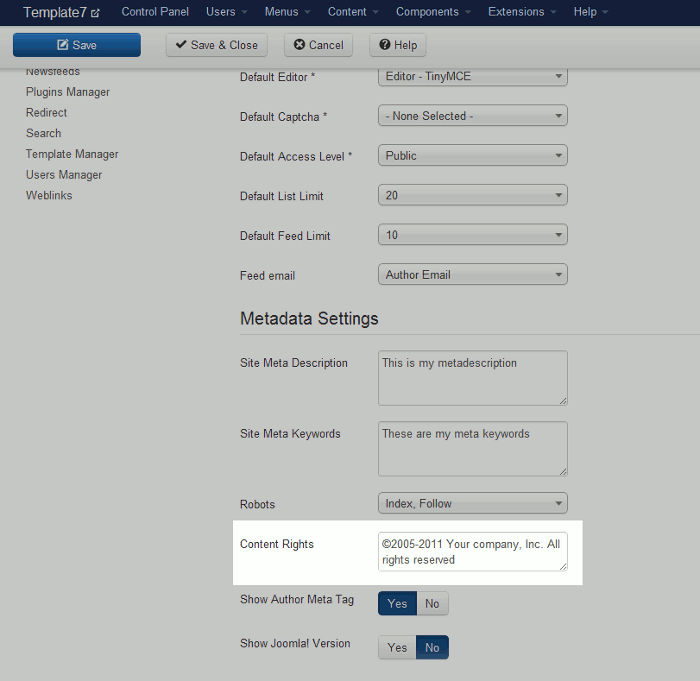
Within Joomla 3.0 you have the option to set a rights meta tag. This setting within Joomla is referred to as Content Rights, and can be found in the Metadata Settings. In this tutorial, we’ll show you how to use the Content Rights setting in Joomla 3.0.
To use a rights meta tag in Joomla 3.0:
- Log into your Joomla 3.0 /administrator dashboard
- In the left navigation menu, click Global Configuration
- Ensure you are on the Site tab by clicking Site
- Towards the bottom of the page, you will find a Content Rights setting (under the Metadata Settings). If you leave this value blank, no rights meta tag will be added to your site. However, if you enter text such as ©2005-2011 Your company, Inc. All rights reserved, the following rights tag will be added:
<meta name="rights" content="©2005-2011 Your company, Inc. All rights reserved" />