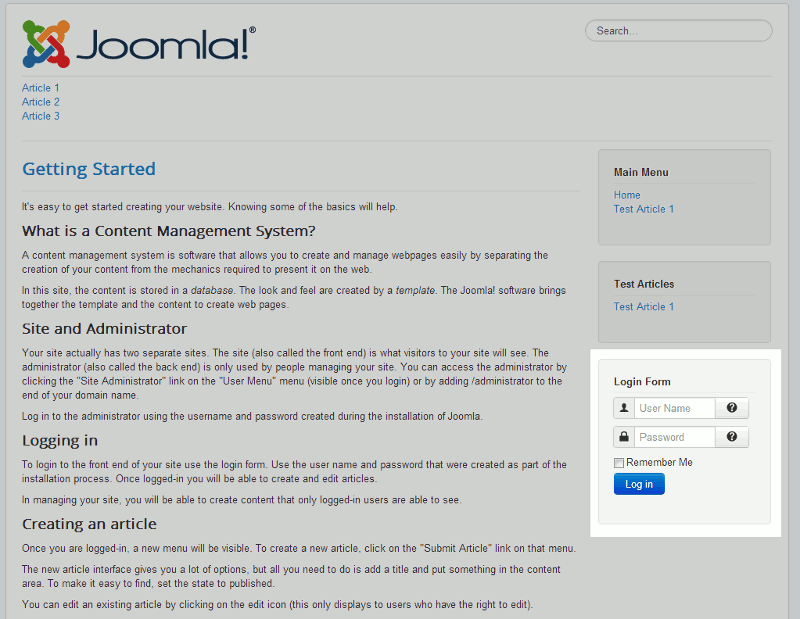
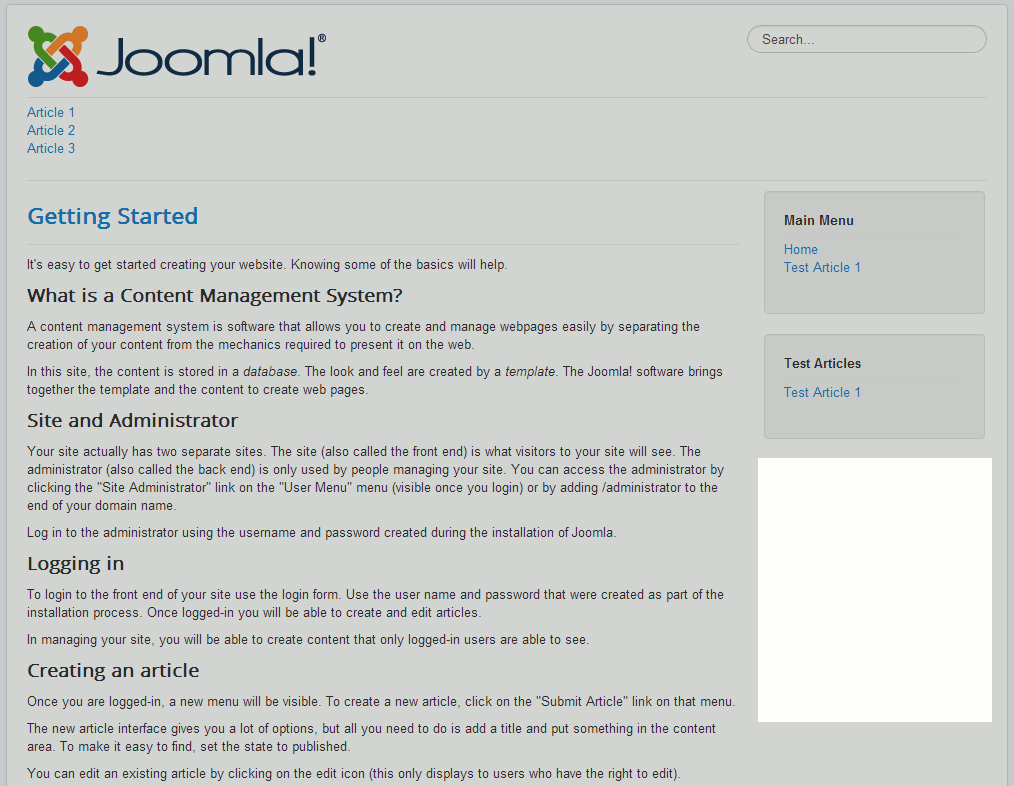
In our last tutorial, we showed you how to disable user registration in Joomla 3.0. You may have noticed that even though we disabled registration, the login form on the front end of the website was still showing. In this tutorial, we’ll walk you through the steps for hiding that login form.
Hiding the login form in Joomla 3.0
- Log into your Joomla 3.0 admin dashboard
- In the top menu, click Extensions and then click Module Manager
- Using the filter feature at the top of the page, type in login and then hit enter. You should see a module named Login Form. Next to Login Form, click the green check mark. This will unpublish the login form, which will no longer show it on your website.
Login Form: Enabled Login Form: Disabled