Now that we have added CSS and JS files to the Joomla 3.0 template that we are creating, we will now add the necessary bootstrap files.
While the necessary bootstrap files can be downloaded from the official site, Joomla 3.0 actually includes the necessary css and javascript bootstrap files as well. As a template developer, this will make incorporating these files much easier. Follow along with this guide to learn how to add Bootstrap to a Joomla 3.1 template.
Some bootstrap loaded with
When we added within our template’s head tag, Joomla automatically added a few JavaScript and CSS files. In the list of files below that Joomla added, you will notice that we’ve highlighted the bootstrap files that it included:
<script src="/media/system/js/mootools-core.js" type="text/javascript"></script> <script src="/media/system/js/core.js" type="text/javascript"></script>
<script src="/media/system/js/caption.js" type="text/javascript"></script>
<script src="/media/system/js/mootools-more.js" type="text/javascript"></script>
<script src="/media/jui/js/jquery.min.js" type="text/javascript"></script>
<script src="/media/jui/js/jquery-noconflict.js" type="text/javascript"></script>
<script src="/media/jui/js/bootstrap.min.js" type="text/javascript"></script>
What bootstrap files do we need to include?
According to the official bootstrap documentation, we need to include the following files:
- bootstrap.css (or bootstrap.min.css)
- bootstrap.js (or bootstrap.min.js)
As already included bootstrap.min.js for us, we only need to include bootstrap.min.css. To do this, we will update our template’s index.php on our Joomla hosting server to include this file. You can see the code we added below that includes bootstrap.min.css, which we’ve highlighted in green:
$doc->addStyleSheet($this->baseurl . '/media/jui/css/bootstrap.min.css');
$doc->addStyleSheet(‘templates/’ . $this->template . ‘/css/style.css’); $doc->addScript(‘/templates/’ . $this->template . ‘/js/main.js’, ‘text/javascript’); ?>
What Joomla looks like when bootstrap has been added
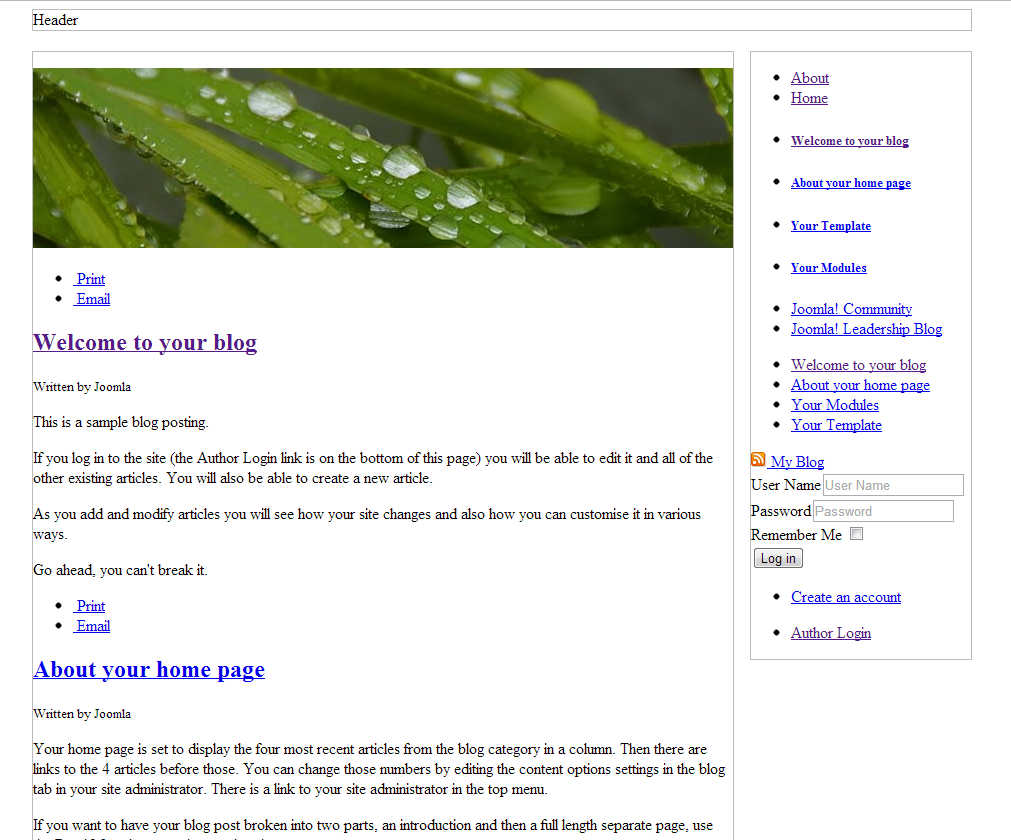
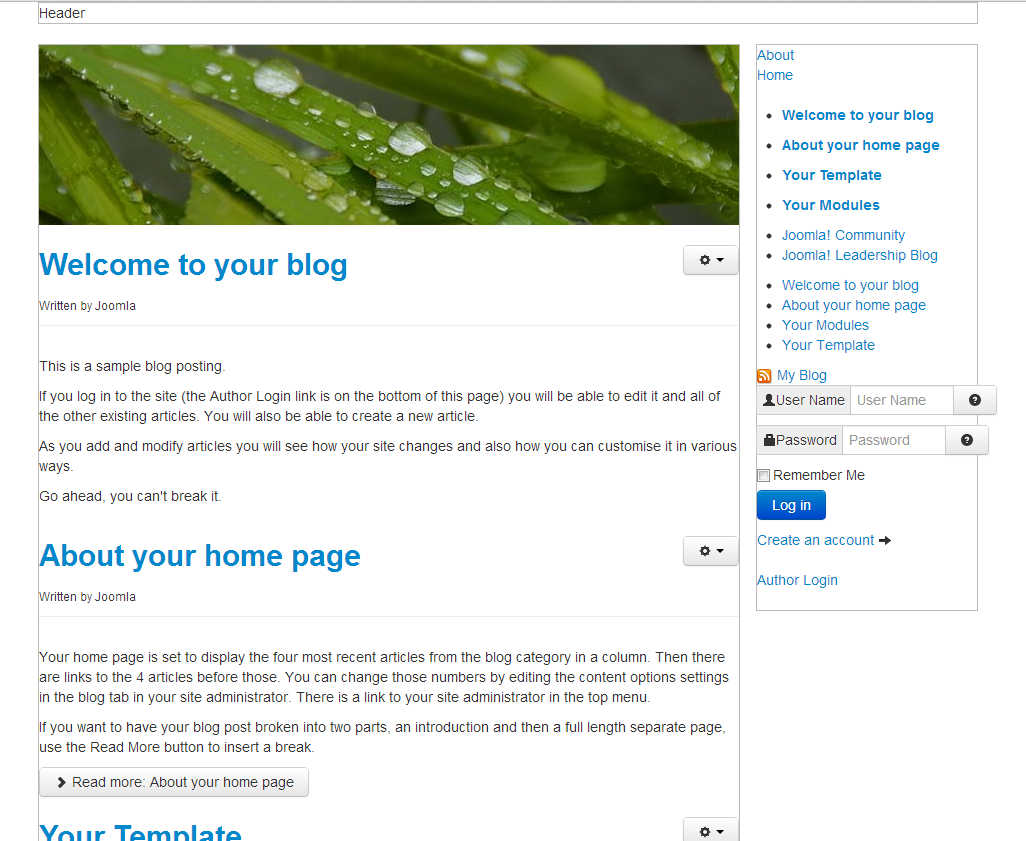
After editing our template’s index.php on the server and saving the changes, our template is taking a little more form. You can see in the screenshots below how our template looks with and without this css file.
|
BEFORE bootstrap.min.css
|
AFTER bootstrap.min.css
|
|---|---|
| 
|