You may need to set up a wildcard subdomain, and this can be done within your cPanel account. A wildcard DNS record is a record that matches requests for non-existent domain names. A wildcard DNS record is specified by using the * symbol to create a record for the *.example.com. The most common applications for a wildcard subdomain is for use with SSL or WordPress Multisite.
How to Create a WildCard Subdomain
- Log into cPanel.
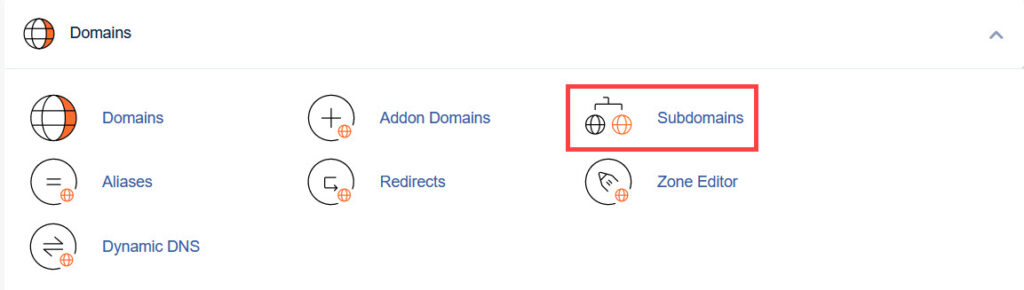
- Click the Subdomains link in the Domains section.
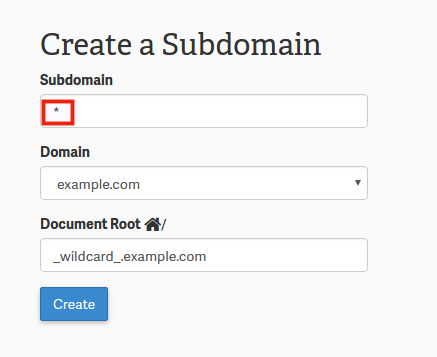
- In the Subdomain field, type an asterisk * symbol, signifying that you are creating a wildcard subdomain.
- Choose the domain you want to create a wildcard subdomain for in the Domain section.
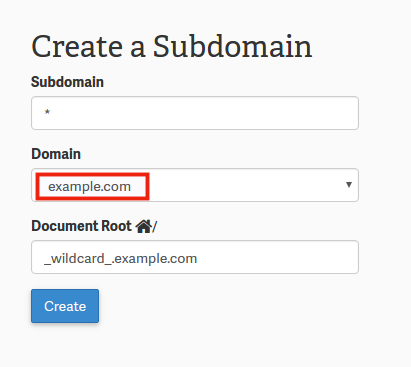
- The Document Root field will automatically generate a path for your wildcard subdomain. You can change the path as needed.
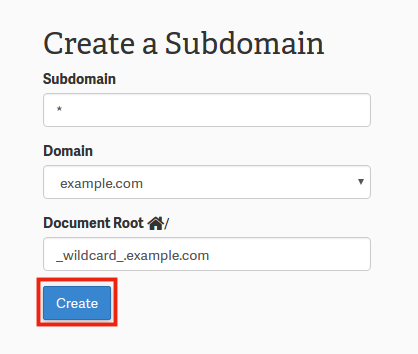
- Click the Create button.
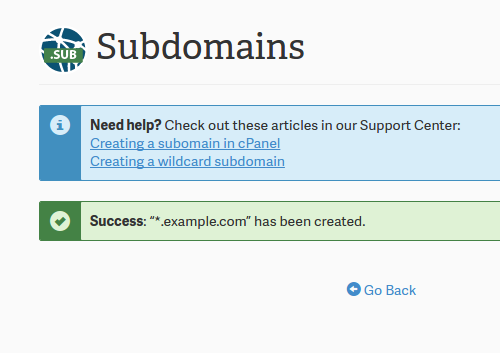
- You will then see a success message to confirm the subdomain was setup.
Congratulations! You have now successfully set up your account for wildcard domains. You still may need to modify your .htaccess file. If you have set up wildcard subdomains for WordPress Multisite, it will automatically configure the .htaccess file for you.