Websites that use forms will need to be secured from spamming by “Spam-Bots“. Spam-Bots will visit your site and fill out forms that are not secured. This can result in comment spamming in forums, spam emails being sent from your server, and other spam related activities. Google has what’s called “reCAPTCHA” that allows you to add an image with a special code to your forms. This requires the person filling in and submitting the form to type the code correctly before the form can be submitted.
When setting up web forms in Content Management Systems like Drupal, WordPress, Joomla, Moodle, and others, you will need to have 2 keys created for your reCAPTCHA to work. ReCAPTCHA requires a public and a private key in order for the code to function in your web forms. These are free to get from Google if you have a Gmail account. The following will explain how to get a free reCAPTCHA key from Google.
Generating a Public and Private reCAPTCHA Key
- Log into your Google account.
Important! If you do not have a Google account, you will need to sign up for a Gmail account. You can do this for free here.
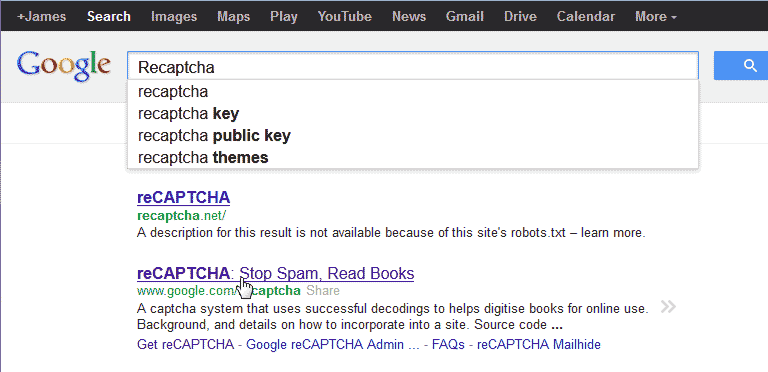
To find the reCAPTCHA site, type “Recaptcha” in Google search.
You should see a link that says “reCAPTCHA: Stop Spam, Read Books“. Select that link and you should be directed to the following:
https://www.google.com/recaptcha
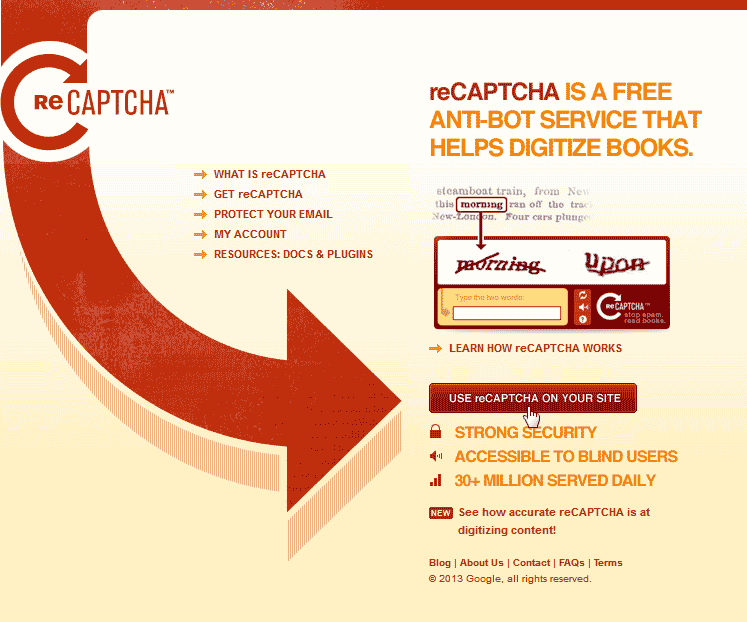
On the reCAPTCHA page, click “Use reCAPTCHA ON YOUR SITE“.
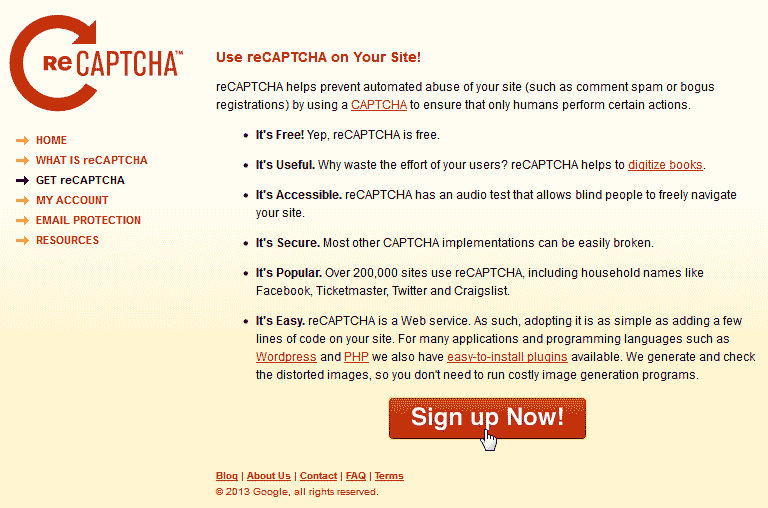
Click “Sign up Now!“.
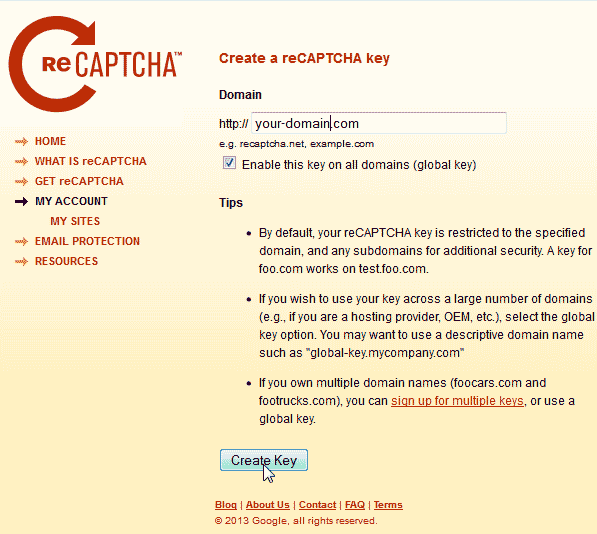
Type your domain you are using the reCAPTCHA for. Select the “Enable this key on all domains (global key)” so you can use the same reCAPTCHA key for all your sites.
Click Create Key.
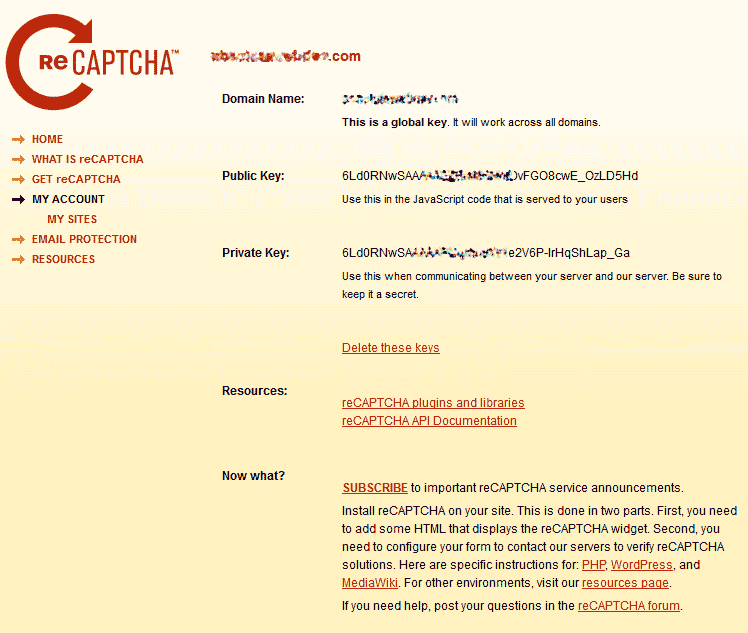
Google will have 2 keys generated for your site, a public and a private key. These are the reCAPTCHA keys you will use in your Software.




