
WordPress 3.6 will also include a new ability to embed audio/video into a post without having to rely on a plugin or third party service. The following article is a preview on this feature. Please remember that this is a WordPress 3.6 beta feature and should not be considered for production purposes at this time.
Adding Audio/Video Files in WordPress 3.6 Posts
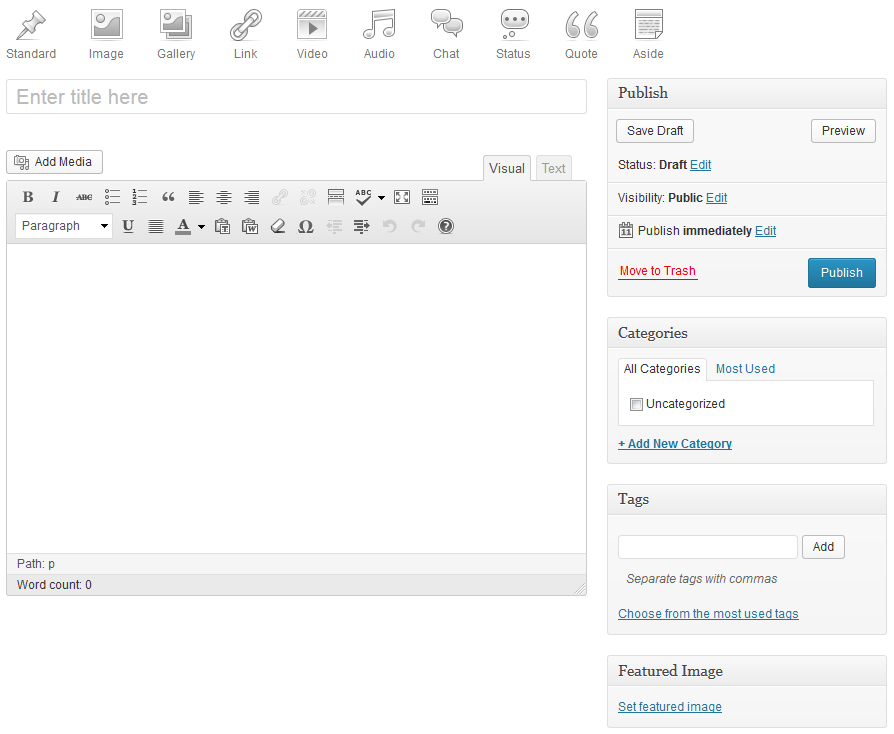
As you can see, the screenshot above shows the current change in the post interface. Note the icons for adding media such as an image, video and audio file. The main advantage here is that you will not need to upload and use a plugin in order to play the video directly from the WordPress website server. The main advantage will be that you can use this feature to immediately post a video, but this can also be viewed in a negative light from the hosting perspective. Adding video playback on the website also guarantees an increased load on the hosting server resources. Additionally, you will pay close attention to your user limits on videos uploaded to your site. There option to upload a video will need to be limited in order to protect your server from being overwhelmed or overtaxed.
Example of the New embedded Media Post:
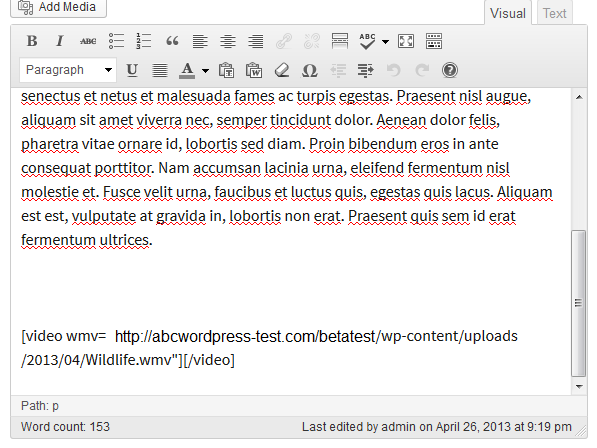
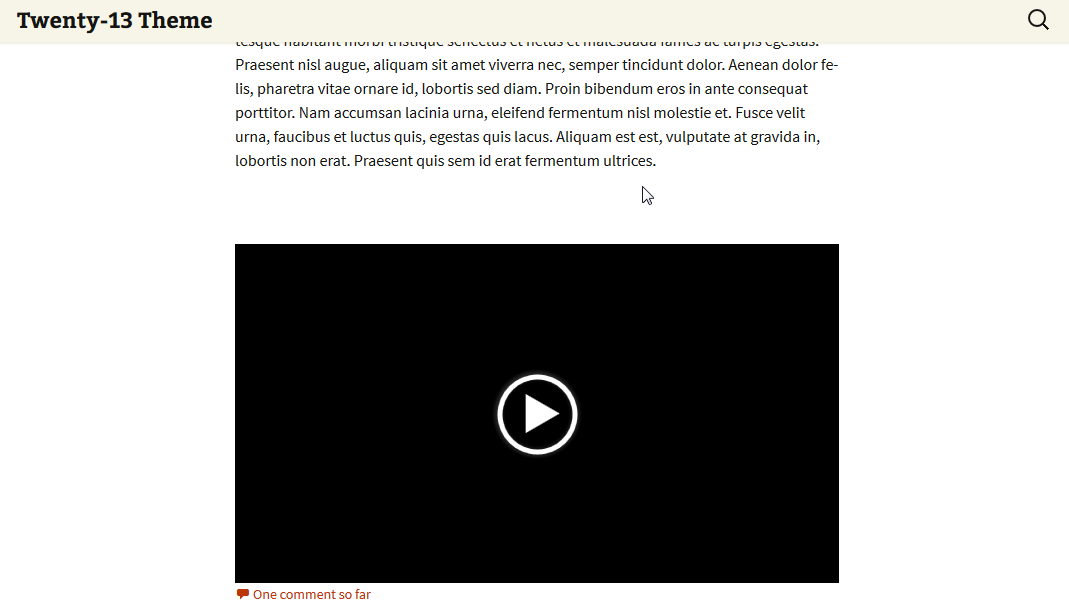
This new feature allows videos to be posted to the site with ease. For current information on uploading video into WordPress, check out 335: How to upload video content in WordPress.
