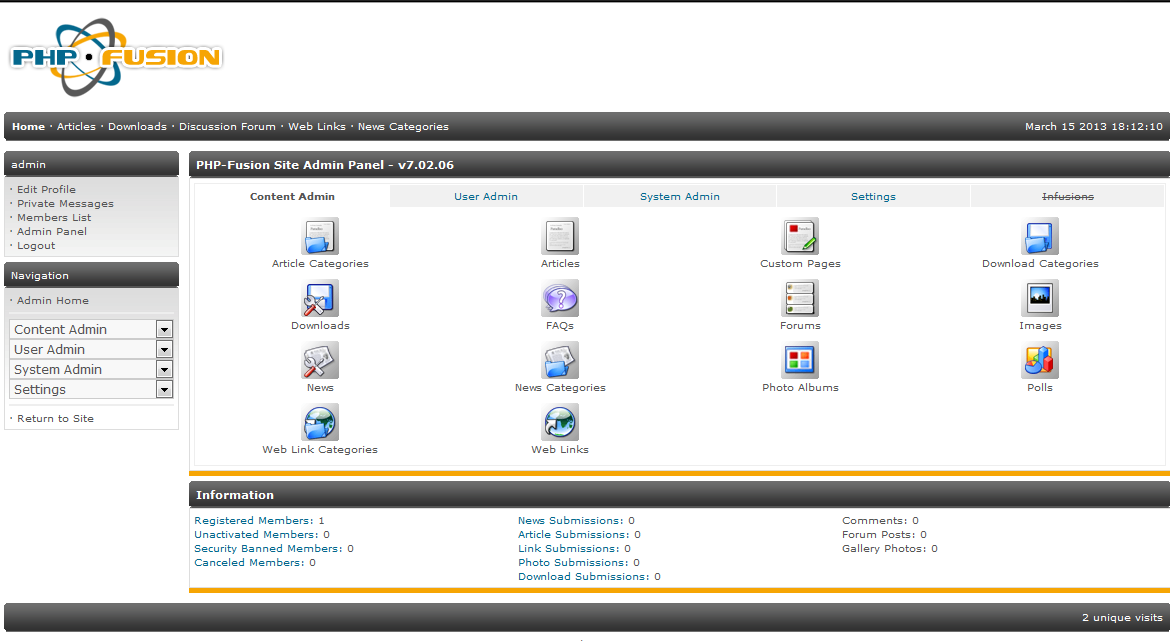
The back end controls for managing the PHP-Fusion content management system are accessible only through an administrator login. The interface does not change much when you initially login as the admin, but upon accessing the admin panel link, the options become visible. Management options for the administrator are organized in four major categories: Content, User, System and Settings. The following article simply explains how to login into the Admin Panel for the PHP-Fusion Admin Panel.

Accessing the PHP-Fusion Admin Panel
- Access your internet browser and then type in the Administrator URL. Typically the URL will resemble the following
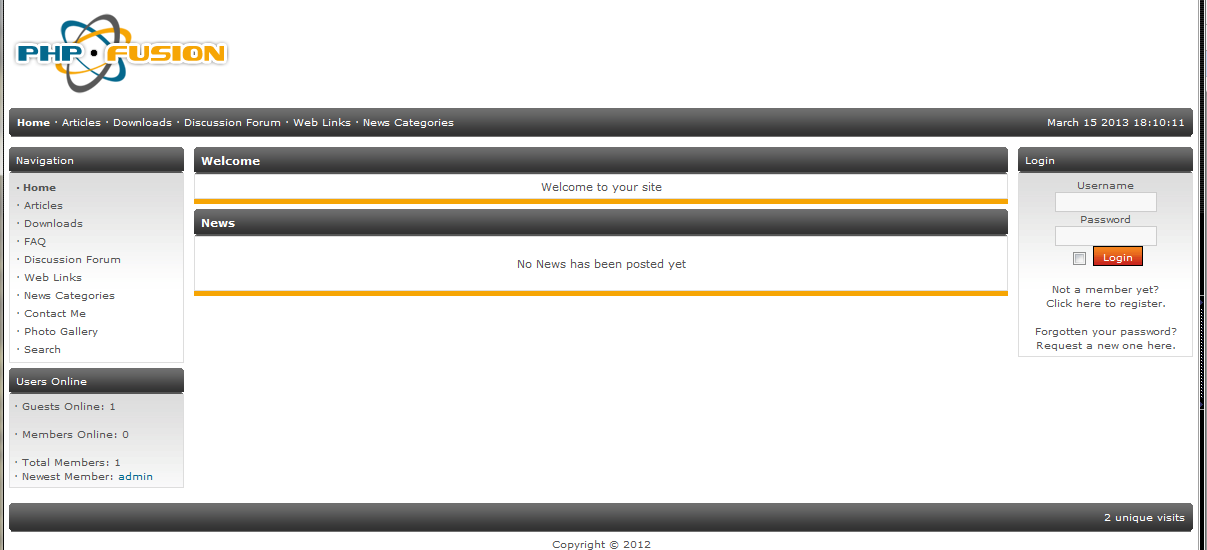
In a default interface, you will see the LOGIN section as a portion of the general PHP-Fusion interface.
- Click on the USERNAME field in the Login section and type in the administrator user name.
- Click on the PASSWORD field and type in the password for the administrator.
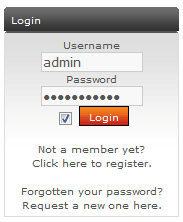
Click on LOGIN. You have the option to click on a check box next to the LOGIN button that lets the browser remember your password.
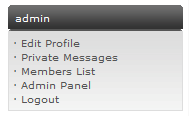
When you login, you will see the same interface, but there will be a section under your Administrator login name.
- Click on ADMIN PANEL in order to see all of the Administrator controls and options.



When you login to the Admin Panel, you will see all of the typical Administration options listed as per below: