
Sometimes, you may find it necessary to delete opne of the custom menus you created in Drupal 7. This tutorial is for a complete deletion and not simply disabling the menu, so once this is done, the menu will be gone forever. This is easily accomplished in the Drupal Administrator Dashboard.
- Log into your Drupal 7 Dashboard
- Go to Structure >> Menus
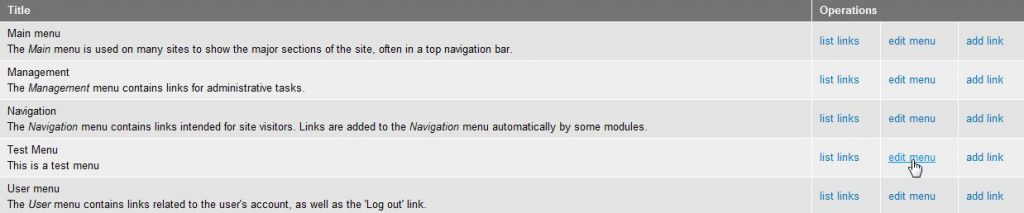
- Click Edit menu next to the menu you want to delete
- Find the Delete button and click on it
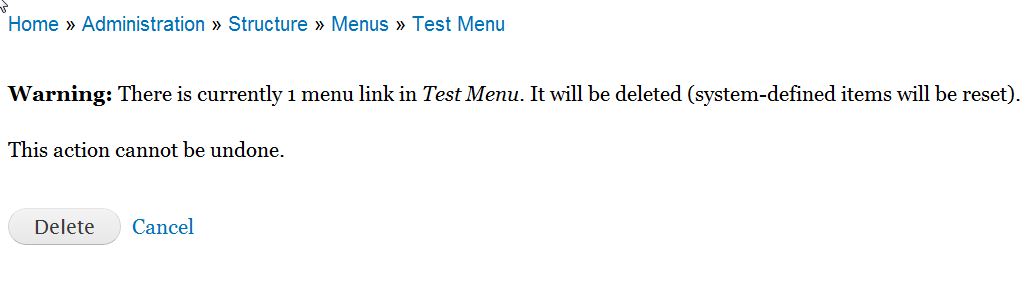
- A confirmation page will appear. Click on the Delete button to confirm you want to delete the menu.
Menus that you delete will not delete any nodes (pages, articles, posts, etc) you may have created. Deleting a menu only removes the links to the nodes.
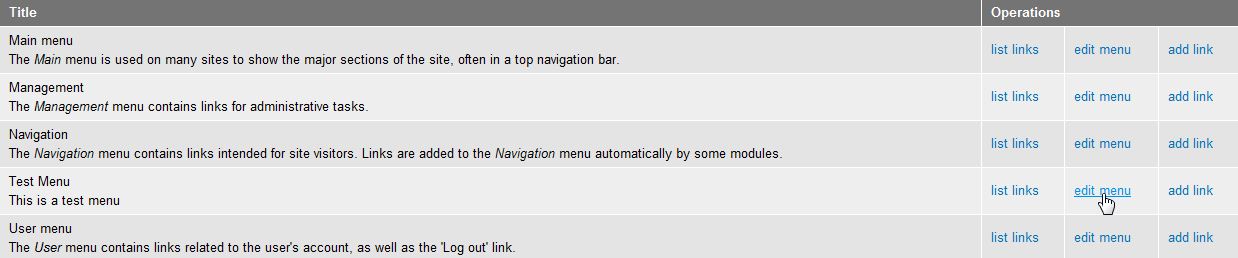

You cannot delete any of the default menus in Drupal 7. These menus do not contain the Delete button to ensure you do not remove them.
For more step-by-step guides and practical tips, visit our Drupal Education Channel.