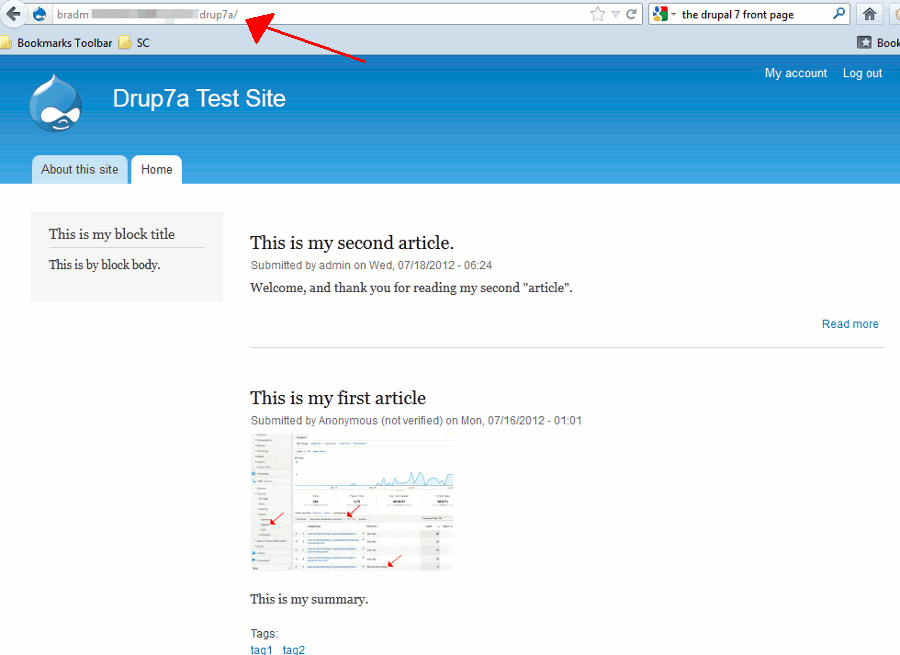
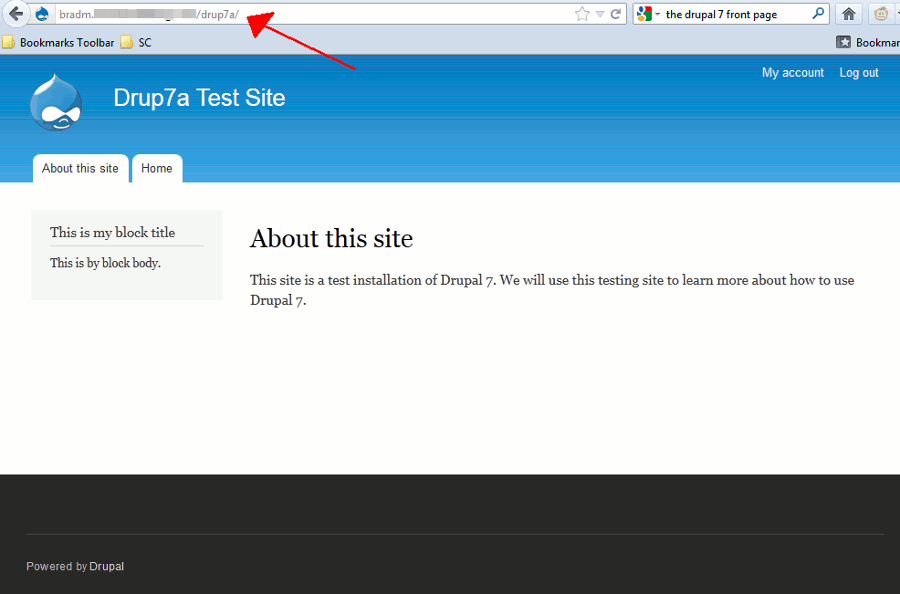
By default your Drupal 7 homepage will display your latest articles, which is referred to as a content feed. If you have a specific page you’d like to set as your frontpage, regardless of its content type (such as a basic page or article), you can do so in Drupal 7.
How to set the Default front page in Drupal 7:
- Log into your Drupal 7 dashboard
- In the top menu, click Configuration
- Under System click Site Information
- Under FRONT PAGE, adjust the Default front page setting.
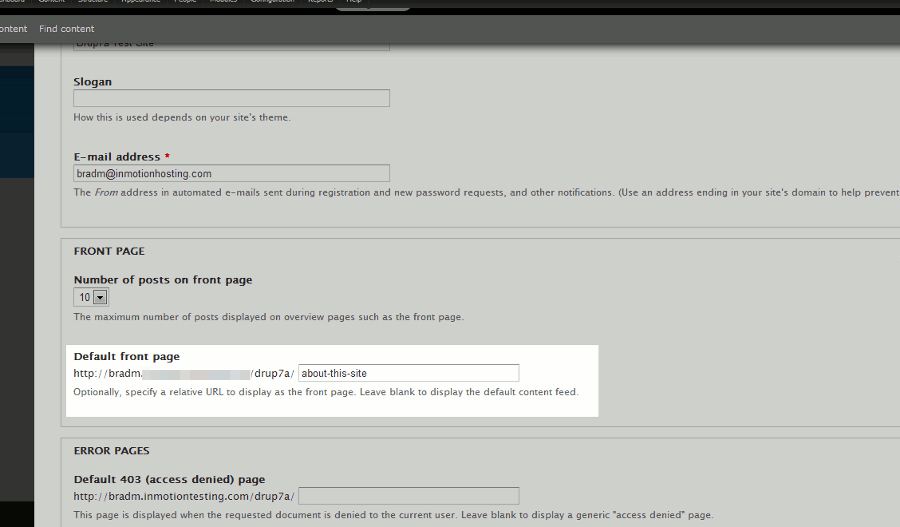
Be sure to pay attention to the following note if you want to disable this specific front page:
Optionally, specify a relative URL to display as the front page. Leave blank to display the default content feed. - Click the Save Configuration button at the bottom of the page to save these settings.
The default front page showing latest articles A custom front page set to a specific page