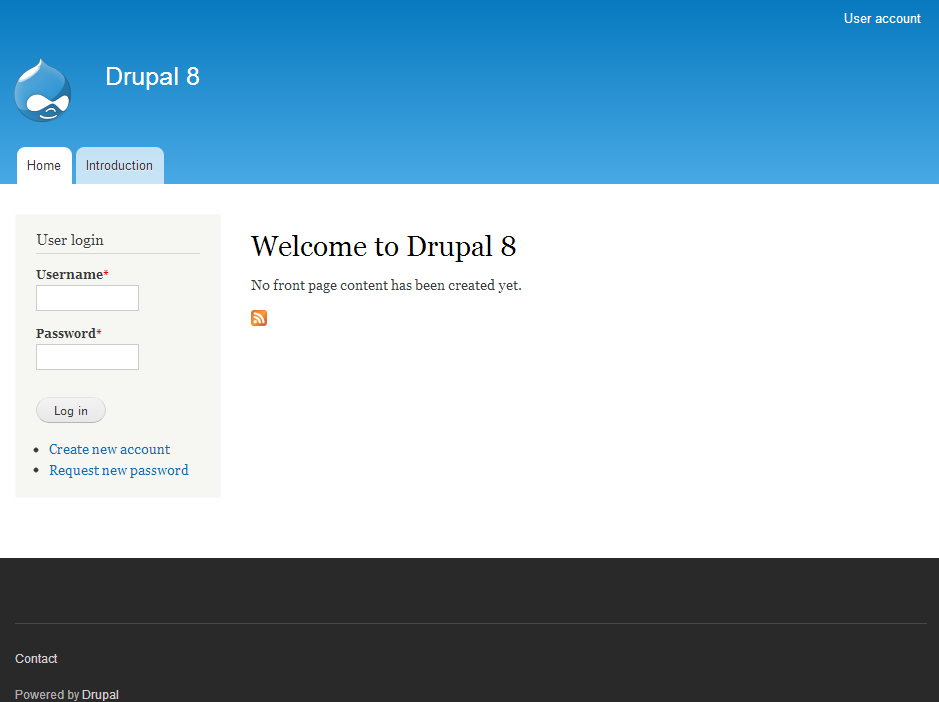
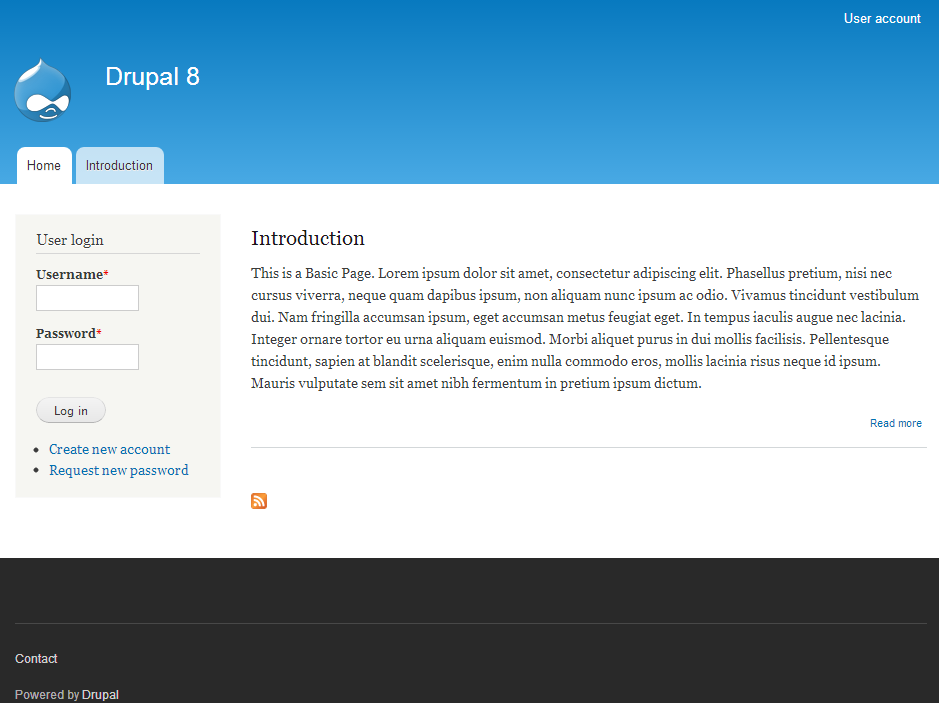
As you create content nodes in Drupal, each node is saved and can be accessed individually. If you wish, you can have content display on the first page of your Drupal site. This is done via the Drupal admin interface. Promoting content to the first page will display the node title and the first portion of the content. Below are the instructions for promoting a node to display on the front page of your Drupal site.
Elevate Your Drupal Experience with InMotion Hosting – Your Go-To Drupal Hosts!
Promoting exiting nodes to the front page
- Log into your Drupal admin dashboard.

Look to the upper menu bar and click on the Menu option.

Now, locate and click on the Content option from the new menu that appears below the topmost.
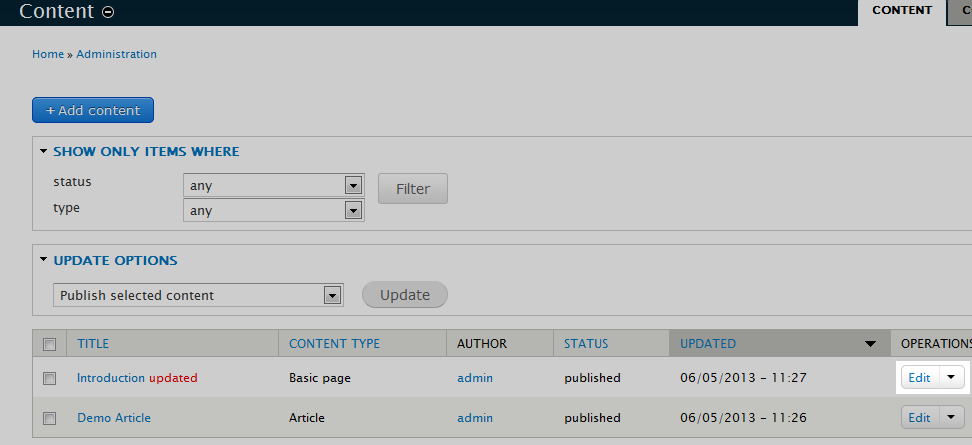
This will open up the list of current nodes in your site. Find the node you want to promote to the front page and click on the Edit option found under the Operations column. For example, we decided to promote the Introduction page.
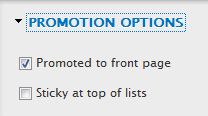
You are now on the content edit screen for your selected node. Look to the right sidebar and click on the Promotion Options selection. You will see two checkbox options regarding the promotion.
Promoted to front page Select this option to display an excerpt on the front page. Sticky at top of lists Select this option to keep this node on top of the list. If more than one node have this selected, they will be displayed in the chronological order of creation. - Once you have selected your options for promotion, click on the Save and keep published button. You can now visit your site and see that the node you selected is displaying on the front page. Our example below shows the front page before and after selecting the Introduction node to be promoted.
Before After