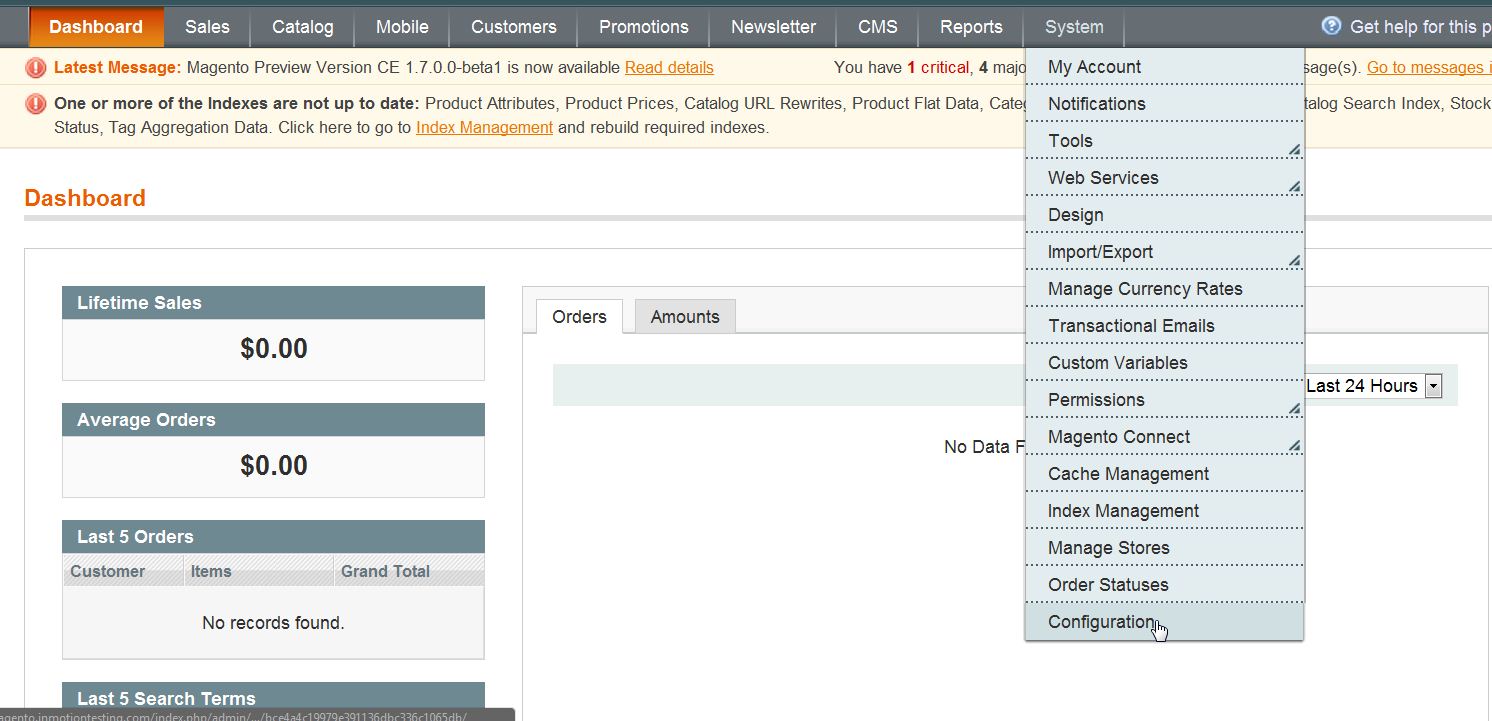
Forcing Shoppers to Read your Terms and Conditions in Magento 1.6 Updated on August 16, 2021 by Carrie Smaha 0 Minutes, 40 Seconds to Read One of the most important pages on your Magento 1.6 webstore can be your Terms & conditions. The terms and conditions page should include the legal rights of your customers, what they can expect, and your roles and responsibilities as the seller. By default, your customers are not required to acknowledge your terms and conditions. This can be changed so any shoppers going to the check out process will have to acknowledge they have read and understood your terms & conditions. Log into your Magento Admin Backend Go to System ->> Configuration Click on “Checkout” in the left side menu pane Open the “Checkout Options” section Change the “Enable Terms and Conditions” to “Yes“ Click “Save Config“ If you need further assistance please feel free to ask a question on our support site. Share this Article Carrie Smaha Senior Manager Marketing Operations Carrie Smaha is a Senior Marketing Operations leader with over 20 years of experience in digital strategy, web development, and IT project management. She specializes in go-to-market programs and SaaS solutions for WordPress and VPS Hosting, working closely with technical teams and customers to deliver high-performance, scalable platforms. At InMotion Hosting, she drives product marketing initiatives that blend strategic insight with technical depth. More Articles by Carrie Related Articles 10 Magento Security Tips Changing the Magento 1.6 Login to Case Sensitive How to Allow Backorders in Magento 1.6 Changing the Year-To-Date Report Dashboard in Magento 1.6 Adding Store Email Addresses to Magento How to stop Displaying Product Reviews in Magento 1.6 How to Install Magento Manually Merging Javascript Files in Magento 1.6 How to Edit the Footer in Magento 1.6 Changing the Default Welcome Message in Magento 1.6