
Now that you have enabled the Blog module in Drupal 7, you can start adding blog entries in Drupal and start blogging. Adding a blog entry is just like adding any other content type. As you saw in the last tutorial, once the Blog module has been enabled, a new content type called blog entry has been added to your options.
To create a blog entry in Drupal 7:
- Log into your Drupal Dashboard
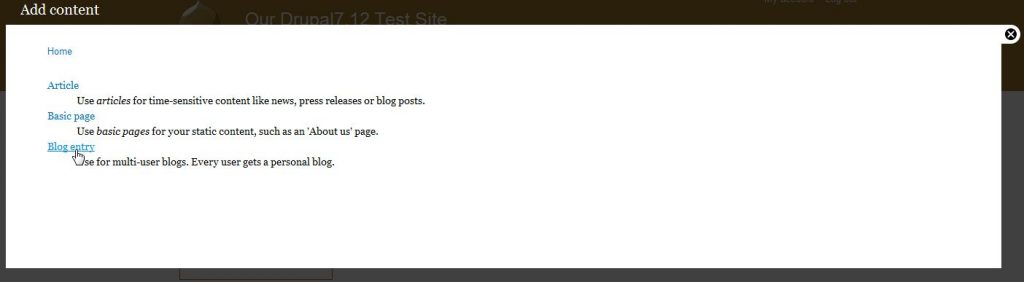
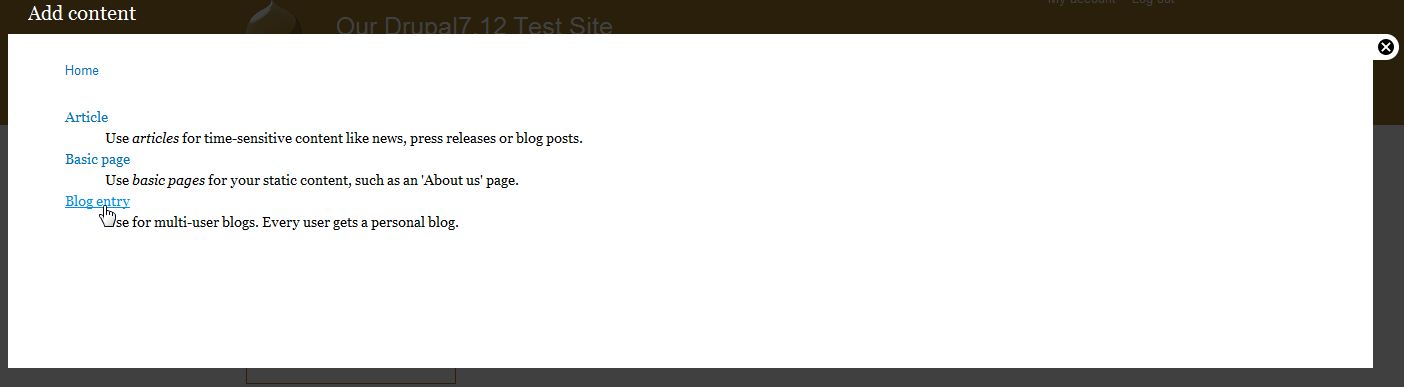
- Go to Add content in the upper left corner
- Select Blog entry
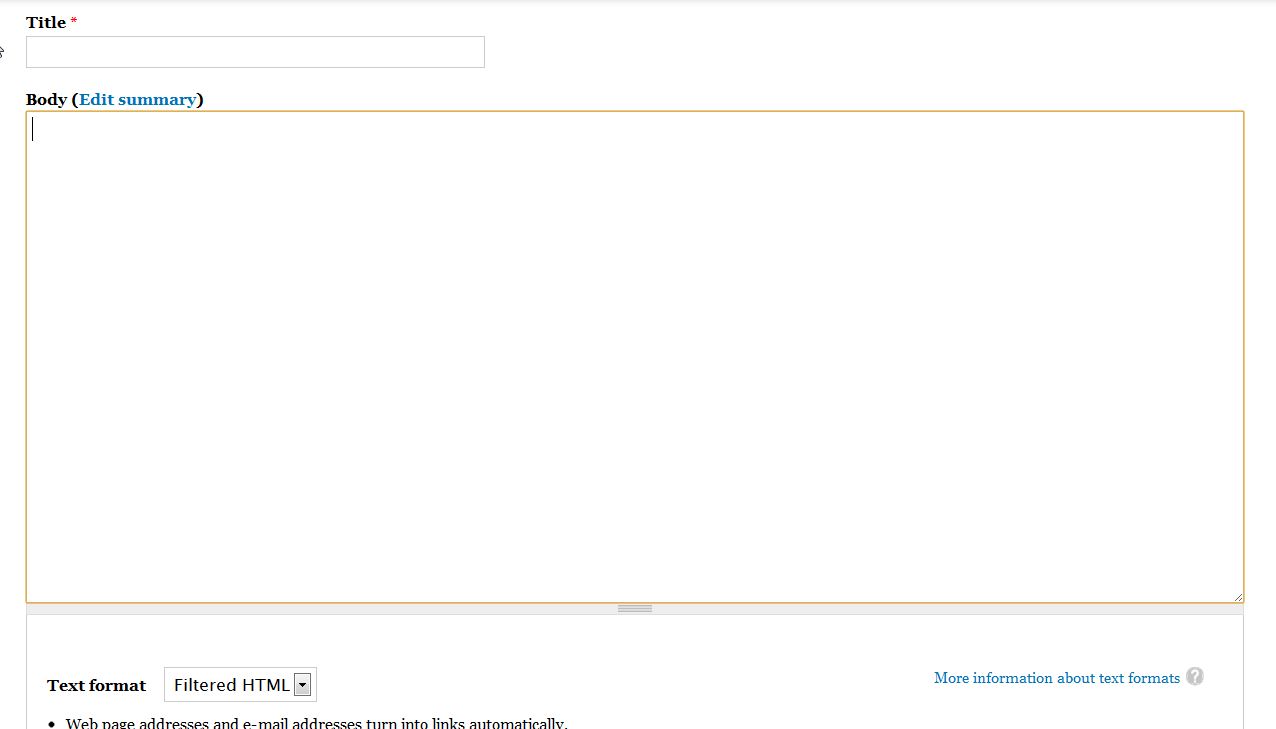
- The fields on this page are very similar to other content types. If you’d like more information on the different fields, please read our article on how to create a basic page.
The lower left corner of the screen has the same setting menus as the other content types. This is where you can set your page alias name, author and publish time, adjust comment settings, and even promote/remove the site on the front page.
- Click the Save button at the bottom of the page.
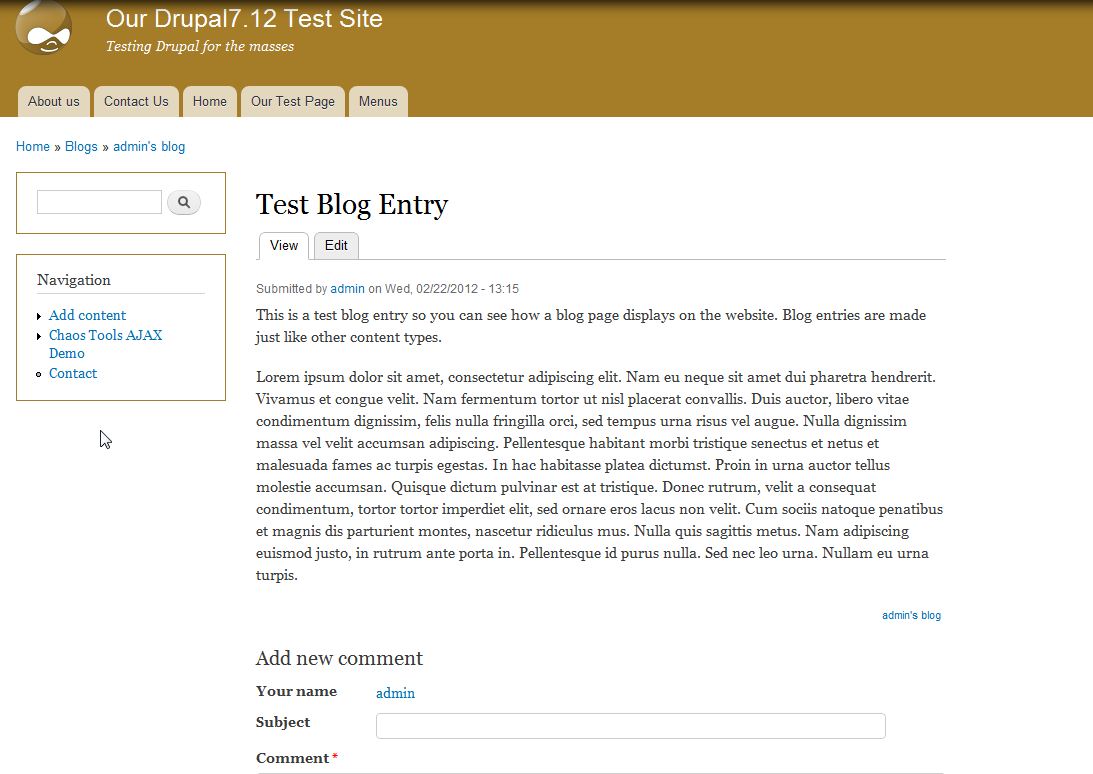
By default, the blog entry is set to Promoted to Front Page, which means when you visit your site the blog entry will appear as a teaser on the front page. When you click on the link for the teaser you’ll see the blog entry like the image below:


If you need further assistance please feel free to ask a question on our support center.