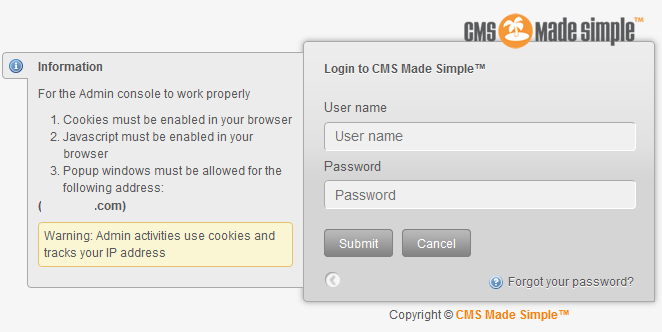
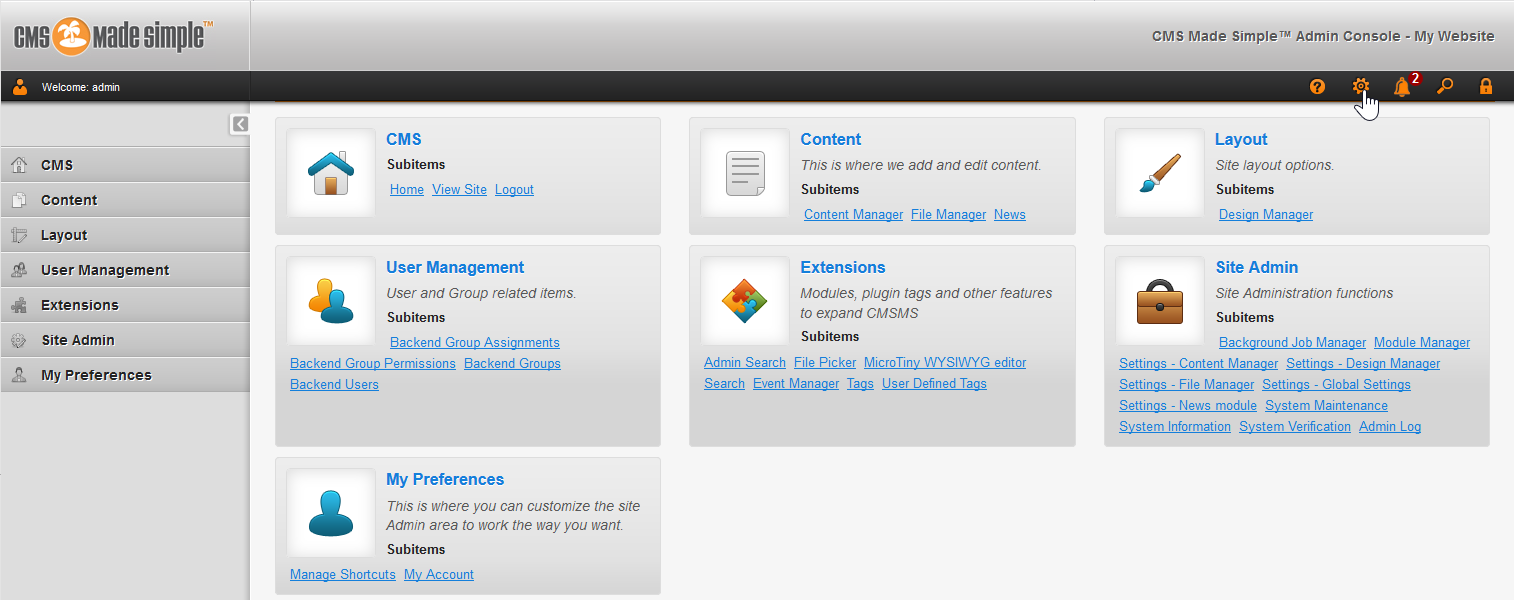
Log into CMS Made Simple Updated on August 16, 2021 by InMotion Hosting Contributor 0 Minutes, 25 Seconds to Read Unfortunately, you can’t log into CMS Made Simple (CMSMS) directly via Softaculous. Therefore, you’ll need to know the exact URL to log into CMSMS. Below we’ll cover how to log into CMS Made Simple (CMSMS). Log into CMSMS Type your domain with /admin or /admin/login.php on the end.Type your username and password. You’ll be logged into your CMSMS dashboard. Learn more about CMS Made Simple in our Support Center. Articles include: Reset User Passwords in CMS Made SimpleEnable Maintenance in CMS Made Simple Share this Article InMotion Hosting Contributor Content Writer InMotion Hosting contributors are highly knowledgeable individuals who create relevant content on new trends and troubleshooting techniques to help you achieve your online goals! More Articles by InMotion Hosting Related Articles How to Edit a Website File on Your Server How to Import a Table Using phpMyAdmin Force HTTPS with the .htaccess File The Complete Guide to cPanel Backups Schedule Social Media Posts With Buffer How to Google Analytics to WordPress Without a Plugin How to Install Jekyll and Launch a New Site FTP Basics for Dedicated Servers What is your default PHP.ini file? How to Fix the Insecure SSL Error due to SHA-1 Deprecation