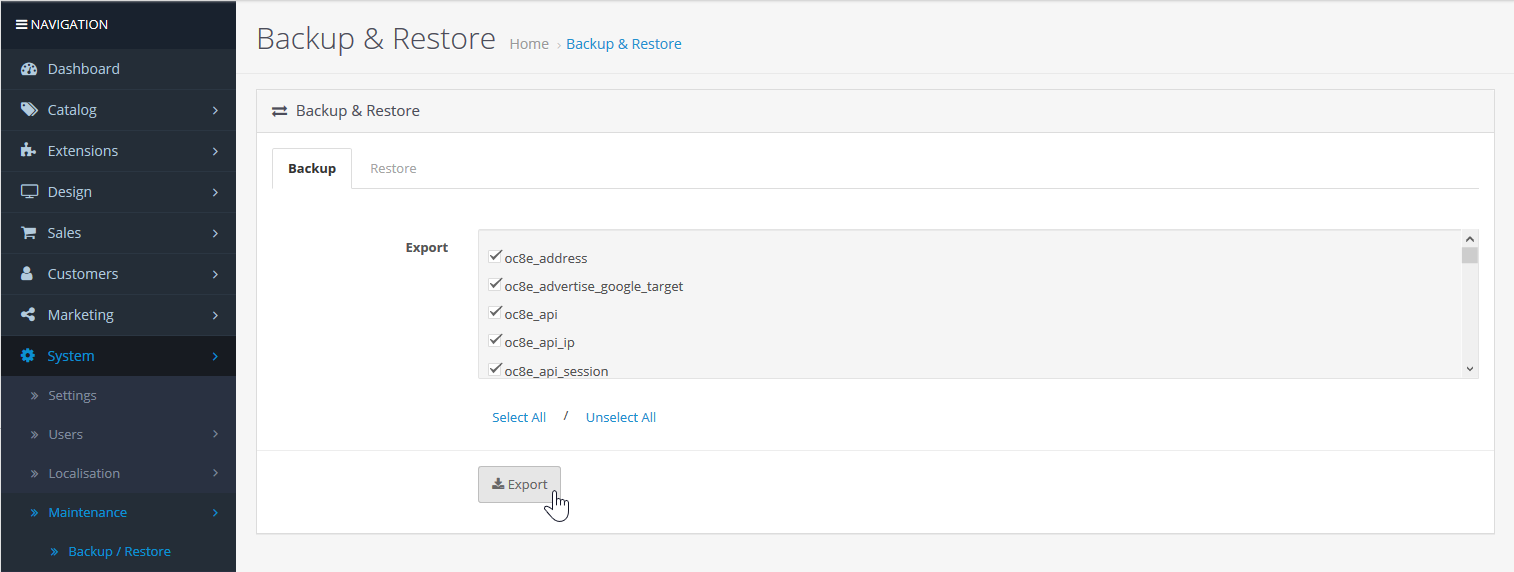
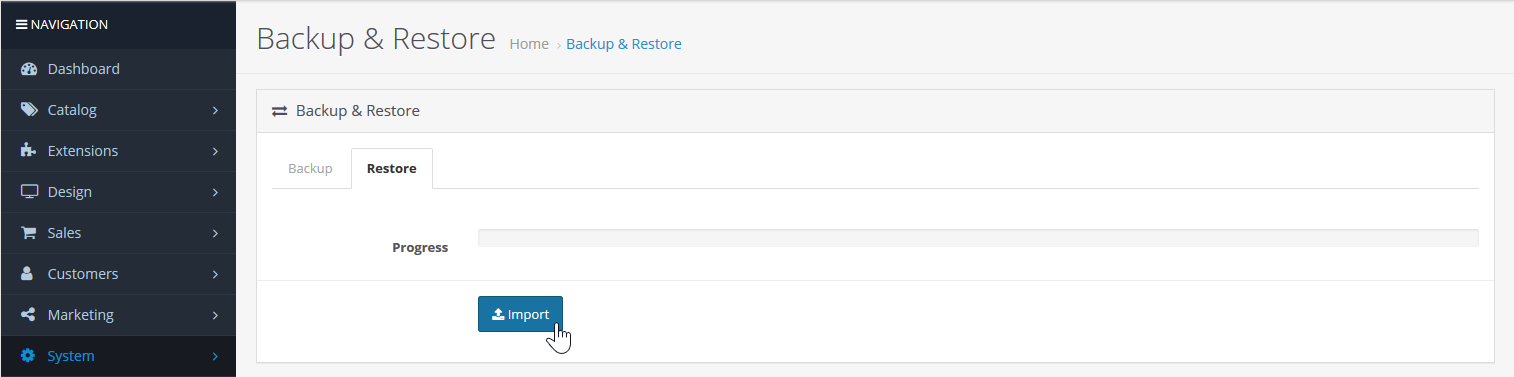
Backup Your OpenCart Database in Admin Dashboard Updated on June 17, 2022 by InMotion Hosting Contributor 0 Minutes, 22 Seconds to Read Like using a SSL certificate, backups are important to your OpenCart and web hosting security. Below we cover how to backup your OpenCart database in your admin dashboard. Backup Database Login OpenCart. Under Settings, select Maintenance and Backup / Restore. Specify tables to backup and select Export. You can restore the .sql file in the Restore tab. We recommend you complete and download a full cPanel backup regurlarly. Learn more about automated cPanel backups with VPS Hosting. Share this Article InMotion Hosting Contributor Content Writer InMotion Hosting contributors are highly knowledgeable individuals who create relevant content on new trends and troubleshooting techniques to help you achieve your online goals! More Articles by InMotion Hosting Related Articles Editing the Information Pages in the Footer of OpenCart My OpenCart 3 Contact Form Won’t Send Emails Resetting your OpenCart Admin Password with the Forgot Password link Using Free Cloudflare for SSL on OpenCart 1.5 Adding your store logo to your OpenCart 1.5 website Changing your Admin Password in OpenCart 1.5 Restoring a Database Backup in OpenCart 1.5 Sending Emails to Customers through OpenCart 1.5 How to Enable SSL Connection in OpenCart 1.5 Creating a 404 error page for OpenCart