
Setting the password strength is important in order to help maintain a secure server. Weak passwords can lead to disruption in your website services or worse, the loss of data stored on your server. Password configuration can be managed within WHM making it easy to set strict passwords on your dedicated server.
Note that you will need root access in order to use these directions.
How to set the Password Strength in Web Host Manager
-
- Login to WHM as the root user.
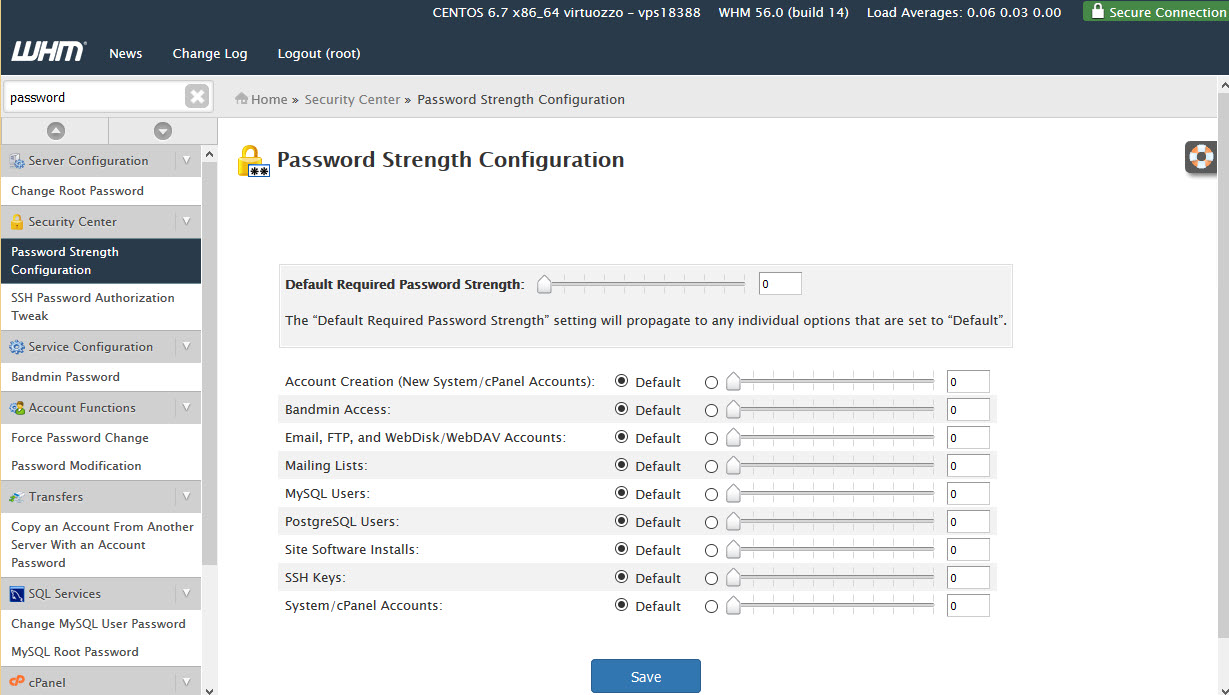
- In the left-side menu pane, find Password Strength Configuration and click on it.
-
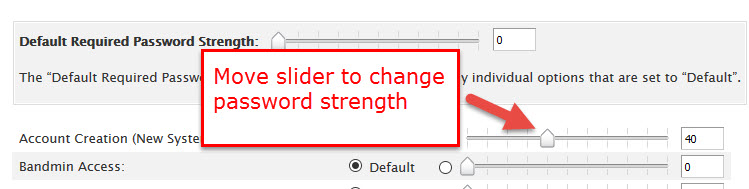
- Use the sliders to change the password strength.
-
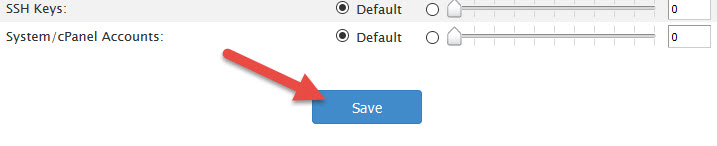
- Click on SAVE at the bottom in order to save your changes.
For more information on the Password Strength Configuration setting in WHM, please see the official documentation
Congratulations, now you know how to Set the Password Strength in WHM!