
It’s best practice to rotate all your passwords on a regular basis. It’s important to maintain security for your root password due to the access root provides to your server. Having root access on a Linux server is similar to having administrator access on a Windows computer.
You must have root access to your server to update the root password.
Changing your Root Password in WHM
- Log into WHM.
- Select Server Configuration from the main menu.
- Select “Change Root Password.”
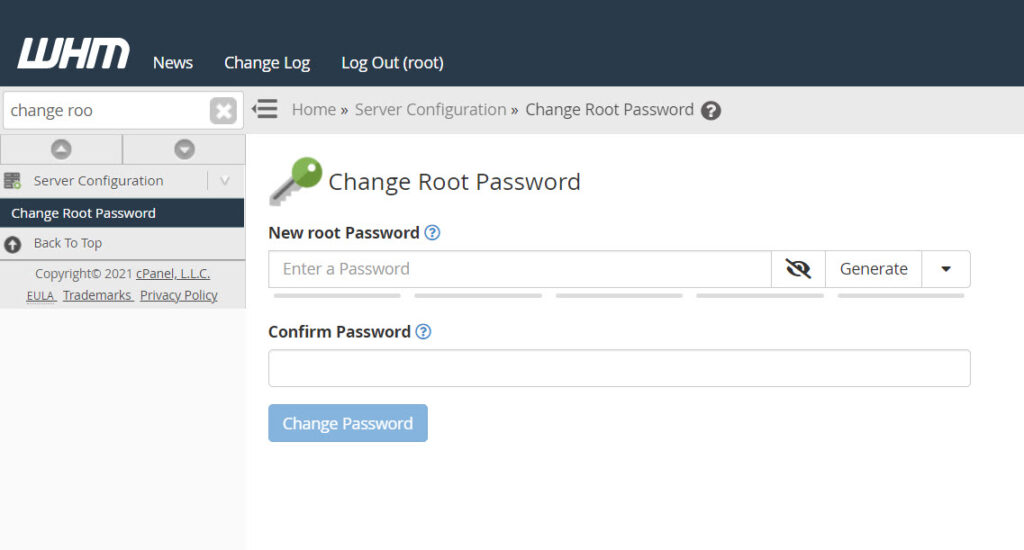
- Enter your new root password (twice) and select “Change Password.”
It’s important that you notify InMotion Hosting of your new root password since it is in the agreement you accepted when you requested root access to the server.
If you need further assistance please feel free to contact our support department.