
Now that you know how to create basic pages in Drupal 7, you can set one or more of those pages to be on your website’s Home (or front) page. This is easily done through the Drupal 7 dashboard. Promoting to the first page just shows the title and the first portion of the actual page on the front page, much like a preview. By default, Drupal uses the first 600 characters of the page for the preview, or ‘teaser’. Adding more than one will show all pages in the preview format listed vertically on the home page. You can also adjust the number of items on your frontpage, as 10 is the default.
To promote a page to the front page in Drupal 7:
- Log into your Drupal 7 Dashboard
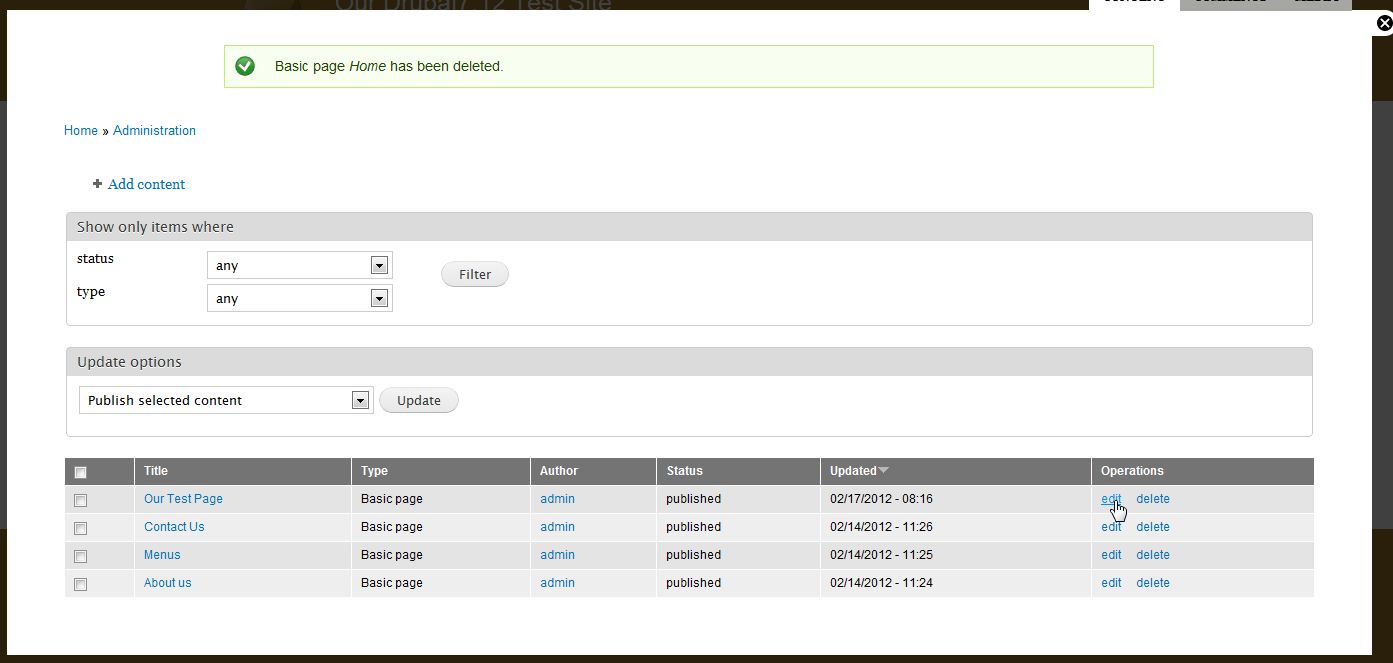
- Using the top menu bar, click on the Content option.
- Find the page you want to promote to the front page and click Edit

- Scroll down to the bottom. From there, click on the Publishing Options tab.
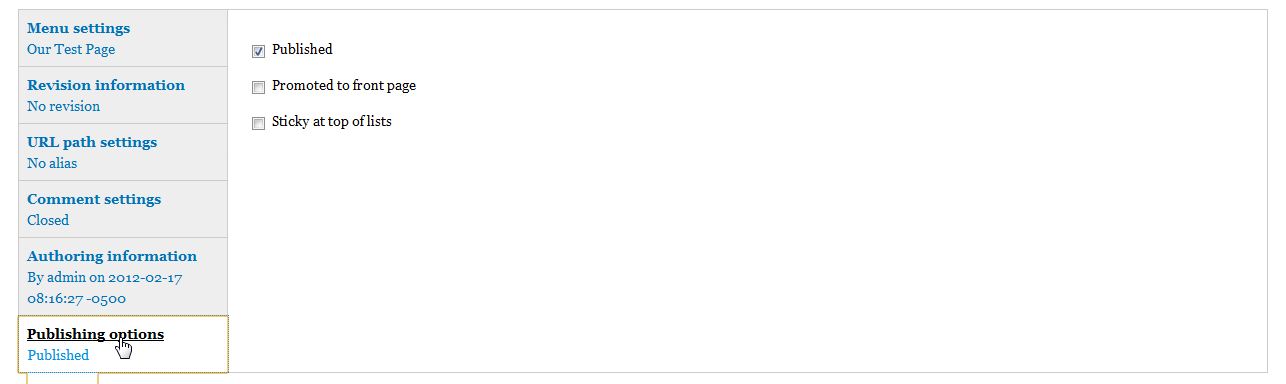
- Check the box labeled “Promoted to front page“

- Click “Save”
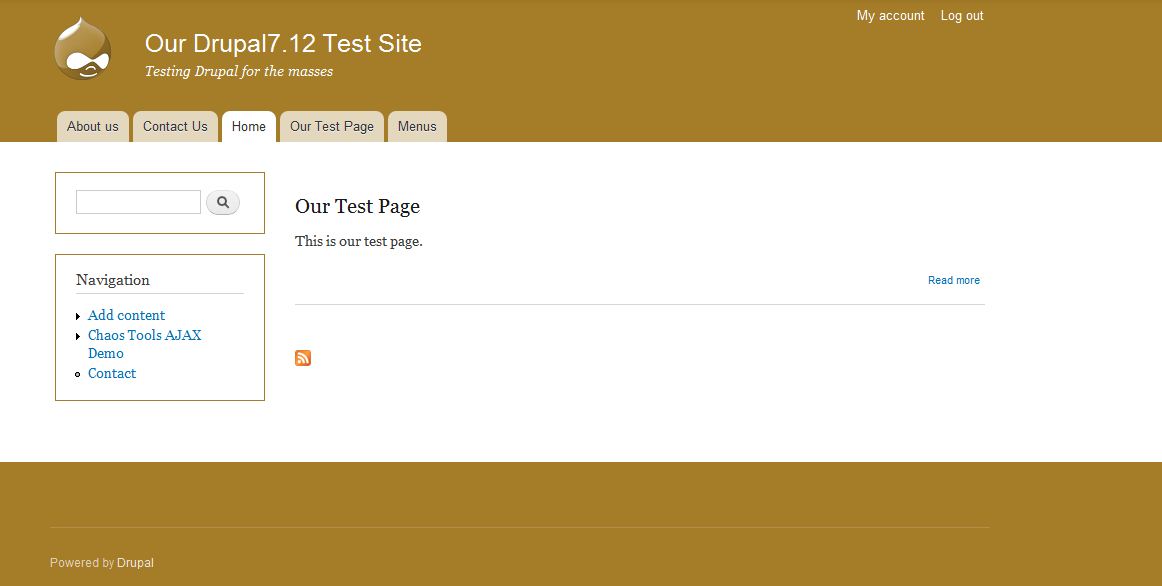
- Now, your site will display the preview portion of that page on your front page since you have promoted it.



If you need further assistance please feel free to ask a question on our support center.